




Mandatory Access Control (MAC): How It Works, Examples, and Limitations

Key Takeaways
- Mandatory access control is the authorization layer of IAM: authentication proves who a user is, and MAC decides what that user can open.
- Security labels and clearance levels drive every MAC decision, and users cannot change them.
- MAC already protects EHR records, production recipes, and back-office systems across healthcare, manufacturing, retail, and logistics.
- Most IAM programs combine MAC with RBAC and ABAC instead of choosing a single model.
- MAC limits oversharing by regular users but places full trust in administrators and in the login itself.
- Shared logins and unlocked shared workstations break MAC, and passwordless authentication on every session restores it.
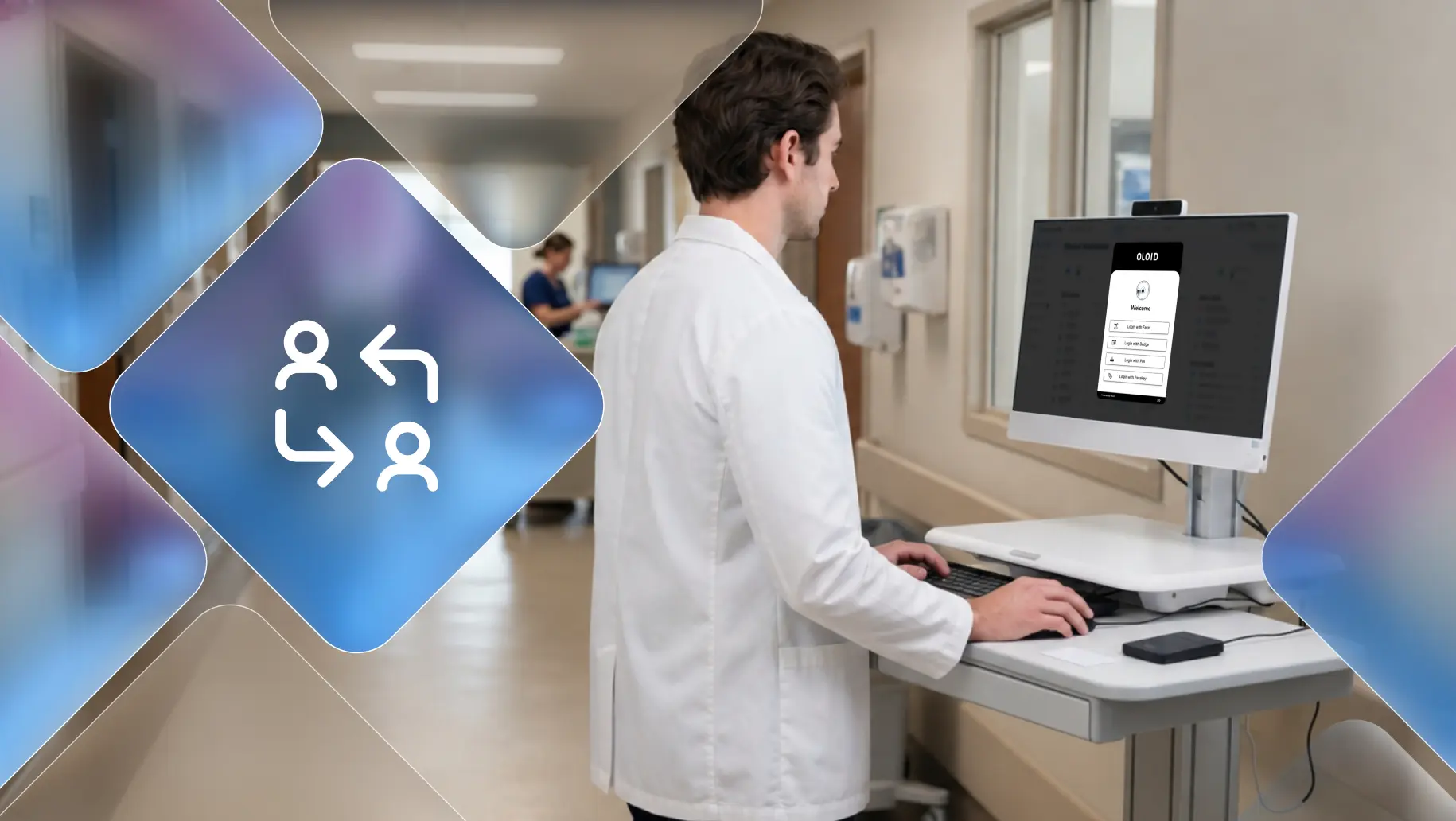
Walk through any plant floor, distribution center, or retail back office, and you will find a familiar setup: a workstation that stays signed in all shift while several people take turns using it. The system simply sees one account and extends that account's access to whoever is typing.
Access controls are designed to prevent unauthorized access, but their effectiveness depends on how permissions are defined, how sensitive resources are classified, and how consistently policies are enforced. Mandatory access control (MAC) addresses this challenge by applying centrally defined security policies to labeled resources and users with assigned clearances. Without accurate labels and properly configured policies, however, even a strict access-control model can leave gaps. When Varonis analyzed 1,000 real-world IT environments for its 2025 State of Data Security Report, it found that only 1 in 10 companies had labeled their files. Without labels, a system has no reliable way to tell a lunch menu from a trade secret. Mandatory access control (MAC) fixes that blind spot.
Mandatory access control (MAC) is an access-control model in which a centrally defined security policy determines whether a subject, such as a user or process, can access a resource. The policy uses security labels, clearance levels, categories, and other defined rules to make access decisions. Individual users cannot independently override these restrictions or grant themselves additional permissions. Ordinary users cannot override the centrally enforced policy or independently change security labels and permissions beyond their authorized administrative rights.
This guide explains where mandatory access control fits in identity and access management (IAM), how it works, real mandatory access control examples from operational workplaces, how it compares to other types of access control, and why it depends on verified identity at every shared workstation.
What is Mandatory Access Control?
Mandatory access control is the authorization layer of IAM. Authentication proves who a user is, and MAC then decides what that verified user can open, based on rules a central authority sets. The model began in military and government systems, where classified files needed strict protection. Today, hospitals, manufacturers, and logistics operators apply the same logic to patient records, production recipes, and shipment data.
Core Components of MAC
- Security labels: Each resource carries a sensitivity level (such as Public, Confidential, or Restricted) and a category (such as Pharmacy or Plant 2).
- Clearance levels: Each user receives a clearance and a set of approved categories, usually synced from the IAM directory.
- Verified identity: Every clearance attaches to a named person, so the system must confirm who sits at the device before it applies any rule.
- Central policy: Administrators define the rules, and the OS kernel or a policy engine enforces them on every request.
A batch record labeled "Restricted: Quality" opens only for users cleared to Restricted who also belong to the Quality category. A senior line supervisor outside Quality still gets denied.
How Mandatory Access Control Works
The Access Decision
Every request runs through the same check:
- Confirm who is making the request through authentication.
- Read that user's clearance and categories.
- Read the resource's label.
- Grant or deny the request, then log the result against that user.
This fixed sequence makes MAC powerful, and it also means every decision inherits any weakness in step one.
The Bell-LaPadula Model and the Biba Model
Two classic security models help explain how mandatory access control policies can enforce different security objectives.
- The Bell-LaPadula model: Focuses on confidentiality. Its classic rules prevent reading information above an authorized security level (“no read up”) and writing information to a lower security level (“no write down”), subject to the model's assumptions and rules.
- The Biba model: Focuses on integrity. Its classic rules prevent reading from lower-integrity levels (“no read down”) and writing to higher-integrity levels (“no write up”), helping protect trusted information from less-trusted inputs.
Healthcare teams guarding patient privacy lean on Bell-LaPadula, while manufacturers protecting recipe accuracy lean on Biba.
Multilevel Security and Compartments
- Multilevel security stacks levels vertically, with Restricted above Confidential above Public.
- Compartments add horizontal separation. Two pharmacists with identical clearance at different hospitals still cannot see each other's records.
Mandatory Access Control Examples Across Operational Workplaces
MAC runs closer to the frontline than most teams realize:
- Healthcare: EHR platforms restrict behavioral health and VIP patient records to cleared clinicians, even on shared clinical workstations.
- Manufacturing: MES and quality systems limit recipe and batch data to cleared engineers, even when operators share HMI terminals on the line.
- Retail and logistics: Cash-office, pharmacy, and customs systems limit sensitive transactions to cleared staff on shared back-office PCs.
- Operating systems: SELinux confines every app on Android, and Windows Mandatory Integrity Control runs browser tabs at low integrity so a malicious page cannot alter system files.
In every case, the label protects data only when the system knows which worker is using the device.
Types of Access Control: MAC vs DAC vs RBAC vs ABAC
The MAC vs DAC decision comes down to who holds control: a central authority or the file owner. The MAC vs RBAC decision comes down to what drives access: data sensitivity or job title. Most IAM programs blend all three, using MAC for the most sensitive tier, RBAC for everyday app permissions, and ABAC to add device and shift context.
Benefits and Limitations of MAC
Mandatory access control can reduce the risk of unauthorized access and permission changes by ordinary users. However, it does not eliminate insider threats, administrator misuse, compromised accounts, or mistakes in policy configuration. Organizations should combine appropriate access controls with privileged access management, reliable authentication, session management, and audit logging. Compliance alignment depends on the complete control environment, not on the choice of MAC alone.
Why Shared Workstations Create Identity Gaps in Access Control
Mandatory access control evaluates access based on the identity or security context presented to the system. On a shared workstation, the policy may be correctly configured yet still grant access under the wrong person's active session. This is an identity and session-management problem: the authorization policy cannot reliably distinguish workers if they all use the same account or inherit an unattended session.
- Shared credentials: A packing line team shares one login to save time, and the system extends that account's clearance to everyone who uses it.
- Unlocked shared workstations: One worker forgets to sign out, and the next worker inherits a higher clearance without anyone noticing.
- Password workarounds: When sign-in takes too long, workers write passwords on sticky notes or stay logged in, which defeats every label.
- Weak audit trails: Logs record which account opened a file but cannot show which human did, which undermines incident reviews and compliance audits.
Access policies are only as reliable as the identity and session context on which they depend. For frontline workers who rotate through shared terminals, individual authentication and reliable session transitions help ensure that each worker uses their own permissions. Passwordless authentication, including supported badge-based or biometric methods, can reduce sign-in friction while helping organizations associate sessions with individual workers.
How to Implement Mandatory Access Control
Implementing MAC requires more than assigning labels. Organizations need a consistent classification scheme, clearly defined policies, appropriate enforcement mechanisms, and a reliable process for reviewing access.
- Identify high-risk resources: Start with sensitive patient information, proprietary production data, regulated records, and other resources requiring strict access restrictions.
- Define a classification scheme: Establish security levels and, where appropriate, categories or compartments. Document what each label means and who is authorized to assign it.
- Define access policies: Specify how user clearances, resource labels, and other relevant attributes determine whether access is permitted.
- Integrate with identity and lifecycle processes: Keep user attributes and access assignments current as employees change roles, locations, or employment status.
- Select and configure enforcement mechanisms: Use technologies appropriate to the environment, such as SELinux for Linux systems or suitable document and application policy controls. Verify that the selected technology supports the intended MAC requirements.
- Secure individual sessions: On shared workstations, establish how each worker authenticates, how sessions are locked or terminated, and how the next worker starts a separate session.
- Test and audit policies: Test both permitted and denied access scenarios, review exceptions, validate logging, and periodically reassess labels, permissions, and policy effectiveness.
Start with a limited set of high-risk resources, validate the controls, and expand in stages. This helps identify policy gaps before they affect business-critical workflows.
Strengthening Access Control in Frontline Environments
Mandatory access control remains the strictest way to protect sensitive data. It removes guesswork from access decisions, applies the same rules to every user, and records who reached what. For regulated teams in healthcare, manufacturing, retail, and critical infrastructure, that level of control turns compliance from a scramble into a routine.
Its biggest weakness sits outside the policy engine. Every label and clearance points to an account, and shared logins, unlocked terminals, and forgotten sessions let the wrong person borrow that account's access. On a busy shift floor, the audit trail that should prove compliance ends up naming a login instead of a person.
OLOID closes that gap at the point where it opens. Its passwordless authentication, built for frontline workers on shared workstations, lets each worker sign in with a badge tap or biometrics in seconds, so every session belongs to one verified individual. Your MAC policies apply to the right person, your logs name the right person, and your teams keep moving without password resets slowing them down. If shared devices power your operation, OLOID gives your labels and clearances the identity foundation they need to hold.
FAQs
1. What is mandatory access control in simple terms?
Mandatory access control (MAC) is a security model in which a centrally defined policy determines who or what can access a resource. The policy uses security labels, clearances, and other defined rules, and ordinary users cannot independently override its restrictions.
2. What are the 4 types of access control?
Four commonly discussed access-control models are mandatory access control (MAC), discretionary access control (DAC), role-based access control (RBAC), and attribute-based access control (ABAC). MAC uses centrally enforced security policies, DAC gives resource owners control over permissions, RBAC assigns permissions through roles, and ABAC evaluates defined attributes of the user, resource, action, and environment.
3. What is an example of mandatory access control?
A classified information system that uses centrally managed security labels and user clearances is a classic example of MAC. SELinux is another practical example that enforces mandatory access-control policies on Linux-based systems. An application that restricts records by job role alone is more accurately described as using RBAC.
4. What is the main difference between MAC and DAC?
The difference comes down to who holds control. In MAC, a central authority sets access through labels and clearances that users cannot change. In DAC, the owner of a file decides who can open it. MAC delivers stronger, more consistent protection, while DAC favors speed and easy collaboration.
5. MAC vs RBAC: Which should you use?
Choose MAC when access must follow centrally enforced security classifications that ordinary users cannot override. RBAC is useful when permissions can be assigned according to job functions. Organizations may combine these approaches when they need both classification-based restrictions and role-specific application permissions.
6. Is mandatory access control the most secure access control model?
MAC provides strong control over how access policies are enforced, particularly when users must not be able to override restrictions. However, no single access-control model is universally the most secure. Security also depends on policy design, accurate labels, administrative controls, authentication, and how the system is implemented and maintained.
7. How does mandatory access control work on shared workstations?
MAC evaluates access according to the identity and security attributes associated with a request. If multiple workers use the same authenticated account, the system may not be able to distinguish between them. Individual authentication, session locking, and reliable sign-out processes help ensure that each worker uses the appropriate access permissions.
8. Which industries use mandatory access control?
MAC is associated particularly with classified government, defense, and other environments requiring centrally enforced security policies. Healthcare, manufacturing, logistics, and other industries also use strict access controls, but the specific model may be MAC, RBAC, ABAC, or a combination. The implementation determines whether a system qualifies as MAC.
9. Can users change permissions under mandatory access control?
No. Only security administrators can change labels, clearances, or access policies. Users cannot share files beyond their clearance or grant access to colleagues, even for documents they created. This restriction prevents accidental oversharing and stops one compromised account from spreading access.
10. Can mandatory access control stop insider threats?
MAC can limit the ability of ordinary users to bypass access restrictions or grant unauthorized permissions. It cannot eliminate insider threats, misuse by privileged administrators, compromised accounts, or access through an unattended authenticated session. Organizations should combine access controls with appropriate administrative safeguards, authentication, session management, and monitoring.


Get the latest updates! Subscribe now!

