




What is Fast User Switching: How It Works and Where It Breaks

Key Takeaways
- Fast user switching changes the active user on a shared device in seconds while keeping each person's identity separate.
- Slow logins drive credential sharing and session reuse, which break attribution in audit logs.
- In a healthcare environment, shared sessions weaken HIPAA attribution and create wrong-patient documentation risk.
- The four models (OS-level, identity overlay, application-level, and VDI roaming) differ in where identity lives and how they treat the previous session and patient context.
- Previous-session handling, app compatibility, timeouts, lent badges, and PPE cause most real-world failures in clinical workflows.
- An auditable switch records the verified person, device, time, method, applications, and patient records, with a defined break-glass path.
- Choose a solution that connects to your existing identity provider and EHR and ties every switch to an individual, never a shared account.
Shared workstations run on a trade-off. When a login takes longer than the task, people skip it, and the next entry lands under someone else's name. In a healthcare environment, that entry can be a medication record, an order, or a note in a patient's chart. Across nursing units, emergency departments, and clinics, that small shortcut repeats hundreds of times a day.
[[content-box]]
A 2025 peer-reviewed study across 55 hospitals in the UK and Ireland put numbers on it. Before streamlined access was in place, researchers observed staff sharing login credentials and avoiding user switches to save time. Once faster login and switching were in place, each clinician regained an average of 316 hours per year.
This guide explores how fast user switching works in general and for healthcare, the four models organizations use, where each one breaks, and what to check before choosing a solution.
What is Fast User Switching?
Fast user switching originally referred to operating-system functionality that lets multiple users maintain separate sessions on the same computer. Windows and macOS can keep users' sessions active while another user signs in.
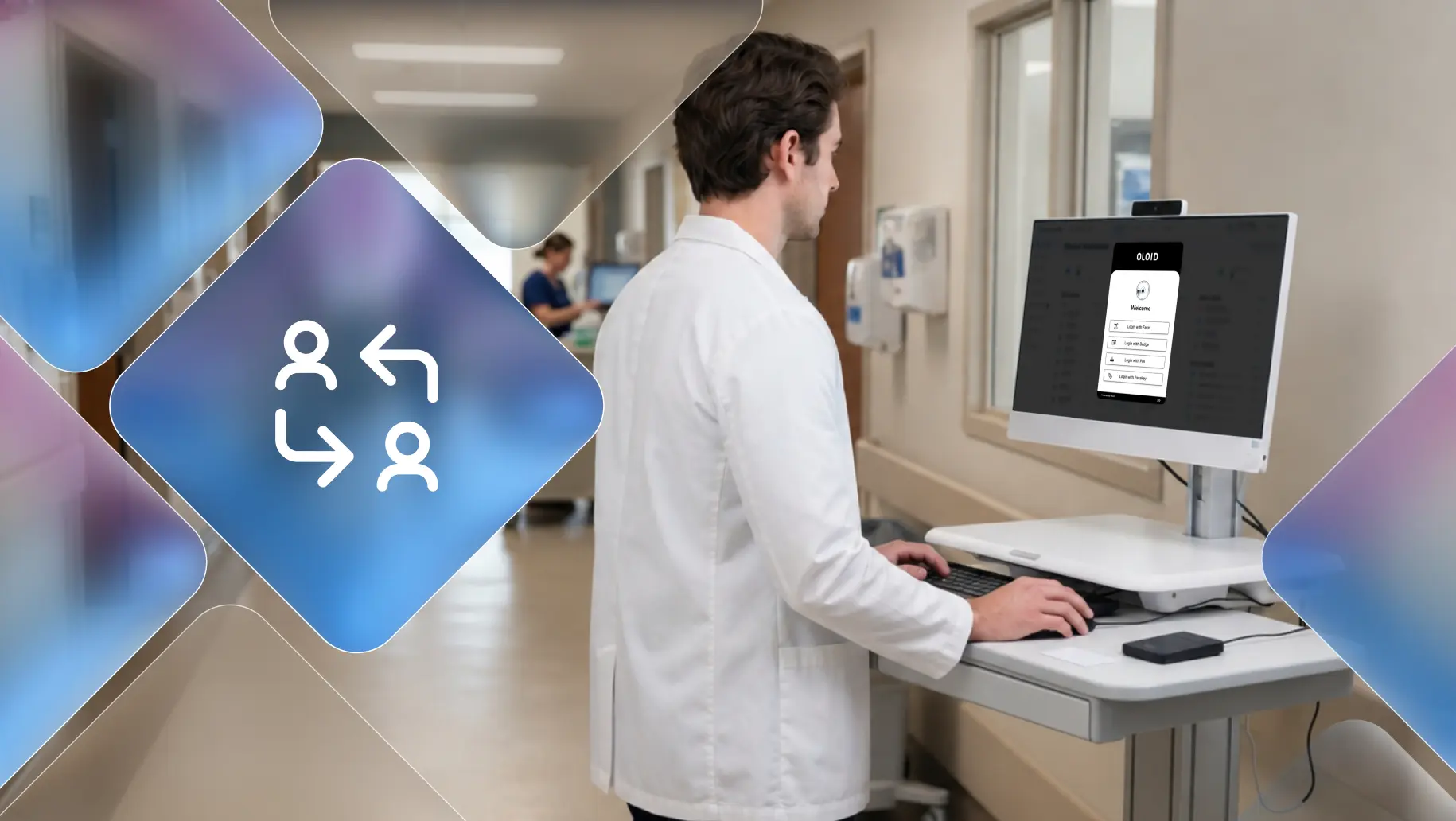
Enterprise fast user switching goes further in three ways. It ties every switch to a strong authentication event, such as a badge tap, face scan, or PIN. It also decides what happens to the previous user's session: lock it, suspend it, or close it. And in a healthcare environment, it carries the switch into the EHR and other clinical applications, so the next user lands in their own context instead of the previous patient's chart.
Two alternatives sit on either side. A full logout keeps identities separate but takes so long that people avoid it. A shared generic account moves quickly but remains anonymous, so every action traces back to "Nurse Station 4," for example, rather than to a person. Fast user switching aims for the space between them.
Why Shared Logins Fail in Clinical Workflows
Clinical work moves faster than any single desk. Nursing stations, workstations on wheels, and emergency department tracking boards are used by dozens of healthcare professionals in one shift, often between interruptions, with gloved hands, and across many clinical applications.
When login takes longer than the task, and no fast user switching is in place, people find shortcuts:
- They keep working under the previous user's session.
- They create or share a generic account for the station.
- They hold a workstation for themselves so they don't lose their place.
Each shortcut breaks attribution. Audit logs record the account, so a shared login produces a complete-looking record that names the wrong person. In regulated environments, that gap surfaces during audits and incident investigations, often long after the shift that caused it.
In healthcare, the gap carries two added risks. The HIPAA Security Rule requires unique user identification and audit controls, so shared sessions weaken compliance. And inheriting another user's session often means inheriting their open patient chart, which turns an access shortcut into a wrong-patient documentation risk.
Fast User Switching vs. Other Shared-Device Approaches
| Approach | Speed | Individual identity | Auditability | Main limitation |
|---|---|---|---|---|
| Full logout and login | Slow | Strong | Strong | Interrupts workflow |
| Shared account | Fast | Weak | Limited | Poor individual attribution |
| OS-level user switching | Moderate | Strong | Strong | Multiple sessions consume resources |
| Application-level switching | Fast | Strong within supported apps | Depends on application | Requires application support |
| Enterprise fast switching | Fast | Strong | Strong | Requires appropriate authentication and session controls |
The Four Models of Fast User Switching in Healthcare
Organizations implement fast user switching in four ways. Each model changes where identity lives and what happens to the previous session.
OS-Level Switching
Windows and macOS keep several sessions open on one device and let people toggle between them. Each person gets a private desktop. This suits a handful of users on one machine, such as a physician's office. On a terminal used by dozens of workers, background sessions eat memory, and the sign-in screen still expects a password.
Shared Account with an Identity Overlay
The device signs into a generic account automatically, and a software layer asks each worker to badge in. The overlay hides the previous user's apps and opens the next user's. Switching feels instant, which suits emergency department kiosks, but the operating system still sees one shared account, so identity lives only at the overlay and application layer.
Application-Level Context Switching
The device keeps one session running, and core apps such as an EHR or eMAR change the signed-in user inside the application. The IHE Enterprise User Authentication profile describes this pattern: one authentication event tells every participating app to switch users. HL7 CCOW extends it by carrying the active patient along with the user, keeping clinical context aligned across applications. Apps stay open and skip reload time, but the approach depends on each application supporting it.
Roaming Virtual Sessions (VDI)
The user's desktop lives in a data center or cloud, and the endpoint acts as a thin client. A badge tap reconnects the worker's own session at any terminal, right where they left it. This model follows people across devices, which suits physicians rounding across units, but it needs the badge or biometric reader redirected into the virtual session and a dependable network.
| Model | Where identity lives | Previous user's session | Clinical fit |
|---|---|---|---|
| OS-level switching | Operating system | Stays open in the background | Clinics with few users per device |
| Identity overlay | Overlay and apps | Hidden; shared account remains | Emergency department kiosks |
| Application-level switching | Inside each app | App stays open; user changes | EHR-centric nursing units |
| VDI roaming | Virtual desktop | Disconnects and resumes elsewhere | Physicians moving between units |
Where Fast User Switching Breaks in Clinical Workflows
Every model has failure points, and few of them show up in a demo.
Previous session handling: A session left running in the background exposes that user's data to whoever reaches it next. Australia's Signals Directorate disables OS-level switching in its Windows blueprint, citing session-jacking and credential risks. For healthcare professionals, that can mean the next user sees the previous patient's chart.
Application compatibility: Some apps assume one user per machine. They misbehave when a second session starts or lose unsaved work when another user restarts the device.
Timeouts and walk-aways: Aggressive timeouts lock people out mid-task. Loose ones leave screens open. Neither tells you who is standing at the terminal. Most hospitals enforce two, five, or ten minute timeouts, and no single setting fits every bedside task.
Lent or lost badges: A badge tap confirms that someone holds the card. It says nothing about who that someone is, and badges change hands on busy shifts.
Masks and gloves: Face authentication has to work with surgical masks, and PIN entry slows down with gloved hands.
Load on shared hardware: Many concurrent sessions strain older terminals and workstations on wheels, which pushes IT to cap sessions and nudges users back toward shared accounts.
Making Every Switch Auditable
Fast user switching provides stronger accountability when each switch produces an audit record that can be tied to an individual. That record should capture:
- The verified individual, never the station or shared account
- The device and its location
- Switch-in and switch-out times
- The authentication method used
- The applications and patient records accessed during the session
Emergency access needs its own path. Break-glass access lets an authorized worker override normal restrictions during a code or rapid response, while the system logs the override and flags it for review. HIPAA requires an emergency access procedure, so this path is mandatory in any healthcare environment. Designing it up front keeps urgent moments from becoming permanent workarounds.
Choosing an Authentication Method for Fast User Switching in Healthcare
The method decides whether fast user switching takes one second or twenty, and whether healthcare professionals use it at all.
| Method | Speed | Hands-free | Works with gloves and masks | Confirms the person |
|---|---|---|---|---|
| Badge tap | Very fast | Mostly | Yes | No, only the card |
| Face authentication | Fast | Yes | Yes, if mask-tolerant | Yes |
| PIN | Moderate | No | Poorly | Partly; PINs get shared |
| Phone or passkey | Moderate | No | No | Yes, if phones are allowed |
Many healthcare professionals carry no hospital-issued phone, and some units restrict personal devices at the bedside. Pairing a badge tap with face authentication covers both speed and certainty, which is the combination OLOID uses for shared clinical workstations. The pairing can also serve as two factors when signing controlled substance orders, provided the setup meets your EPCS requirements.
How to Evaluate a Fast User Switching Solution
Before you commit, ask each vendor:
- Does it work with your existing identity provider, such as Okta or Microsoft Entra ID, without a parallel directory?
- Does each switch map to an individual identity at the session level, or only inside certain apps?
- Does the switch reach into the EHR, and how does it handle the previous user's open patient chart?
- Which endpoints does it cover: Windows workstations, thin clients, kiosks, shared tablets, workstations on wheels?
- Does face authentication work with surgical masks?
- What happens when the network drops mid-shift?
- How many of your applications does it support, including legacy ones?
- Can you export switch-level audit data to your SIEM, privacy monitoring, or compliance tools?
- How do healthcare professionals, including float pool staff and rotating residents, enroll, and how long does rollout take per site?
Fast User Switching in Healthcare without the Shared Login
Most fast user switching problems trace back to one design choice: a shared account sitting underneath individual users. The overlay looks fast, but the audit trail and the operating system still see one identity.
OLOID approaches the problem from the frontline side. It sits between shared devices and your existing identity provider, adding badge, face, and passkey authentication with per-user session switching while your directory, policies, and SSO stay in place. Every switch on a shared clinical workstation maps to a verified healthcare professional, in about the time it takes to tap a badge. Shift handovers stay fast, charts stay with the right clinician, and the record shows who did the work.
FAQs
1. What is fast user switching?
Fast user switching lets a new user take over a shared computer or device in seconds without a full logout, so each person works under their own identity while the device stays ready.
2. What is fast user switching in healthcare?
It lets healthcare professionals take over a shared clinical workstation in seconds, so every chart entry, order, and medication record is tied to the person who made it.
3. Is fast user switching a security risk?
It can be. OS-level switching leaves background sessions running, which some government baselines disable. Enterprise versions reduce the risk by locking or closing the previous session and tying each switch to strong authentication.
4. Does fast user switching support HIPAA compliance?
It can. A well-implemented solution supports unique user identification, audit controls, automatic logoff, and emergency access, all of which the HIPAA Security Rule requires. Compliance depends on configuration and policy, not the feature alone.
5. Can healthcare professionals switch users while wearing gloves or masks?
Yes, with the right method. Badge taps work with gloves, and mask-tolerant face authentication works with surgical masks. Typed passwords and PINs work poorly in both cases.
6. Does fast user switching slow down a computer?
OS-level switching can, because every signed-in user's apps keep using memory in the background. Enterprise models that close or virtualize the previous session put far less load on shared hardware.
7. Does fast user switching work over Remote Desktop?
Windows does not support its built-in switching inside a remote session. Organizations that need switching on virtual desktops use VDI roaming, where a badge tap reconnects each worker's own session.
8. What is the difference between fast user switching and single sign-on?
Fast user switching changes who is signed in to a device. Single sign-on gives that person access to their apps with one authentication. Most shared workstation deployments combine both.
9. Can fast user switching work on shared workstations?
Yes. Fast user switching is particularly useful on shared workstations where multiple workers use the same device throughout a shift. The implementation needs to authenticate each worker individually and properly isolate the previous user's session.
10. How do you securely switch users on a shared computer?
A secure implementation should authenticate each user individually, prevent access to the previous user's session, and record the user, device, time, and authentication event. Organizations should also define how emergency or break-glass access is handled.
11. What is the difference between fast user switching and a shared account?
A shared account gives multiple people the same underlying identity. Fast user switching allows multiple people to use the same physical device while authenticating as themselves, making individual attribution possible.
Get the latest updates! Subscribe now!

