



Passwordless shared device access
Shared devices are essential for frontline workers but often come with challenges like shared passwords and access delays. Our passwordless device access solution allows multiple users to log in securely and quickly, ensuring productivity and safety in high-paced environments without the need for personal devices.

Industry use cases
Fast, Secure Access to Shared Devices for Frontline Workers
Manufacturing
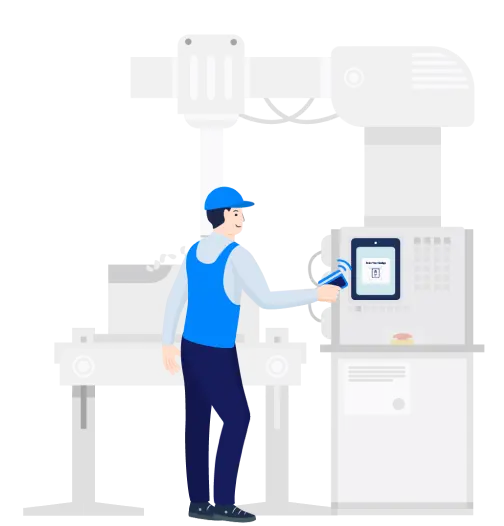
Streamline access to control systems, inventory check-ins, and equipment monitoring for rotating shifts. Allow quick logins to devices on the factory floor, minimizing production downtime and ensuring compliance with safety regulations.
Retail
Reduce customer wait times by enabling quick logins to POS systems, inventory databases, and service tablets. Empower sales associates to focus on customer service rather than device management, improving overall store efficiency.

Healthcare
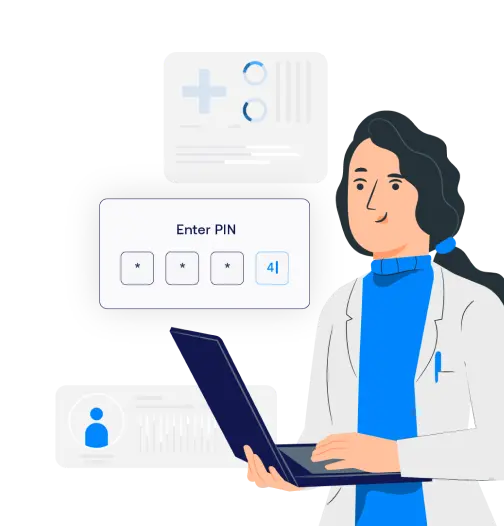
Enable quick, hygienic access to shared workstations, patient information systems, and medical devices for healthcare professionals. Ensure that only authorized personnel access sensitive patient data and comply with healthcare regulations.
Pharmaceuticals
Provide secure, fast access to digital inventory systems, prescription management tools, and regulatory databases. Improve operational efficiency by reducing the time needed for pharmacists and technicians to access shared devices.

Contact Centers
Allow agents to log into customer management platforms and support tools without needing to remember or reset passwords. Maintain service continuity and reduce the average handling time of support calls.

Enable easy and secure shared device access for all

.webp)


Multi-user Device Access
Supports hundreds of users on a single device, ideal for shift workers in high-turnover environments.
- Many users to one device
- Great for a large shift of workers
- Easy access for contractors
Phishing-Resistant MFA and Contextual Access Controls
Enhance security on shared devices with deviceless MFA methods like face recognition or badges, without requiring additional steps or personal devices.
- Fast access without passwords
- Handsfree access for sterile environment
- Conditional access for security
Automated Onboarding and Offboarding
Integrate with HR systems to automatically manage device access as employees come and go, reducing administrative overhead.
- Automated hiring to device login
- Seamless login enablement
- Reduce administrative overhead
Offline Authentication and Real-Time Monitoring
Maintain secure access even when internet connectivity is unreliable. Track all access attempts for accountability and compliance.
- Secure offline access
- Maintain logs for audit
- Ensure compliance at all stages
Schedule a demo
Flexible and secure authentication that fits well
Choose amongst many form factors. Allow your staff to unlock any smart device with the same credentials.

National Retailer Enhances Store Efficiency with OLOID
Problem:
A major retailer struggled with delays from password logins on shared devices, high IT support costs due to password issues, and security risks from high employee turnover.
Solution:
OLOID’s passwordless platform introduced multi-factor authentication (MFA) options like badge tap and face recognition, with automated on-boarding/off-boarding to streamline access and improve security.
Impact:
The retailer saw faster transactions and reduced help-desk requests, cutting support costs. Customer satisfaction increased due to shorter wait times, while operational metrics like sales per hour and conversion rates saw positive shifts. Employee morale improved with simplified access, and inventory processes became more efficient with real-time device access.


“We recognized the tech challenges our frontline workers faced. Partnering with OLOID provided a user-friendly, passwordless solution. Through the OLOID-Okta integration, team members can swiftly access apps, view payroll, change benefits, and access job instructions on tablets. This enhancement streamlines their tasks, improving their work experience, and allowing them to focus more on delivering quality and efficiency in their roles.”

Related posts
Device-Based Authentication: A Complete Guide for Modern Security
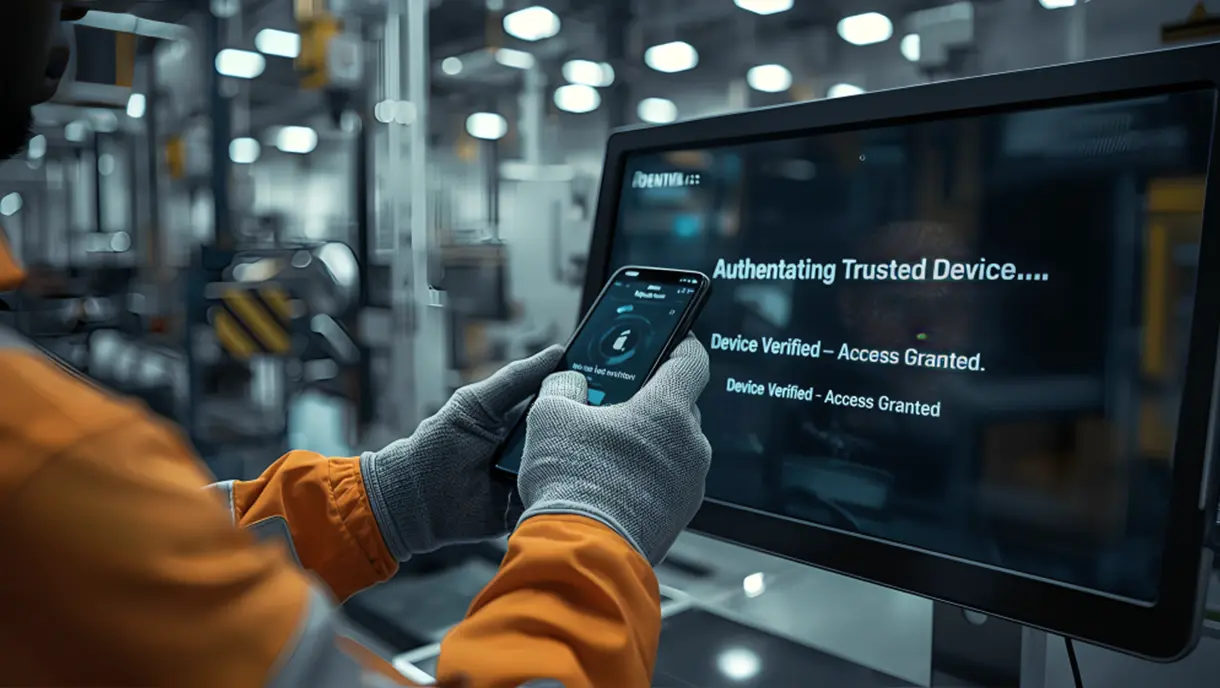
Device-based authentication links user access to trusted devices instead of passwords. This method uses cryptographic keys stored in secure hardware to verify identity. Organizations gain stronger security against phishing while eliminating the costs of password management. This blog covers definitions, technical workflows, business benefits, deployment strategies, and compliance requirements for modern authentication systems.

Securing Shared Devices Without Shared Passwords
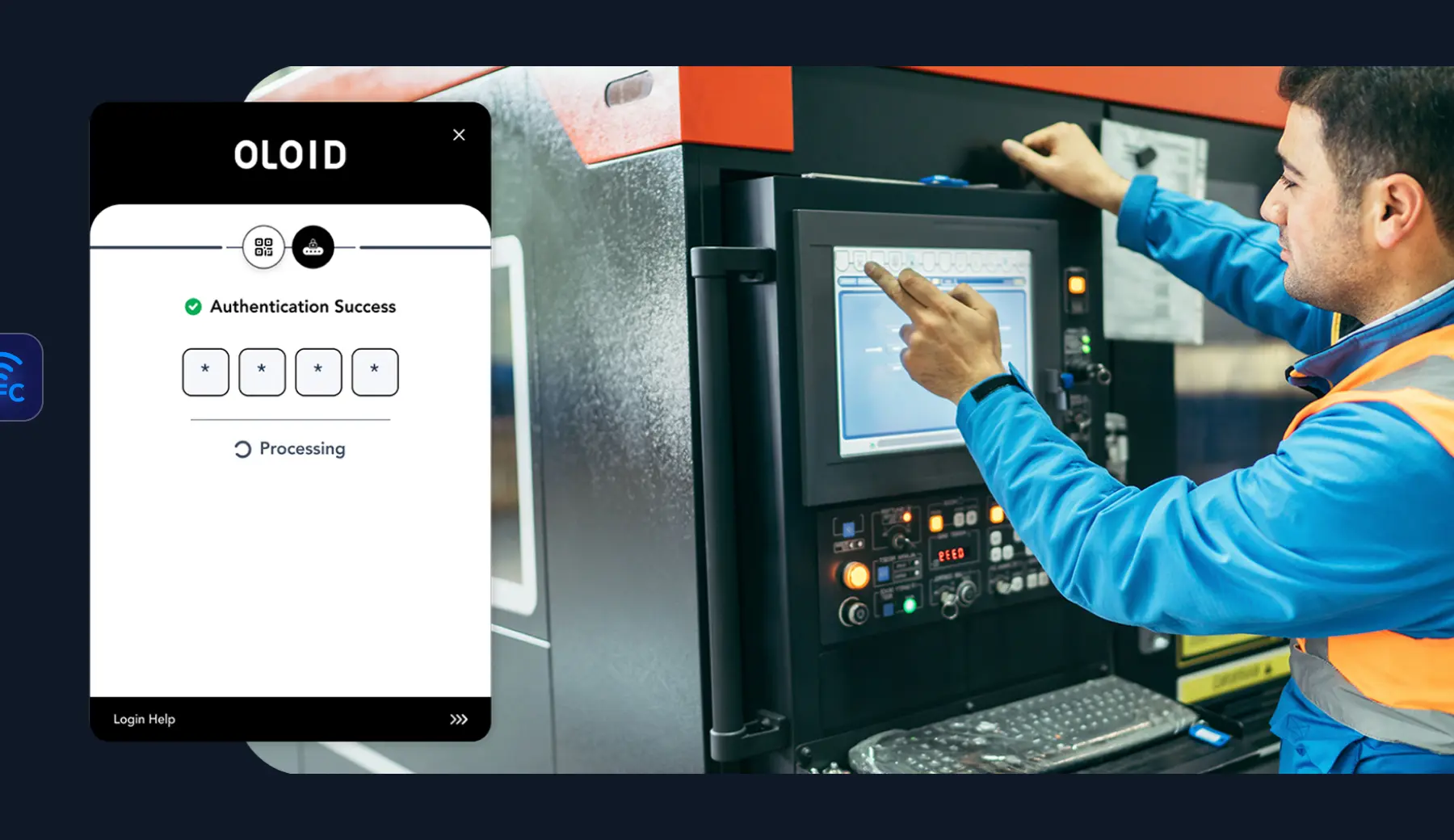
Shared devices are vital in frontline work, but shared passwords and legacy MFA can’t meet the demands of shift-based, high-turnover environments. Modern security needs contactless, passwordless solutions that scale, ensuring secure access, individual accountability, and fast ROI.

Shared Devices: How Frontline Workers Use Them to Authenticate
This post explains how frontline workers use shared devices like tablets, kiosks, and computers to access work systems securely. It highlights key authentication methods such as biometrics, smart cards, and role-based access control for convenience and safety. Learn how OLOID’s Passwordless Authenticator simplifies login with facial recognition and MFA, improving compliance and efficiency.

FAQs on passwordless shared device access for frontline systems
How does passwordless authentication work on shared devices?

OLOID replaces shared usernames and passwords with authentication tied to a verified individual. On a shared device, a user authenticates using a secure factor such as face recognition, badge, mobile credential, or PIN. OLOID verifies the identity, initiates a secure session, and ensures all activity is attributed to the correct person—even when devices are used across shifts and roles.
How many users can access a single shared device?
OLOID is designed to support hundreds or thousands of users per shared device, making it suitable for environments such as factories, hospitals, retail stores, warehouses, and logistics hubs. Each session is securely isolated and attributed to the individual user, regardless of how many workers share the device.
How does OLOID handle onboarding and offboarding for device access?
OLOID integrates with HR and identity systems to automate user lifecycle management. When a worker is onboarded, access is provisioned automatically based on role and location. When an employee changes roles or leaves the organization, access is immediately updated or revoked across all shared devices without manual IT intervention.
Does passwordless access on shared devices work offline?
OLOID supports offline-tolerant authentication modes for certain devices and deployment scenarios. When connectivity is temporarily unavailable, authorized users can continue to authenticate using locally cached policies and credentials. Once connectivity is restored, authentication events are securely synchronized to maintain auditability and policy enforcement.
Which devices and environments does OLOID support?
OLOID supports a wide range of shared and frontline devices, including PCs, kiosks, tablets, rugged handhelds, POS systems, and mobile workstations. A single OLOID identity can be used across multiple device types and locations, allowing workers to move between systems without separate accounts or repeated logins. The platform delivers phishing-resistant authentication by eliminating passwords and relying on verified presence, possession, or biometric factors for secure access.
Making every day-in-the-life of frontline workers frictionless & secure!
Get the latest updates! Subscribe now!
