




Shared Devices: How Frontline Workers Use Them to Authenticate
This post explains how frontline workers use shared devices like tablets, kiosks, and computers to access work systems securely. It highlights key authentication methods such as biometrics, smart cards, and role-based access control for convenience and safety. Learn how OLOID’s Passwordless Authenticator simplifies login with facial recognition and MFA, improving compliance and efficiency.

What Are Shared Devices?
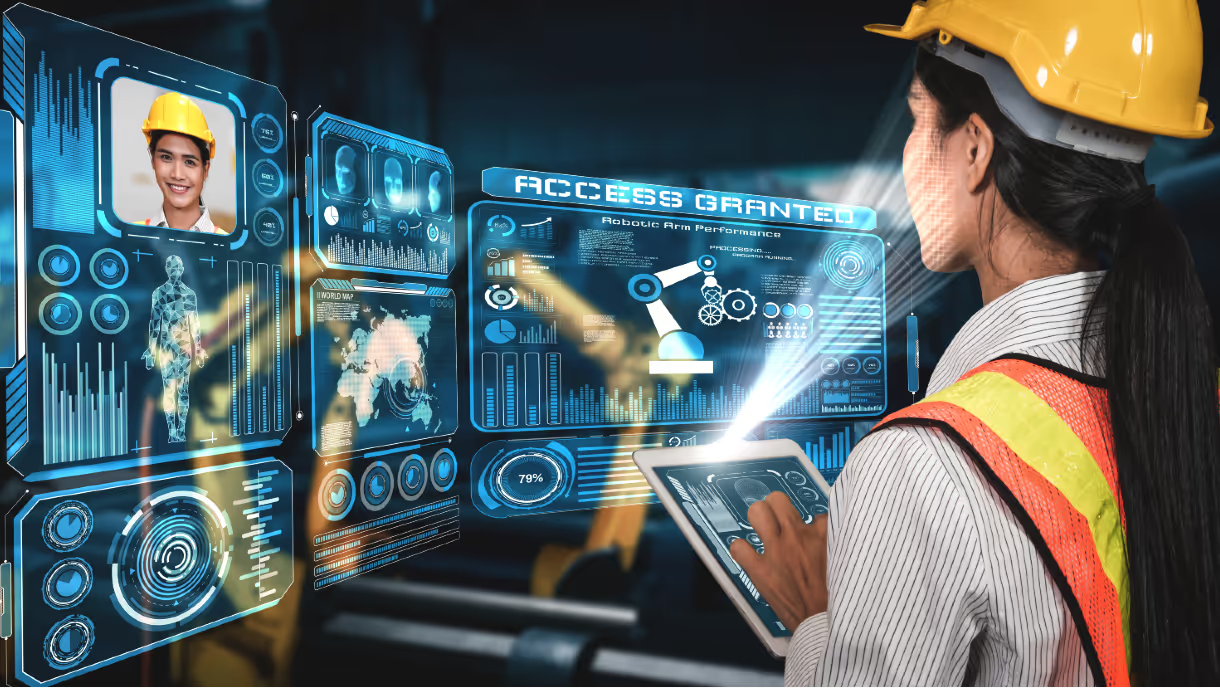
Shared devices are computing devices or systems that are utilized by multiple individuals, typically in settings where personal devices are not feasible or practical. These devices can include computers, tablets, smartphones, kiosks, or specialized equipment, and they are often found in workplaces, public spaces, or shared workstations.
Frontline workers, such as those in manufacturing sectors, retail, healthcare, or hospitality often rely on shared devices as part of their daily tasks. These devices serve various purposes, such as accessing work-related applications, communicating with colleagues or customers, managing inventory or patient records, and performing job-specific tasks. Effective frontline device management requires Passwordless authentication for shared devices that eliminates traditional password friction while ensuring individual accountability across these diverse frontline environments.
Authentication Methods for Frontline Workers on Shared Devices
Shared device workforce authentication for frontline workers is crucial to ensure secure access to work-related information and applications while maintaining data privacy and security. Here are some common methods used for authentication by frontline workers on shared devices:
Traditional Authentication Methods
Username and Password
Frontline workers may log in to shared devices using their unique usernames and passwords. This traditional authentication method provides individual access to personal accounts and data, but it requires users to remember their credentials and log out properly to prevent unauthorized access.
Single Sign-On (SSO)
SSO enables frontline workers to access multiple applications or systems with a single set of credentials. This streamlines the authentication process, allowing workers to quickly switch between different tools or platforms without repeatedly entering their login information.
Advanced Authentication Methods
Biometric Authentication
Shared devices may incorporate biometric authentication methods, such as fingerprint scanning, facial recognition, or iris scanning, to identify frontline workers. Biometrics offer a convenient and secure way for workers to authenticate themselves without relying on passwords, and they can be particularly useful in environments where speed and efficiency are essential.
Smart Cards or RFID Badges
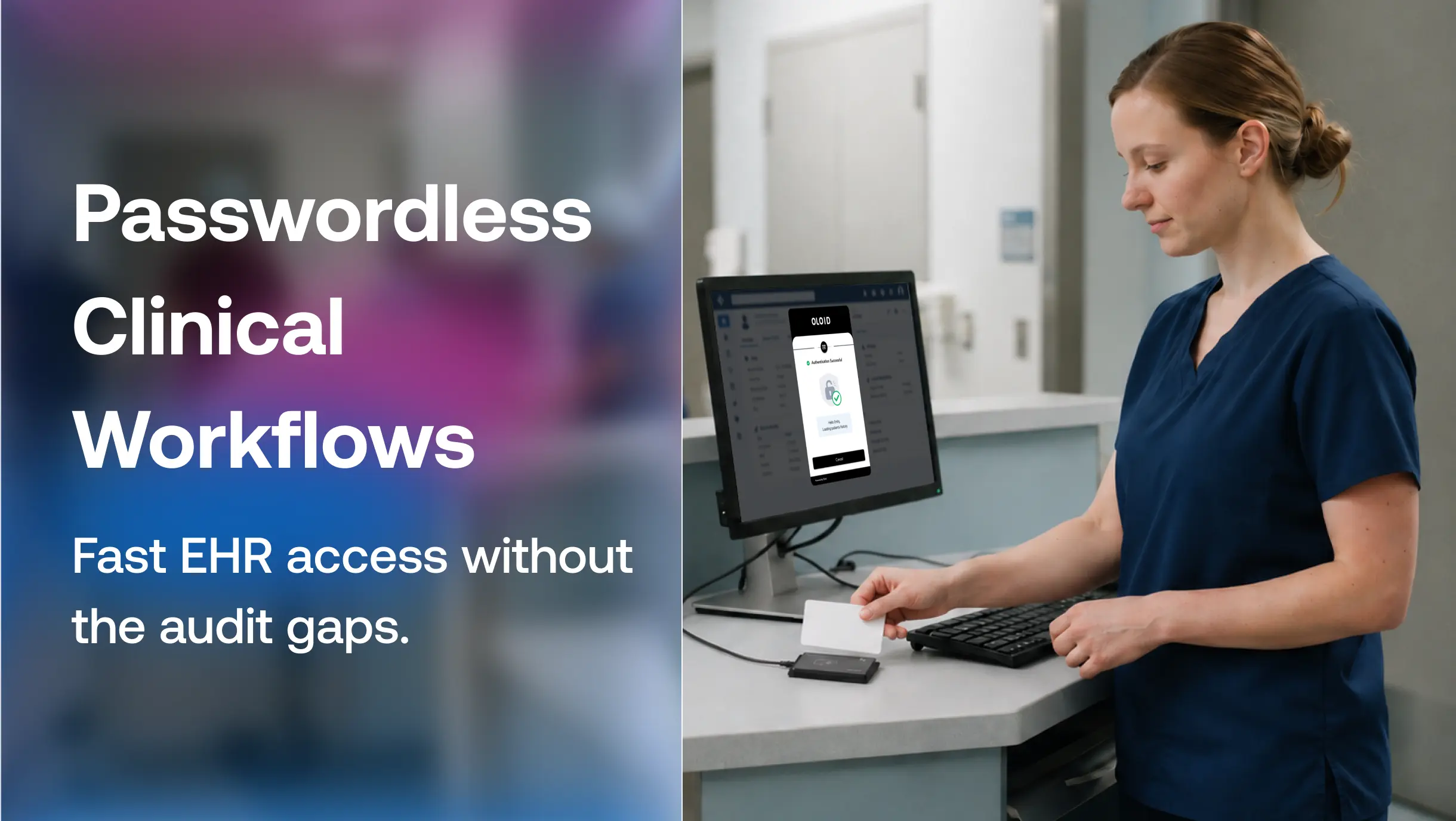
Some organizations issue smart cards or RFID badges to frontline workers for authentication purposes. These physical tokens can be scanned or tapped on the shared device to grant access, providing an additional layer of security beyond traditional passwords.
Time-based or One-Time Passwords (OTP)
Frontline workers may receive time-based or one-time passwords via SMS, email, or authenticator apps to authenticate themselves on shared devices. These temporary codes expire after a short period, reducing the risk of unauthorized access if credentials are compromised.
Access Control Systems
Role-based Access Control (RBAC)
RBAC systems assign specific roles or permissions to frontline workers based on their job responsibilities or organizational hierarchy. This ensures that workers only have access to the information and resources necessary to perform their duties, minimizing the risk of unauthorized access to sensitive data.
Effective authentication for frontline workers on shared devices requires a careful balance between usability, security, and regulatory compliance.
Organizations must implement authentication methods that meet their specific needs while considering factors such as user convenience, device usability, and the level of risk associated with shared device usage in frontline environments.
How does OLOID's Passwordless Authenticator work on shared devices?
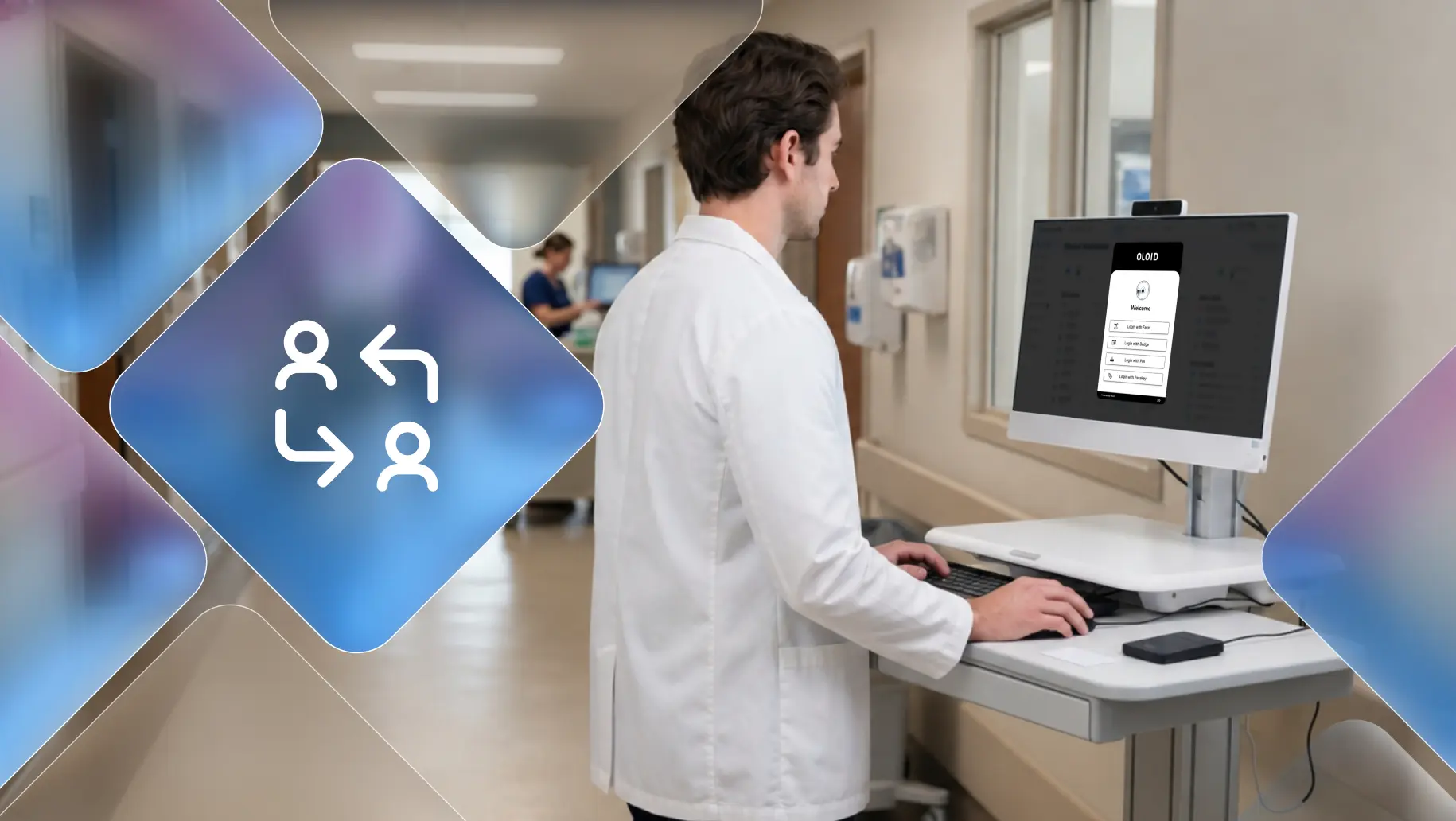
OLOID's Passwordless Authenticator offers various passwordless authentication options tailored for shared devices used by frontline workers. OLOID's Passwordless Authenticator is designed to be device-agnostic and support a wide range of shared devices used by frontline workers, enabling quick and secure passwordless access tailored for shared usage scenarios across the organization.
The key features that enable this are:
- It works with a standard web camera available on most devices, allowing facial authentication across device types.
- It supports various passwordless authentication methods like facial recognition, access cards, NFC, PIN, and QR codes, catering to different shared device scenarios.
- The solution integrates with identity providers like Okta using Open ID Connect, enabling centralized authentication management across the enterprise's shared device fleet.
- It does not rely on end users' mobile devices, email IDs, or phone numbers, making it suitable for frontline workers who often share employer-provided devices
- Any number of users can log into a given shared device using OLOID's passwordless methods, without tying credentials to a particular device.
OLOID provides various passwordless MFA methods like facial recognition, access cards, and QR codes tailored for frontline workers using shared devices. This eliminates the need to manually enter passwords or one-time codes, streamlining the authentication process.
Centralized MFA Management
OLOID's solution integrates with identity providers like Okta using Open ID Connect, enabling centralized management of passwordless MFA policies across the organization's shared device fleet used by frontline workers.
Tailored MFA Policies
Authentication policies like passwordless MFA requirements can be tailored specifically for shared device accounts used by frontline workers, preventing disruptions caused by MFA policies intended for individual user accounts.
Regulatory Compliance
Implementing OLOID's passwordless MFA methods on shared devices used by frontline workers can help meet regulatory compliance requirements that mandate additional authentication factors beyond passwords.
The core benefit is providing secure, frictionless, and centrally managed passwordless MFA tailored for frontline workers' shared device usage scenarios, while ensuring compliance and preventing authentication disruptions.
To learn more about OLOID’s Passwordless Authenticator, connect with our experts!
[[pdf-cta]]


Get the latest updates! Subscribe now!
