



OLOID + Duo Integration
OLOID integrates effortlessly with Duo Security to empower organizations with secure, password-free authentication for frontline teams. This solution enhances protection, reduces delays, and simplifies device access across industries like healthcare, retail, and manufacturing.
.avif)
.avif)
.avif)
Features & benefits
Multiple modes for establishing identity at your workplace Modern physical access for smartphone & non-smartphone users
Secure and Efficient Access with OLOID + Duo Security
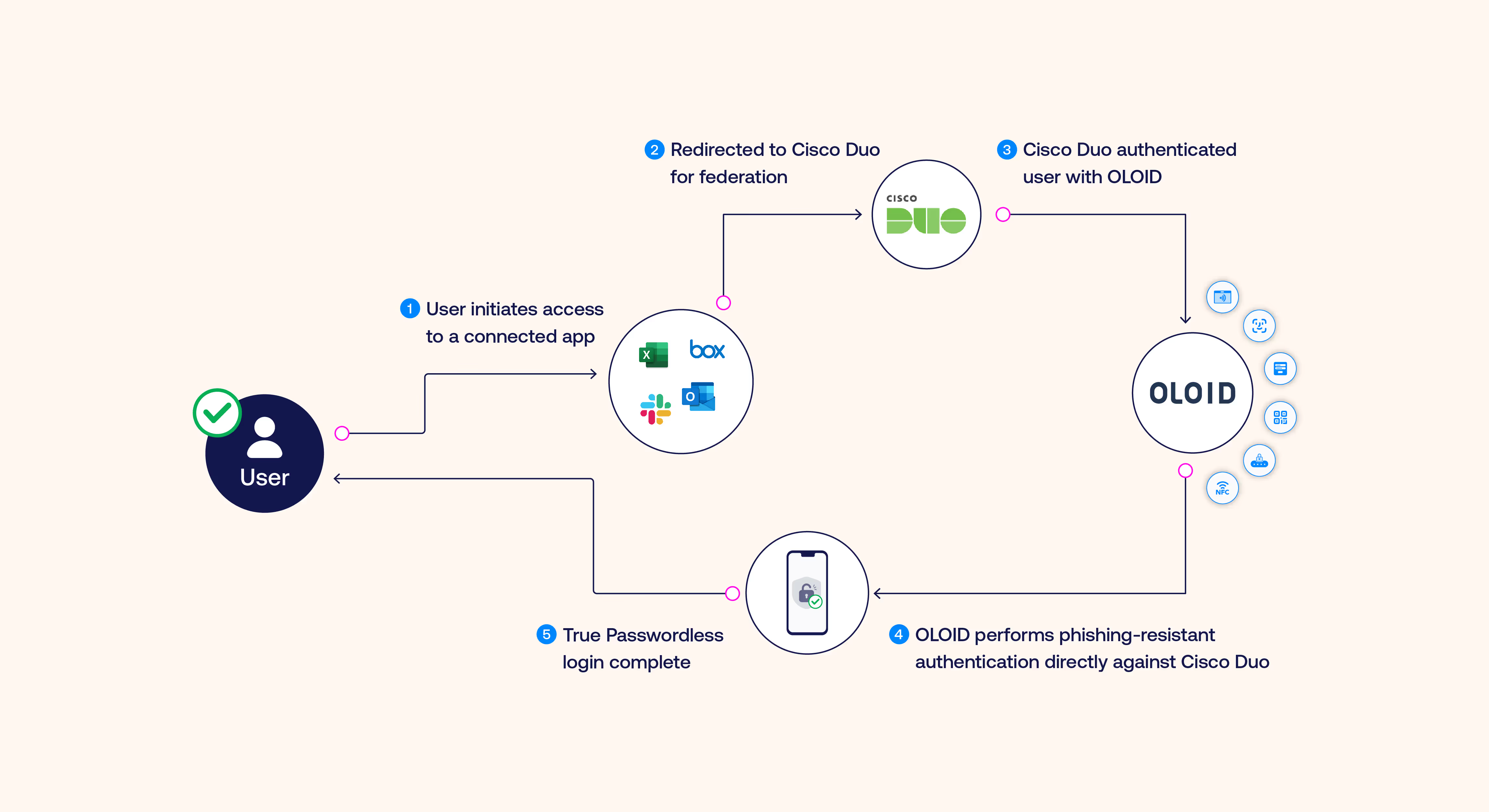
- OLOID’s integration with Duo introduces passwordless access, leveraging advanced authentication methods like Passkeys and FIDO2 compliance. Employees can authenticate without disruptions, streamlining workflows for both personal and shared devices. The integration leverages OIDC and SAML protocols to ensure seamless connectivity across various enterprise systems.
- By integrating with Duo, OLOID enables quick, secure logins on shared devices, eliminating reliance on traditional credentials. Frontline employees can log in with ease using NFC badges, facial recognition, or mobile devices.
- OLOID works with Duo’s Adaptive Authentication to evaluate risk factors like device type, location, and user behavior, tailoring security requirements dynamically without introducing friction into daily operations.
.avif)
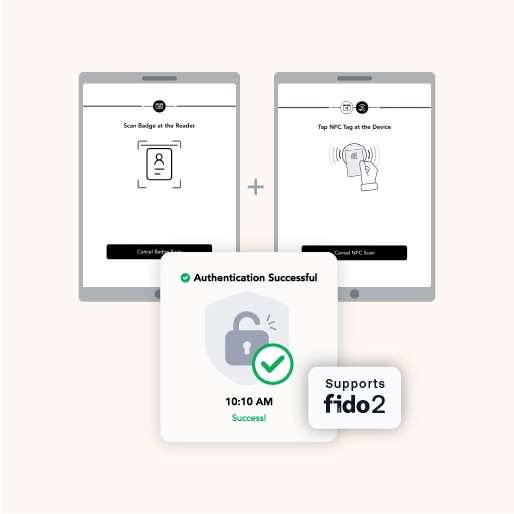
Phishing-Resistant MFA Through OLOID + Duo
- OLOID equips organizations to secure shared devices using physical credentials like NFC badges, biometrics, or smartcards, all fully integrated with Duo. These phishing-resistant methods align with FIDO2 standards, ensuring compliance and robust defense against credential theft.
- The combined solution ensures a smooth authentication experience, starting with OLOID’s physical factor verification, progressing through Duo’s MFA validation, and concluding with secure access to enterprise applications via OIDC or SAML.
Streamlined Passkey Provisioning with Duo
- OLOID simplifies onboarding by utilizing Duo’s APIs to preconfigure passkeys for employees, removing the need for manual setup. This process ensures employees can access required tools and systems immediately upon starting their roles.
- Automated provisioning minimizes the workload for IT teams, reducing the volume of support tickets and allowing administrators to allocate their resources more efficiently.
.avif)
.avif)
Unified Security Across IT and OT Systems
- OLOID enhances Duo’s ability to enforce device security policies, ensuring only trusted devices gain access to critical resources. This is especially valuable for frontline environments where security and speed are both priorities.
- The integration extends passwordless security to both operational technology (OT) and IT systems, ensuring a consistent user experience regardless of the device or application.
Built for Frontline Workers: OLOID + Duo Security
- OLOID’s Duo integration enables fast access for frontline employees, utilizing NFC, biometrics, or mobile-based credentials. This approach ensures workers can focus on their tasks without interruptions.
- OLOID simplifies transitions between users on shared devices, enabling instant logouts and logins. This prevents delays during high-demand periods, such as hospital shift changes or manufacturing processes.
- By integrating with Duo’s Single Sign-On capabilities, OLOID provides a unified access experience to all connected applications, ensuring workers don’t face barriers to essential resources.
.avif)


Built for Frontline Workers
Passwordless Authentication for Frontline Workers and Shared Devices

Benefits You Can Quantify

Save Time
Save 45–60 seconds per authentication & reclaim hours of clinician time every week

Reduce IT Burden
80% fewer password‑reset tickets means IT teams focus on higher‑value work

Stronger Security
Phishing‑resistant factors and real‑time policy controls

Happier Clinicians
Frictionless login keeps attention on patient care, not passwords

Compliance & Certifications

EPCS

Security & Privacy Rules

Authenticator Assurance
Level 2/3
Level 2/3
Audited infrastructure
Related posts

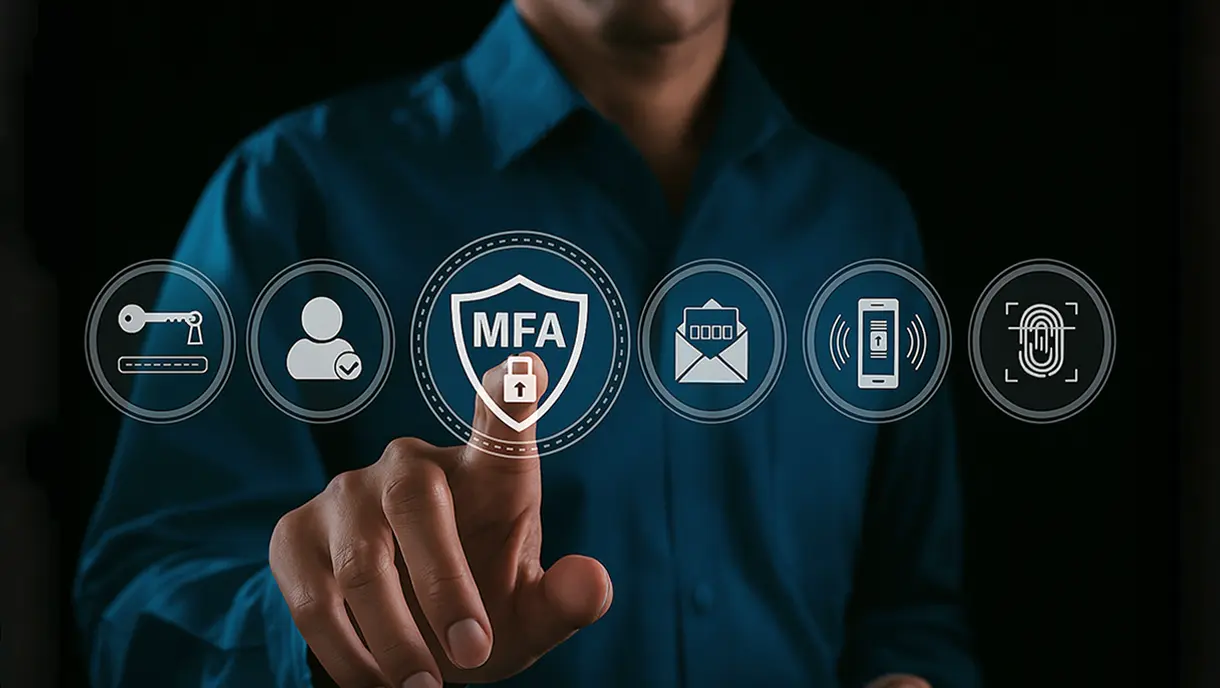
10 Best Multi-Factor Authentication Solutions of 2026 [Latest Rankings]
Modern MFA solutions combine context-aware policies, biometric verification, and seamless integrations to prevent credential theft and unauthorized access. This detailed comparison of the 10 best MFA tools for 2026 examines each platform’s unique strengths, deployment options, and ROI. From Microsoft Entra ID to OLOID and Okta, you’ll discover which authentication solution aligns best with your organization’s growth, compliance, and Zero Trust security strategy.

Phishing-Resistant MFA: Complete Guide to Modern, Secure Authentication
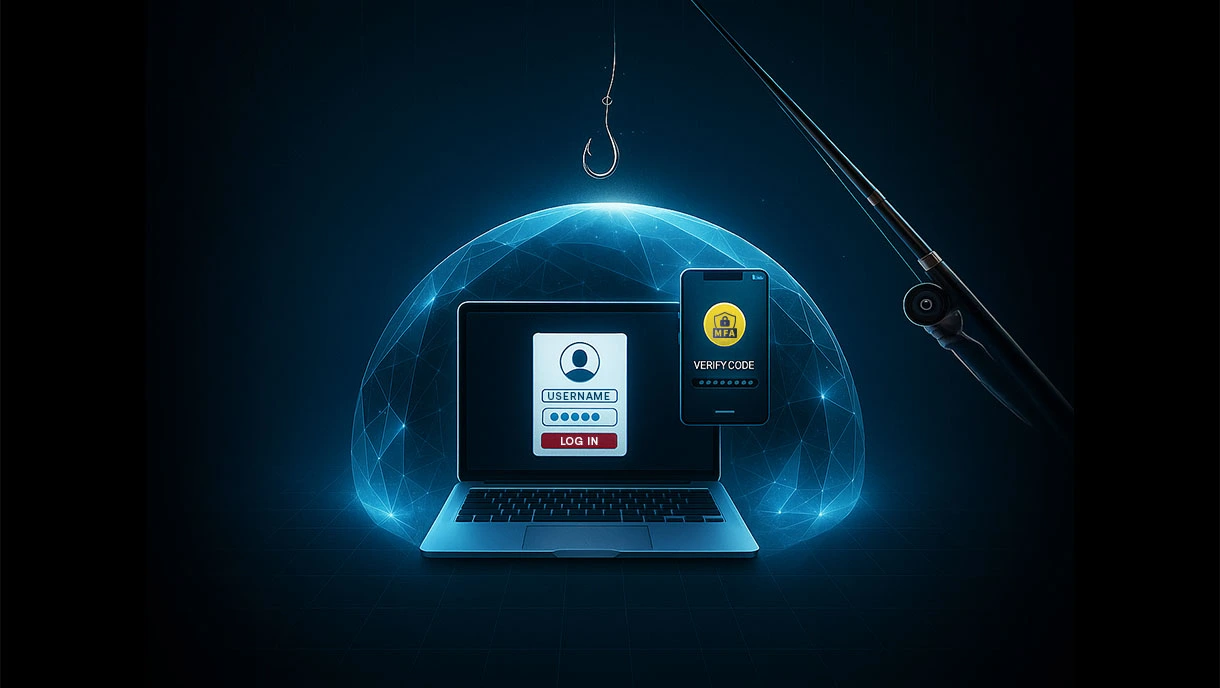
Traditional multi-factor authentication fails against modern phishing attacks. Phishing-resistant MFA uses cryptographic technology and hardware-bound credentials to eliminate vulnerabilities that attackers exploit. This guide covers how it works, key technologies like FIDO2 and security keys, implementation steps, and real-world attack scenarios it blocks. Learn the benefits, including faster logins and stronger security.
Step-By-Step Guide to Seamless MFA Implementation
Effective MFA implementation is crucial for protecting organizations against password breaches and unauthorized access. This blog offers a step-by-step guide to deploying multi-factor authentication, from assessing infrastructure to training users and optimizing performance. Learn about common implementation pitfalls, their solutions, and best practices to simplify multi-factor authentication adoption while strengthening overall security.

Making every day-in-the-life of frontline workers frictionless & secure!
Get the latest updates! Subscribe now!
