




Security Doesn't End When Access is Granted

Key Takeaways
- Authentication is only the starting point. Session tokens, application policies, and post-login controls determine how access remains usable after login.
- Shared devices create attribution risks. Without effective handoff controls, one worker's session may remain active when another worker takes over.
- Idle timeouts and SSO have limitations. Timeouts do not reliably detect user changes on active devices, and SSO can extend exposure across connected applications.
- Sensitive actions need appropriate verification. Step-up authentication can help ensure that consequential actions receive an additional identity check.
- Session termination is part of offboarding. Organizations should measure how quickly active sessions end after an account is disabled and address gaps across connected applications.
For enterprises, the login screen is where identity security makes its initial access decision. Credentials are verified, multifactor authentication (MFA) is completed when required, and access policies evaluate available signals such as device state and location. But authentication is only the beginning. Once access is granted, session tokens, application-specific session policies, and the controls governing activity after login determine how long that access remains usable.
Attackers have adjusted to that design. SpyCloud recaptured 8.6 billion stolen session cookies in 2025, with 40% taken from devices already running EDR or antivirus. Ontinue's first-half 2025 threat research found that roughly 20% of live incidents involved adversaries reusing stolen refresh tokens to get past MFA, in some cases even after the victim's password had been reset. In each of these incidents, the login did what it was designed to do. The exposure sat in the hours that followed.
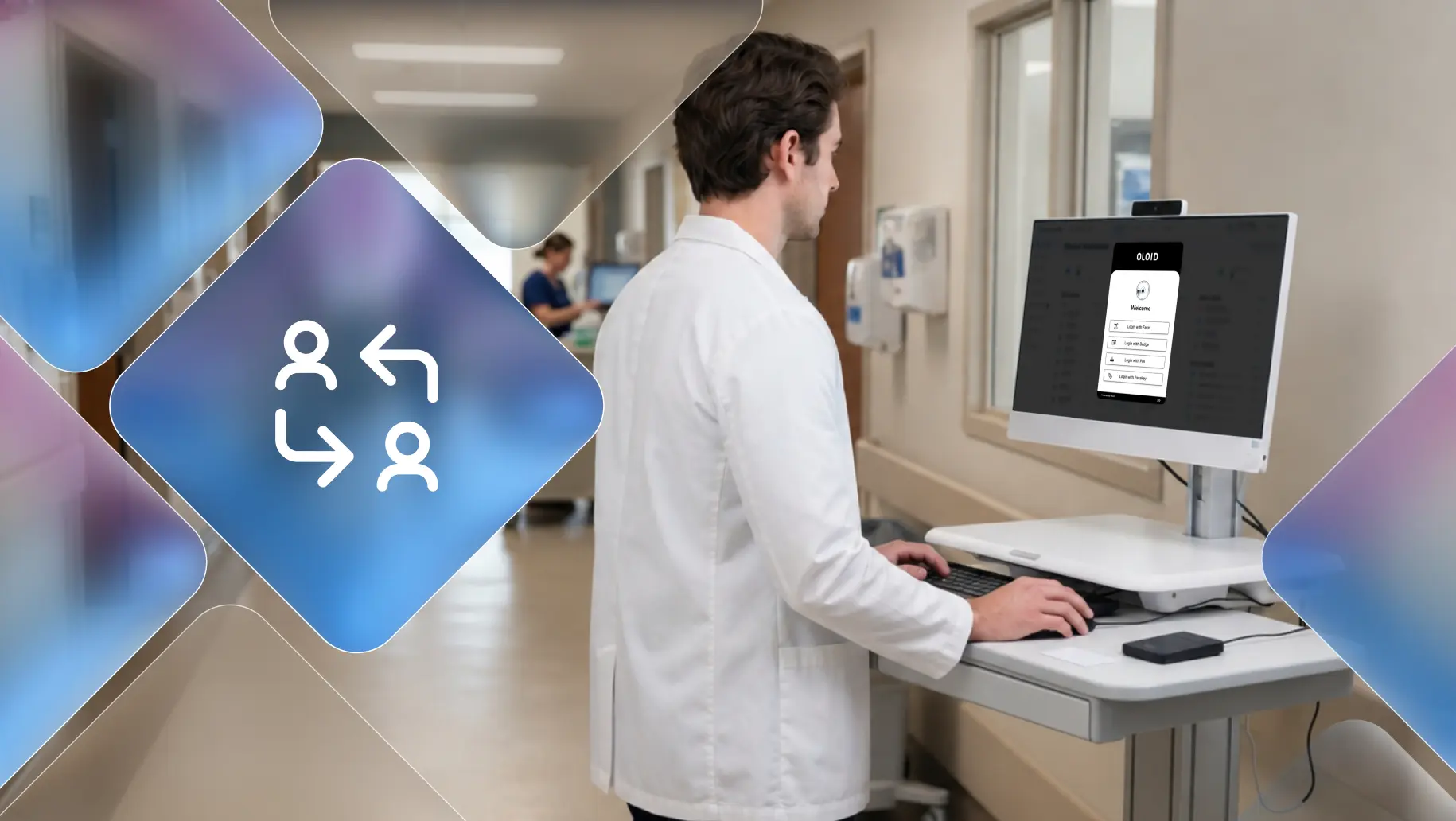
Frontline environments face these risks alongside a distinct operational challenge: shared devices. A scanner, kiosk, workstation, or point-of-sale terminal may be used by several workers during a shift. If the original session remains active after a handoff, subsequent actions may be attributed to the wrong person. Organizations therefore need controls that protect both the authenticated session and the identity of the worker using the device.
Shift-Length Sessions Let One Login Govern an Entire Shift
Every authentication event captures a snapshot: this person, on this device, from this location, at this moment. Conditional access policies can make that snapshot remarkably precise. The difficulty is that sessions often outlast the conditions that justified them.
In shift-based operations, organizations must balance session duration with the need to keep workers productive. A session configured to remain active for several hours may outlast the circumstances under which the original access decision was made. During that time, a device may change hands, move between work areas, or remain unattended during a break. Without controls that detect these changes, the original authentication decision may continue to govern activity long after the original worker has stepped away.
One SSO Session Can Open Every App on a Shared Device
Single Sign-On is one of the most valuable investments a frontline organization can make. A worker authenticates once and reaches scheduling, inventory, quality, and communication tools without repeated logins, which removes much of the friction that drives credential sharing in the first place. The same efficiency changes the shape of post-login risk.
A single identity provider session spawns application sessions downstream, each with its own token and its own lifetime. When the person holding that session changes, or the token is stolen, the exposure extends to every system the role can reach. On a manufacturing floor, an unattended terminal with an active SSO session can open the MES, the quality management system, and the maintenance platform at once. SSO remains the right architecture. It simply raises the stakes on knowing who is behind the session at every point in the shift.
Timeouts Don't Catch a New User on a Shared Device
Consider a handheld RF scanner in a regional distribution center. An associate authenticates at the start of a pick wave, gets pulled onto a dock issue, and sets the scanner down. A colleague picks it up and keeps working. No credential was stolen, no policy was violated in any obvious way, and no system logged an anomaly. Every action from that point forward runs under the first associate's identity.
Idle timeouts are the standard answer to this, and they work on the assumption that an unattended device goes quiet. Busy frontline hardware rarely does. A packing station kiosk, a production line HMI, or a store's shared POS terminal can stay in continuous use for hours across several workers, which means the timeout never triggers. The most heavily used devices end up with the weakest post-login assurance. Shortening timeouts across the board shifts the problem to friction, and frontline teams respond to friction by finding ways to keep sessions alive.
Ask for Identity Again Before Risky Actions
A single login typically grants access to everything a role permits for the length of the session. In practice, the risk inside that session is uneven. Scanning inventory carries little exposure. Approving a write-off, overriding a price, adjusting a batch parameter on a production line, or releasing a held shipment carries a great deal more.
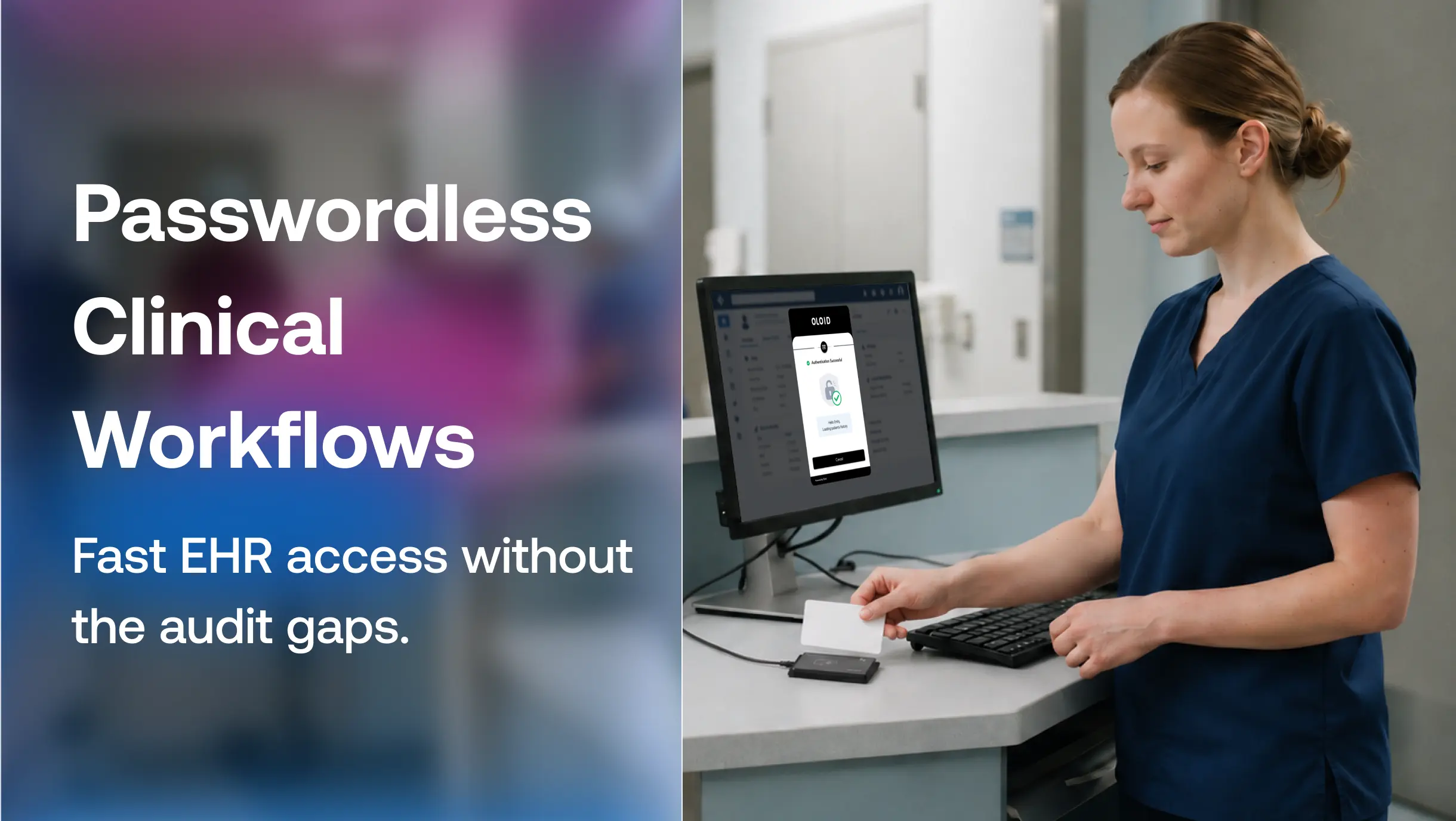
Organizations with mature post-login controls attach verification to those specific actions. The worker confirms their identity again at the moment it matters, through a badge tap or face check that takes a second or two, and the rest of the workflow stays uninterrupted. This approach puts assurance where the consequences are and avoids penalizing every task for the risk of a few. It adds an identity check at the point of risk, helping organizations establish who authorized a sensitive action rather than relying solely on the identity associated with the original session.
Disabling an Account Doesn't Always End Its Open Sessions
Password resets and account disablement act on the credential. Sessions and refresh tokens already issued can keep working until they expire, unless every connected application honors revocation promptly.
For frontline organizations, this shows up in ordinary operations. A worker is terminated mid-shift, a contractor's engagement ends, or a role change removes access to a sensitive system. The identity provider may record the account change immediately, but that does not guarantee that every active session on a shared tablet, scanner, or terminal will end at the same time. The organization needs to understand how each application handles session termination, token revocation, and reauthentication. Measuring the elapsed time between disabling an account and ending its active sessions can help expose gaps in the offboarding process.
Some newer apps can now close sessions the moment an account is disabled. Many frontline systems, especially older ones, still can't. Until they catch up, the most reliable place to end a session is on the shared device itself, as soon as the worker walks away.
Workers Need to Know Why They're Being Verified
For shared-device environments, identity assurance can extend beyond the initial login through controls such as badge-based verification, periodic face checks, device-state evaluation, and session monitoring. Which signals are available, how frequently verification occurs, and what happens when a worker steps away depend on the solution and its configuration. OLOID's approach to continuous authentication follows this model on shared devices, working alongside identity providers like Okta, Ping Identity, and Microsoft Entra ID so that existing policy and governance remain the foundation.
The technical capability is only part of the decision. Continuous verification on the frontline involves biometric and presence data from workers who did not choose the device they use and often have no alternative to it. Leadership teams that succeed here make deliberate choices about which signals are collected, how long they are kept, who can see them, and how the purpose is communicated to the workforce. When workers understand that continuous verification exists to keep someone else from acting under their name, adoption tends to follow. When it feels like monitoring, it generates the same workarounds that weaker controls produced.
Authentication establishes who is accessing a system at login. On a shared device, the next challenge is ensuring that the right person remains associated with the session when important decisions are made.
Dhruv Markandey, Chief Commercial Officer, OLOID
Four Questions to Measure Security After Login
Identity programs are typically measured at the front door: MFA coverage, login success rates, authentication speed. None of these describe what happens after access is granted. Leadership teams looking to close the post-login gap can start by tracking a different set of questions.
How long does it take to terminate active sessions? Measure the time between disabling an account or initiating revocation and the termination of its active sessions across connected applications and shared devices. Track exceptions where immediate termination is not supported.
Are user handoffs verified? Track whether a change of worker triggers an identity check, whether the previous session is ended or transferred securely, and how often a new worker continues using the previous worker's session.
Which high-risk actions carry their own verification? Map the actions with real financial, safety, or quality consequences and confirm each one requires identity confirmation at the time it is performed.
How many sessions outlive the shift? Sessions that remain active after a worker has clocked out are a direct indicator of exposure.
These measures shift attention from whether access was granted to whether that access remained appropriate throughout the session. For frontline operations, where devices may be shared across workers and shifts, organizations need visibility into session duration, user handoffs, sensitive actions, and access termination. OLOID helps extend identity verification to shared-device workflows, supporting organizations that need to associate activity with the right worker beyond the initial login.
FAQs
1. What is post-login security?
Post-login security covers the controls that protect a session after authentication succeeds, including session monitoring, step-up verification for sensitive actions, user change detection on shared devices, and timely session revocation.
2. Why doesn't MFA protect the entire session?
MFA verifies identity during an authentication event, but it does not automatically protect every subsequent interaction. If a session token is stolen or a shared device remains authenticated after a user leaves, an attacker or another worker may be able to use the existing session without completing the original MFA challenge again. Token protections, session policies, and reauthentication controls determine the extent of this risk.
3. What is step-up authentication in frontline environments?
Step-up authentication requires a worker to verify their identity again before completing a sensitive action, such as a price override or inventory adjustment. On shared devices, this may involve an approved method such as a badge tap or face verification, depending on the solution and configuration.
4. How does continuous authentication work on shared devices?
Continuous authentication extends identity assurance beyond the initial login using available signals such as badge-based verification, periodic biometric checks, device state, or presence information. On shared devices, these controls can help detect when a worker has stepped away or another worker needs to authenticate. The resulting action, such as prompting for verification or ending a session, depends on the product's capabilities and configuration.
5. Does disabling an account immediately terminate all active sessions?
Not necessarily. Disabling an account may prevent new authentication, but existing application sessions or issued tokens may remain usable depending on the identity provider, token validity, revocation mechanisms, and application behavior. Organizations should test session termination across connected applications rather than assuming that account disablement immediately ends all access.

Get the latest updates! Subscribe now!

