




IAM vs PAM: What's the Difference

Key Takeaways
- IAM manages identity and access for the entire organization. PAM is a focused subset that specifically governs elevated, privileged accounts.
- Credential abuse remains a significant breach risk, making strong identity, authentication, and privileged-access controls foundational to an organization's security strategy.
- PAM goes beyond passwords by managing the session itself through credential vaulting, session recording, and JIT access to reduce exposure windows.
- Many traditional authentication workflows assume a relatively stable relationship between users, credentials, and devices, which can create challenges in shared-device and frontline environments.
- Organizations with significant privileged-access requirements should evaluate IAM and PAM together to determine whether their controls adequately cover both workforce and privileged identities.
- Compliance requirements can apply to both IAM and PAM. Organizations should map specific requirements to their workforce access, privileged access, authentication, logging, and governance controls rather than assuming one framework maps to one technology.
A factory floor technician clocks into a shared terminal at the start of their shift. Three people used that same machine before them. Somewhere in a hospital down the road, a nurse logs into a shared workstation between patient rounds, using credentials that haven't been rotated in months. Neither scenario makes headlines until something goes wrong.
According to the 2025 Verizon Data Breach Investigations Report, credential abuse is the leading initial attack vector in breaches, involved in 22% of confirmed incidents across 12,195 breaches analyzed globally. The entry point is often much simpler: a compromised credential, excessive access, or an account that was never properly secured.
This is where identity and access management (IAM) and privileged access management (PAM) come in. IAM is the framework organizations use to manage who gets access to what, verifying and authorizing every user across systems, apps, and devices. PAM is a focused subset of IAM that controls and monitors the accounts with the highest levels of access, the ones that can read entire databases, modify system configurations, or shut down critical infrastructure.
The two are related but not interchangeable. Choosing one over the other, or understanding how they work together, is one of the more consequential security decisions an organization can make. This blog breaks down the core difference between IAM vs PAM, where each fits, and what organizations operating in high-stakes environments need to know before deciding.
The One-Line Distinction
IAM manages who gets in; PAM controls what the most powerful accounts can do once they are inside.
PAM is technically a subset of IAM, but operationally, the two solve different problems. IAM casts a wide net across the entire organization. PAM focuses specifically on the accounts that carry the most risk if compromised.
What is IAM?
Identity and access management is a framework for verifying, authorizing, and managing every user across an organization's systems and applications. When an employee logs into their work email, accesses a project management tool, or connects to a cloud environment, IAM is the layer determining whether they should be there and what they can see.
Core IAM functions include:
- Authentication: Confirming a user is who they claim to be, typically through SSO, MFA, or both
- Authorization: Granting or restricting access based on predefined roles (RBAC) or user attributes (ABAC)
- Provisioning and deprovisioning: Automatically creating or removing access as employees join, move internally, or leave
- Audit and compliance reporting: Tracking access patterns to satisfy regulatory requirements like GDPR, HIPAA, or SOX
IAM applies to everyone: full-time employees, contractors, vendors, and external partners. In environments with high workforce turnover or shared device usage, like retail, manufacturing, or logistics operations, IAM has to work across a much more dynamic and complex user base than most vendors assume when they design their solutions.
What is PAM?
Privileged access management focuses on a specific class of accounts: those with elevated permissions that grant access to critical systems, backend infrastructure, databases, and sensitive data. Think IT administrators, system engineers, executive accounts, and any role that can modify configurations or access entire data sets.
PAM enforces stricter controls at this level because a compromised privileged account can provide significantly broader access and create greater organizational risk than a typical workforce account.
Core PAM functions include:
- Credential vaulting: Storing privileged credentials in a secure, centralized repository, separate from general systems
- Session monitoring and recording: Capturing exactly what a privileged user does during a session for forensic and compliance purposes
- Just-in-time (JIT) access: Granting temporary elevated privileges for specific tasks, then revoking them automatically
- Unique login enforcement: Eliminating credential sharing so every individual uses their own login rather than a shared admin account
The JIT model matters particularly in environments where privileged access has historically been left open too long. Granting access only when needed, for only as long as needed, significantly reduces the window of exposure.
IAM vs PAM
| Aspect | IAM | PAM |
|---|---|---|
| Scope | All users across the organization | Privileged and admin accounts only |
| Primary function | Verify identity and grant access | Monitor, control, and limit elevated access |
| Risk focus | External unauthorized access | Insider threats and privilege escalation |
| Key technologies | SSO, MFA, RBAC, ABAC | Credential vaulting, session recording, JIT access |
| Compliance role | GDPR, SOX, HIPAA (general access) | PCI DSS, HIPAA, SOX (privileged account auditing) |
| User experience | Streamlined through SSO | More friction by design, with additional authentication steps for privileged sessions |
Where Traditional IAM and PAM Models Can Fall Short
Many enterprise IAM deployments are designed around a relatively stable relationship between a user, their credentials, and the devices they access. That model does not hold in operational environments.
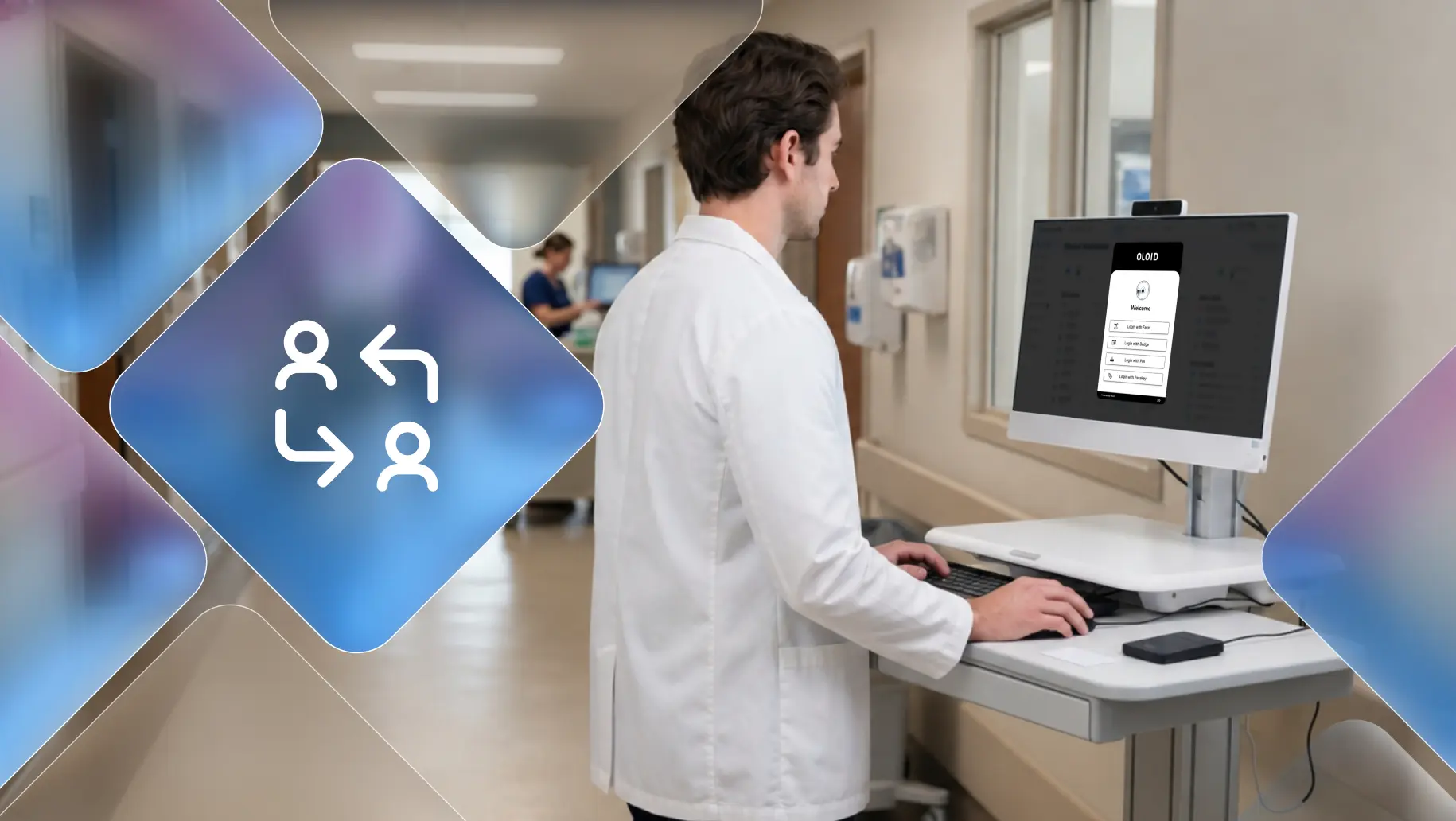
In healthcare, manufacturing, and retail, workers often share devices across shifts. A nurse may log into five different workstations in a single day. An assembly line operator clocks into a shared terminal that dozens of people touch each week. Traditional IAM implementations can become difficult to operate in these environments because authentication workflows often assume users have dedicated credentials, predictable access patterns, and sufficient time to complete the authentication process.
PAM, meanwhile, solves for privileged accounts but does not address the underlying friction of shared access for the broader workforce. The gap between what standard IAM offers and what frontline workers actually need is where many organizations remain exposed.
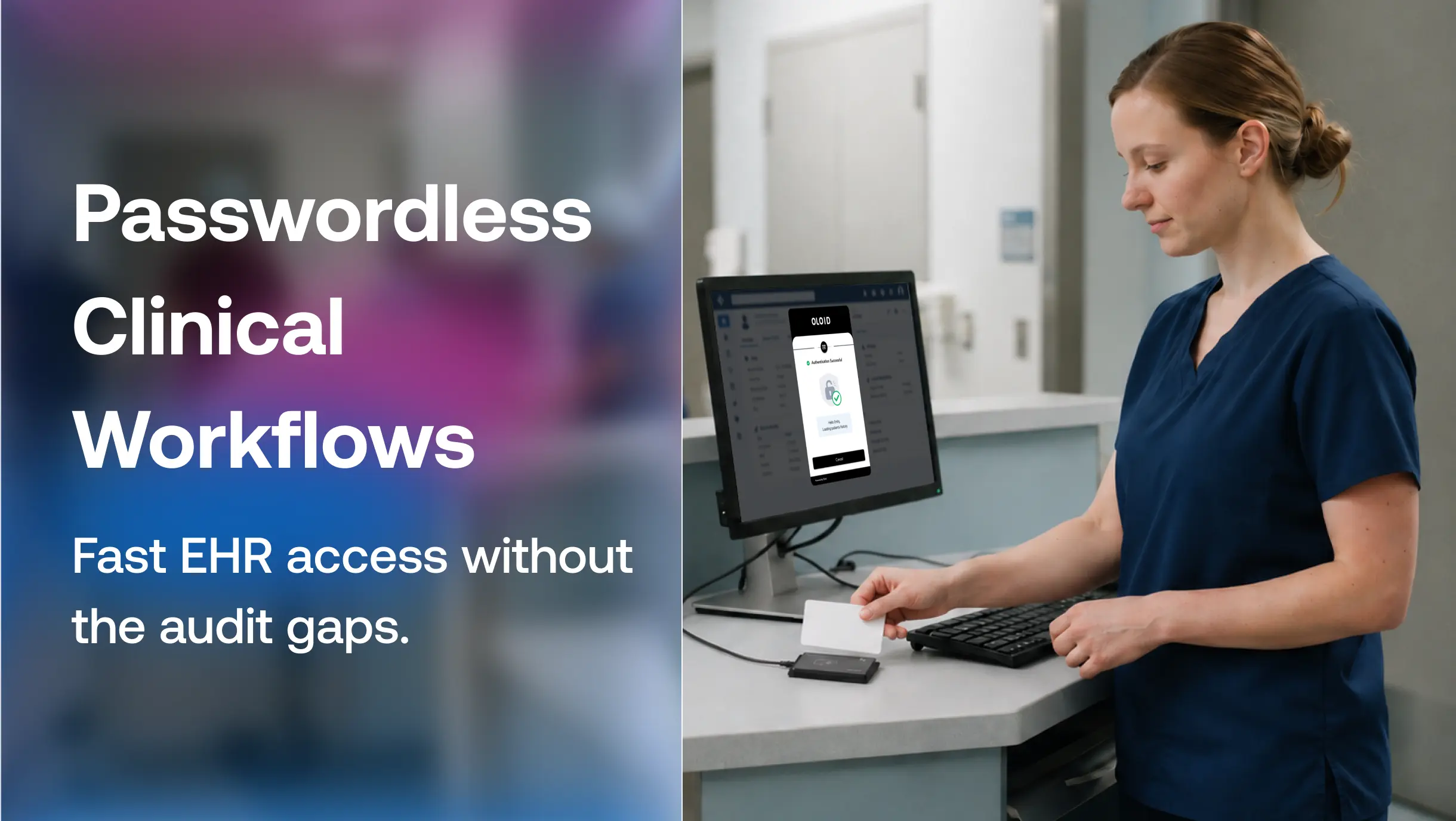
This creates a gap that purpose-built frontline authentication solutions can address. OLOID, for example, provides passwordless authentication for frontline and shared-device environments, allowing workers to verify their identity at shared terminals without relying on shared or repeatedly entered passwords. It bridges the gap between enterprise IAM design assumptions and the operational realities of industries such as healthcare, manufacturing, and logistics.
Do You Need One or Both?
Start with IAM if your primary challenge is managing general workforce access at scale across multiple applications and systems. It provides the foundation every organization needs.
Add PAM when you have roles with admin-level, system-level, or database-level access. In regulated environments, organizations may need additional privileged-access controls beyond their core IAM program, depending on their systems, risk profile, and applicable requirements.
For organizations where operational complexity meets security risk, such as a hospital network with thousands of frontline staff sharing devices alongside IT administrators managing critical patient data systems, both are necessary. And they need to integrate rather than operate in silos.
The practical decision framework:
- IAM foundation: Manage workforce identities, authentication, lifecycle, and access.
- Add PAM: Protect privileged accounts, credentials, sessions, and elevated access.
- Add frontline authentication: When shared devices, shift-based work, or phone-restricted environments create authentication challenges.
Conclusion
IAM and PAM are not competing solutions. They are complementary layers of the same security strategy, and organizations that treat them as interchangeable end up with gaps in both.
IAM gives you the foundation; PAM locks down the accounts that carry the most risk. Many organizations operating in regulated or high-risk environments benefit from both, and the real question is whether the solutions they choose actually map to the environments they operate in.
For industries like healthcare, manufacturing, and logistics, that question carries additional weight. When workers share devices across shifts, and access happens at terminals that dozens of people touch in a single day, standard IAM and PAM deployments may not fully address the authentication and session-management challenges created by those conditions. The credential risk does not disappear because a policy document says it should.
Getting IAM and PAM right starts with an honest assessment of who your users actually are, how they access systems, and where your privileged accounts live. That groundwork is what separates access management programs that hold up under audit and attack from ones that look complete on paper but fail in practice.
FAQs
1. What is the difference between IAM and PAM?
IAM manages identity and access for all users across an organization's systems and applications. PAM is a subset of IAM that specifically controls, monitors, and restricts access for accounts with elevated privileges, such as IT administrators and system engineers.
2. Is PAM part of IAM?
Yes. PAM and IAM are typically deployed as complementary capabilities, with PAM providing additional controls for privileged identities and access.
3. What is the difference between IAM, PAM, and PIM?
IAM governs all user identities and access. PAM secures privileged accounts and the sessions those accounts conduct. PIM (Privileged Identity Management) sits between the two, managing the identities of privileged users specifically. In practice, PAM and PIM are often used together and sometimes treated as the same category.
4. Can PAM replace IAM?
No. PAM addresses a narrow, high-risk slice of the access management problem. Without IAM, an organization has no structured way to manage the broader workforce's identity lifecycle, authentication, or general access governance.
5. Do frontline workers and shared-device environments need different IAM solutions?
Standard IAM solutions assume one person per device, which does not map to shift-based or shared-terminal environments. Organizations in healthcare, manufacturing, or logistics need identity solutions designed for high user turnover, shared devices, and fast authentication. Traditional enterprise IAM tools were not built for that reality.
Get the latest updates! Subscribe now!

