




Biometric Information Privacy Act (BIPA): A Guide for Biometric Authentication

Key Takeaways
- The biometric information privacy act requires notice, signed consent, a retention policy, and strong security before any company collects biometric data in Illinois.
- BIPA applies to companies of any size that enroll Illinois workers in biometric login, wherever they’re headquartered.
- Repeated scans now count as one violation per person, but consent gaps across a large workforce still cost millions.
- Shared-device logins multiply compliance touchpoints because every scan relies on BIPA-regulated data.
- Consent at enrollment, template-only storage, non-biometric fallbacks, and automatic deletion keep biometric authentication compliant.
- Vendor answers on consent, storage, and deletion matter, since their weak data handling becomes your legal exposure.
A logistics company rolls out face login on the shared tablets its dock workers use. Shift changes move faster, nobody waits on a password reset, and supervisors finally know who handled each shipment. Then a former worker files a class action. No breach, no leak. The company simply never collected signed consent before enrolling workers’ faces.
That gap has cost Illinois employers heavily under the Biometric Information Privacy Act. Plaintiffs filed 150 new BIPA class actions in 2025, and BIPA settlements still reached roughly $136.6 million that year, according to Duane Morris’s 2026 Class Action Review as reported by Legal Newsline. Filings have dropped, but every company that uses fingerprint or face authentication on shared devices still carries the risk.
The Biometric Information Privacy Act (BIPA) is an Illinois law that controls how companies collect, store, and use biometric data such as fingerprints, face scans, iris scans, and voiceprints. It requires written notice, signed consent, a published retention policy, and strong security, and it lets individuals sue when companies fall short.
This guide explains what BIPA means for biometric authentication, where shared-device logins create risk, and how to build a login experience that stays compliant.
What Is the Biometric Information Privacy Act?
Illinois passed the Biometric Information Privacy Act in 2008, the first state law built specifically to protect biometric data. The idea behind it is simple: you can reset a stolen password, but you can’t reset a stolen fingerprint or face.
That permanence is why the law treats biometrics more strictly than other personal data, and why it matters so much to anyone building or buying biometric login.
What Counts as Biometric Data
BIPA covers fingerprints, face geometry, iris and retina scans, hand geometry, and voiceprints. It also covers the templates and other data created from them, such as the encrypted face template an authentication system stores to recognize a worker at login.
Ordinary photos, signatures, and physical descriptions like height or eye color fall outside the law.
Who Needs to Comply With BIPA
The Biometric Information Privacy Act applies to any private company that collects biometric data from people in Illinois. Company size doesn’t matter, and neither does headquarters location. Enrolling a single Illinois worker in face or fingerprint login brings a company under the law.
BIPA excludes certain entities and categories of information from its scope, including financial institutions subject to Title V of the Gramm-Leach-Bliley Act and specific health information regulated under HIPAA. These exemptions are limited and do not automatically exclude every biometric authentication deployment within a bank or healthcare organization. Employers should assess how and why biometric information is collected and whether a specific statutory exemption applies.
What BIPA Requires From Biometric Authentication
Translated into login terms, the biometric information privacy act asks for five things:
- Notice before enrollment: Tell workers what biometric data you collect, why, and how long you keep it.
- Consent before the first scan: Collect a signed release. Electronic signatures count.
- A clear retention policy: Delete biometric data once it’s no longer needed, and no later than three years after a worker’s last login.
- No selling and limited sharing: Never sell biometric data, and share it with vendors only with consent.
- Strong protection: Secure biometric data at least as well as your other sensitive information.
Most BIPA lawsuits come from the first three. Missed consent forms and missing retention policies trigger far more claims than data breaches do.
What Happens When Companies Get It Wrong
Individuals can recover $1,000 for each negligent violation and $5,000 for each intentional or reckless one, plus legal fees, without proving any harm.
Until 2024, courts could count every scan as a separate violation, which made daily logins a massive liability. Illinois then amended the law so repeated scans of the same person count once, and a 2026 federal appeals ruling applied that change to pending cases. The risk still scales with headcount. Even with damages capped per person, a consent gap across a large workforce can still lead to significant liability.
Why Shared-Device Logins Raise the Stakes
Shared-device environments introduce additional operational challenges when organizations use biometric authentication. Employees may enroll once and authenticate repeatedly throughout their shifts across shared tablets, workstations, kiosks, and other terminals. Each deployment requires organizations to understand where biometric information is collected, how it is stored, who can access it, and when it must be deleted.
In frontline environments, these responsibilities become more complex because devices and authentication systems often serve hundreds or thousands of employees across multiple locations.
Frontline environments add three pressures that desk-based workplaces rarely face:
- High workforce turnover: Employees leave, transfer, or change roles, making timely biometric data deletion and retention management essential.
- Fast-paced onboarding: Seasonal hiring and frequent workforce changes can make it harder to ensure every employee receives the required notice and provides consent before enrollment.
- Shared infrastructure: Multiple employees use the same terminals, often relying on authentication platforms and third-party systems that organizations must evaluate for biometric data handling.
The features that make biometric login so useful on the frontline, speed and no passwords to remember, also multiply the moments where compliance can slip.
How to Build BIPA-Compliant Biometric Login
The most reliable approach builds compliance into the authentication flow itself instead of leaving it to paperwork.
Capture Consent During Enrollment
Show the notice and collect the signed release on the enrollment screen. If a worker hasn’t consented, the system shouldn’t create a template. Each consent gets a timestamp you can pull up later.
Store Templates Instead of Images
Good biometric authentication converts a face or fingerprint into an encrypted template and discards the raw image. Know where templates live, whether on the device, in your environment, or in a vendor’s cloud.
Give Workers a Non-Biometric Option
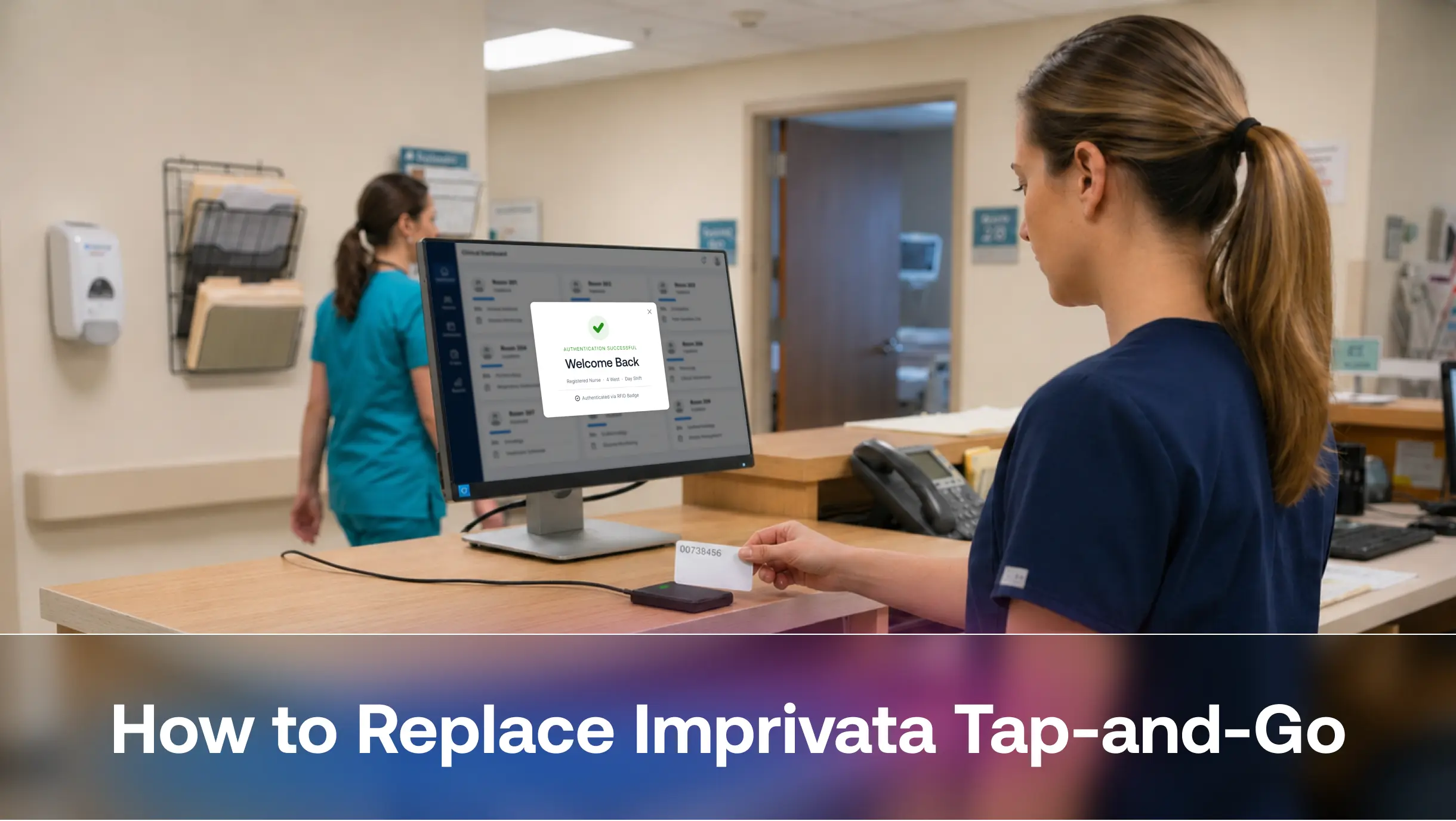
Some workers will decline biometrics. Offer a badge tap or a PIN combined with another factor so declining never stops anyone from working.
Delete Automatically at Offboarding
Connect your authentication platform to your HR system or identity provider so templates disappear when a worker leaves. Manual cleanup is where retention policies usually fail.
Keep an Audit Trail
Log every enrollment, consent, and deletion. If a claim ever arrives, those records prove what you did and when.
Questions to Ask a Biometric Authentication Vendor
Before deploying facial or fingerprint authentication, ask your vendor:
- How do you capture, document, and retrieve employee consent?
- Do you retain raw biometric images, biometric templates, or both?
- Where is biometric information processed and stored?
- How is biometric information encrypted and protected against unauthorized access?
- How quickly is biometric information deleted when an employee leaves?
- Can deletion be automated through HR and identity management integrations?
- Do third-party vendors or subprocessors access biometric information?
- What alternative authentication methods are available for employees who decline biometric enrollment?
- Can you provide documentation of your biometric data handling and retention practices?
- Will your contractual terms clearly define responsibilities for biometric data protection and disclosure?
Vague answers mean the legal risk lands on you.
BIPA and Other State Biometric Laws
Illinois is not the only state regulating biometric information. Texas and Washington have enacted laws governing the collection and use of biometric identifiers, while states such as California and Colorado include biometric information within broader consumer privacy protections.
The scope, consent requirements, enforcement mechanisms, and available remedies differ across these laws. Organizations operating across multiple states should evaluate their biometric authentication practices against the requirements applicable in each jurisdiction rather than assuming that BIPA compliance automatically satisfies every state privacy law.
Making Biometric Login Work Under BIPA
Biometric authentication can simplify access across frontline environments where employees move between shared tablets, workstations, kiosks, and other devices throughout their shifts. It reduces reliance on shared passwords and helps organizations establish stronger accountability for workforce access.
However, successful deployment requires more than selecting an authentication method. Organizations must understand how biometric information is collected, obtain the necessary consent, establish clear retention and deletion practices, and ensure that employees have alternative authentication options. For organizations evaluating biometric authentication, these requirements should be part of the technology selection process from the beginning, not controls added after deployment.
OLOID provides passwordless authentication for frontline teams using shared devices, with support for multiple authentication methods and centralized workforce access management. Organizations evaluating OLOID or any other authentication platform should assess how its enrollment, data handling, retention, and audit capabilities align with their privacy and compliance requirements. The objective is not simply to make biometric login faster. It is to make workforce authentication secure, accountable, and privacy-conscious.
FAQs
1. What is the Biometric Information Privacy Act?
The Biometric Information Privacy Act is a 2008 Illinois law that sets rules for how private companies collect, store, use, and delete biometric data such as fingerprints, face scans, iris scans, and voiceprints. Before collecting any of it, a company must explain what it’s collecting and why, get signed consent, and publish a policy on how long it keeps the data. BIPA also lets individuals sue companies directly when they break these rules, which is why it has produced more lawsuits than any other biometric privacy law in the US.
2. Is facial recognition login legal under BIPA?
Yes. BIPA doesn’t ban face or fingerprint authentication. It controls how companies roll it out. To use biometric login legally, a company must tell workers in writing what data the system captures, collect a signed release before enrollment, publish a retention and deletion policy, and protect the stored templates with strong security. Most companies that get sued were using a legitimate login tool but skipped the consent or retention steps.
3. What is the penalty for violating BIPA?
Individuals can recover $1,000 for each negligent violation or $5,000 for each intentional or reckless violation, plus attorneys’ fees and court costs, without having to show any actual harm. Since a 2024 amendment, repeated scans of the same person using the same method count as one violation rather than one per login. Even so, the exposure grows with headcount: a consent gap across a 2,000-person workforce could still mean $2 million to $10 million in damages.
4. Does BIPA apply to companies outside Illinois?
Yes. BIPA follows the person, so it applies whenever a company collects biometric data from someone in Illinois, wherever the company is based. A national retailer, manufacturer, or logistics provider with even one Illinois site using fingerprint time clocks or face login falls under the law. That’s why many multi-state employers apply BIPA-level consent and retention practices to every location.
5. Can an employee refuse biometric authentication?
Yes. BIPA requires a signed release before any biometric data is collected, so workers can decline to enroll. Employers should plan for this by offering another way to log in, such as a badge tap or a PIN combined with another factor. A clear fallback keeps operations running, avoids pressuring workers into consent, and lowers the risk of disputes later.
6. Does storing encrypted biometric templates make a company BIPA-compliant?
No. Encrypting biometric templates and avoiding the storage of raw biometric images can help reduce data exposure, but these measures do not automatically establish BIPA compliance. Organizations must still meet applicable notice, written consent, retention, destruction, and disclosure requirements.


Get the latest updates! Subscribe now!

