




Microsoft Passkey Migration: Timeline, Deadlines, and Admin Steps for Shared-Device Environments

Key Takeaways
- September 1, 2026: passkeys auto-enabled for all SMS and voice users in your tenant; registration campaigns flip to managed state.
- February 1, 2027: Microsoft-provided SMS and voice retired with no opt-out; blocking prompt for any user whose only method is SMS or voice.
- The temporary opt-out covers the September window only; it does not move the February 1 enforcement date.
- Existing FIDO2/passkey configurations migrate automatically to a Default passkey profile; verify your attestation setting before September.
- Standard passkey enrollment breaks in shared-device and frontline environments; these populations need a separate credential strategy before the deadline.
- Tenants that still require SMS or voice must configure a customer-managed telecom provider through the Microsoft Security Store by February 1, 2027.
In July 2026, Microsoft notified Entra ID customers about upcoming changes to authentication. Starting September 1, 2026, passkeys will become the default authentication experience for users currently relying on SMS or voice MFA. On February 1, 2027, Microsoft-provided SMS and voice authentication will be retired, with no opt-out.
For IT teams, the challenge isn't simply moving users from SMS to passkeys. Organizations also need to identify users and environments where standard passkey enrollment is more difficult, particularly frontline workers using shared devices.
Microsoft's 2025 Digital Defense Report found that phishing-resistant MFA blocks more than 99% of identity-based attacks. SMS and voice authentication, meanwhile, remain vulnerable to threats such as SIM swapping, AiTM attacks, and social engineering. Microsoft's move toward phishing-resistant authentication reflects this broader shift in identity security. That is the reason Microsoft is not treating this as optional, and it is the reason the February 2027 deadline has no opt-out.
This post covers the full migration timeline, what actually changes at each date, how administrators find and move affected users, and where standard passkey rollouts break down for frontline and shared-device workers, and what to do about it.
What is the Microsoft passkey migration timeline?
Two dates define this migration, and how you respond to each one determines whether February 2027 is a planned transition or a help desk incident.
| Date | What happens | Opt-out? |
|---|---|---|
| September 1, 2026 | Passkey registration becomes the default experience for affected users, with Microsoft-managed registration prompts beginning at sign-in. | Yes, temporarily. Lets you delay auto-enablement while you finish your own rollout. API details available from August 1, 2026. |
| September 18, 2026 | Microsoft publishes setup details for customer-managed telecom providers through the Microsoft Security Store, required for any tenant that still needs SMS or voice after February 2027. | N/A |
| February 1, 2027 | Microsoft-provided SMS and voice telecom delivery retired entirely. Users whose only MFA method is SMS or voice hit a blocking registration prompt they cannot skip or defer. | No. Applies to every tenant. |
What is changing: SMS and voice out, passkeys in
A passkey (FIDO2) is a phishing-resistant credential that authenticates a user without a phone number, texted code, or voice call. The private key never leaves the device and cannot be intercepted mid-transit. It is the authentication architecture CISA, NIST SP 800-63B-4, and now Microsoft have aligned on as the baseline for phishing-resistant MFA.
In practical terms, the Entra ID migration means two things are happening simultaneously: passkeys are being turned on, and SMS and voice are being turned off.
Synced vs. device-bound passkeys
Microsoft Entra ID supports two passkey types. Your policy configuration determines which ones are permitted in your tenant.
| Aspect | Synced passkeys | Device-bound passkeys |
|---|---|---|
| Where it lives | Platform credential manager (iCloud Keychain, Google Password Manager) | Single device or hardware key (Windows Hello, Microsoft Authenticator, FIDO2 security key) |
| Roams across devices | Yes | No |
| Best for | Users with consistent access to a personal device | Users with a dedicated device or hardware security key |
| Rollout complexity | Lower | Higher, particularly in environments where users do not have individually assigned devices. |
Shared-device environments require additional planning because multiple workers need to authenticate individually on the same physical device. The challenge is not simply whether passkeys are supported, but whether workers can practically enroll, authenticate, and maintain individually attributable sessions on devices they do not own.
Will existing FIDO2 configurations still work?
Yes, with one structural change. Existing Passkey (FIDO2) configurations are moved into a Default passkey profile under the new authentication methods architecture. No manual action is required for the migration itself, but the right step is to verify your attestation setting before the September default shift. What was allowed before will still be allowed after; the profile just lives in a different place in the policy tree. Administrators should still review their existing authentication policies and attestation configuration as part of their migration planning.
How do administrators migrate from SMS and voice to passkeys?
Migrating from SMS and voice to passkeys in Microsoft Entra ID involves three phases: auditing who is affected, enabling the passkey policy, and driving enrollment before Microsoft enforces it.
Step 1: Audit your tenant
Run Microsoft's PowerShell audit script to identify every user whose MFA still depends on SMS or voice. You need one of the following roles: Global Reader, Authentication Policy Administrator, or Security Reader. This audit gives you two numbers that matter: how many users are enabled for SMS or voice in your Authentication Methods Policy, and how many of those have no other registered method. The second number is your February 1, 2027 risk population.
Step 2: Enable the Passkey (FIDO2) policy
In the Microsoft Entra admin center, go to Protection > Authentication methods > Policies > Passkey (FIDO2). Enable the policy, target it to the right groups, and choose whether to allow synced passkeys, device-bound passkeys, or both. If you have shared-device or frontline environments, scope those user groups separately and plan a different credential path for them.
Step 3: Launch a registration campaign
A registration campaign prompts users to enroll a passkey at their next MFA sign-in. This is the most effective way to move users off SMS and voice at scale without adding help desk load. Enable it before September 1, 2026, so enrollment is underway before Microsoft automatically flips the switch.
Step 4: Stage the rollout with Conditional Access
Use a phased Conditional Access rollout with exclusion groups so cohorts move at a controlled pace. Prepare user communications early so people know what a passkey is, when they will be prompted, and how to register.
How do administrators handle SMS/voice retirement when passkeys don't work for every user?
Standard passkey enrollment is generally designed around users having access to an individually assigned device. That model becomes more difficult to deploy in frontline and shared-device environments: manufacturing floors, hospital nursing stations, logistics terminals, and retail checkout stations where multiple users rotate through the same device across a shift.
In these environments:
- Workers may not have a personal smartphone enrolled in company MDM.
- Multiple workers may need to authenticate individually on the same physical terminal.
- Enrollment processes designed around individually assigned devices may not provide a practical experience for users of shared devices.
Falling back to shared PINs or suppressed MFA is not a compliance-safe workaround. It eliminates individual session attribution and creates direct exposure under HIPAA, PCI DSS, and OSHA recordkeeping requirements.
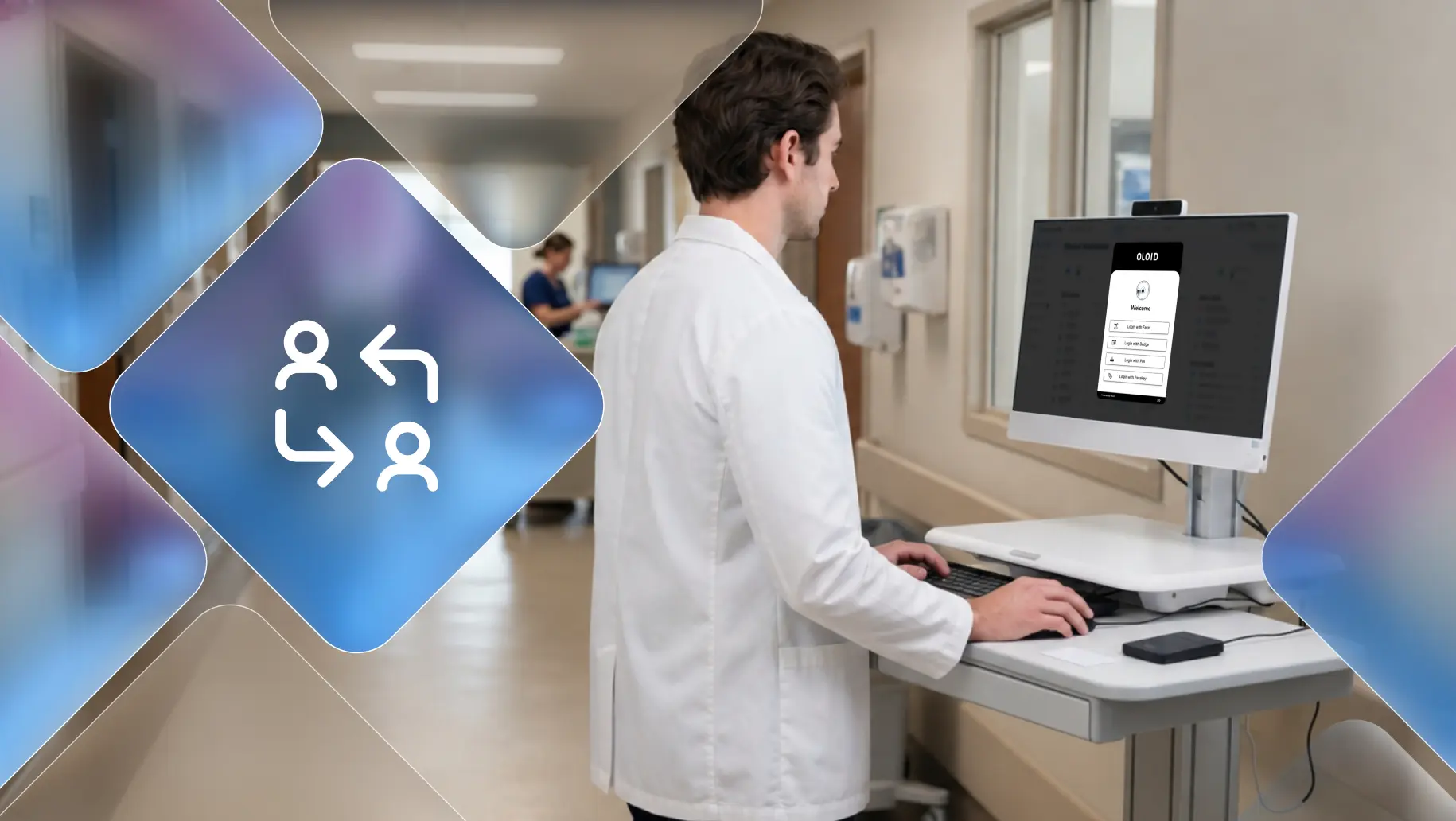
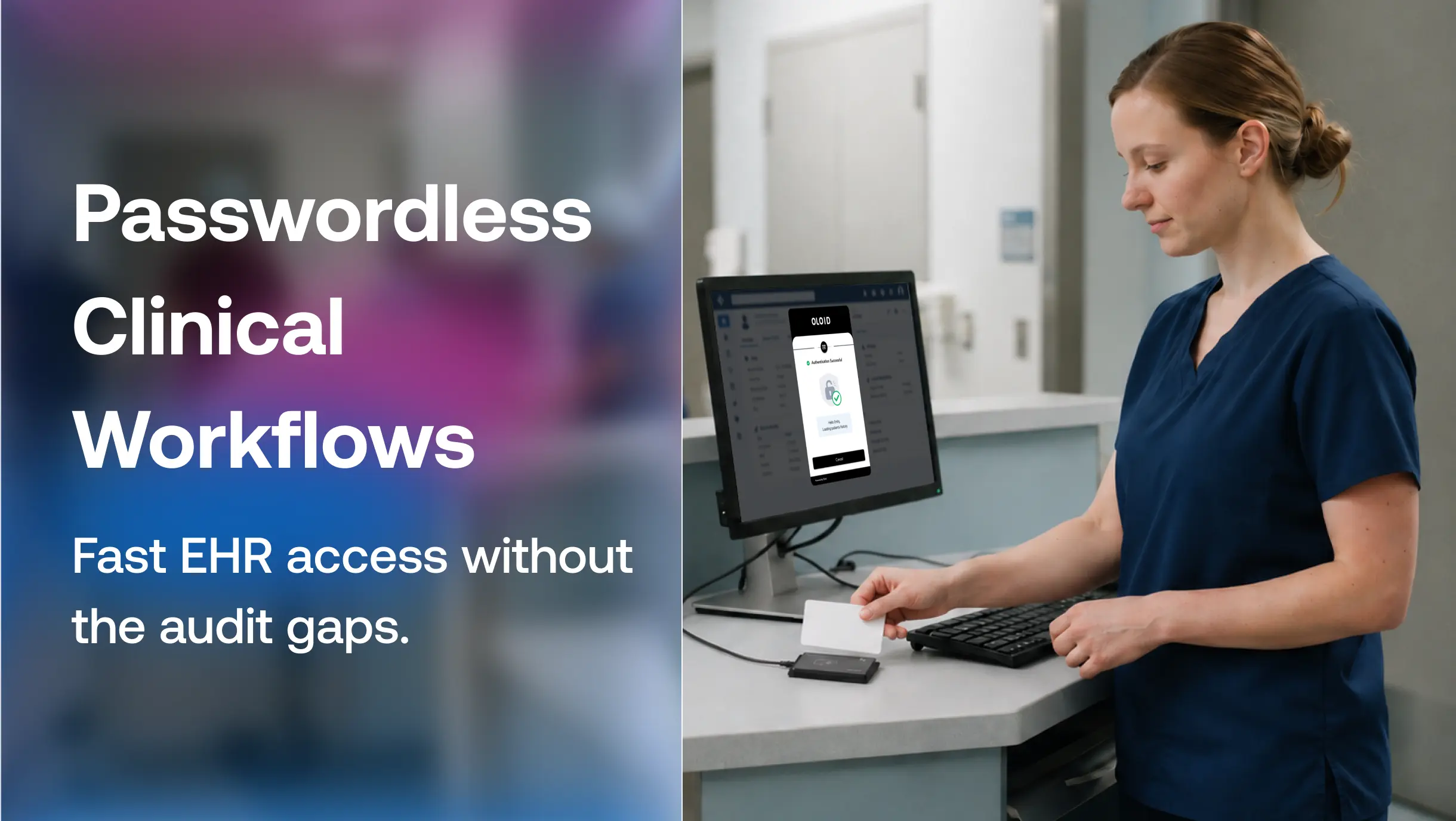
The deployment-ready options for frontline and shared-device contexts are badge tap and face authentication on shared terminals: phishing-resistant, individually attributed, and compatible with existing Entra ID environments without per-device enrollment. OLOID is built specifically for this architecture, enabling frontline workers to authenticate with their badge or biometric on a shared terminal while maintaining individual session attribution in Entra ID.
If your tenant has frontline workers or shared-device environments, audit those user populations separately from your standard desk-worker migration plan. They need a different credential strategy, and they need it before February 1, 2027.
The single most important deadline fact
Users who reach February 1, 2027 with SMS or voice as their only registered MFA method hit a blocking passkey-registration prompt. They cannot defer it or skip it. They cannot complete sign-in until they register a passkey.
This is not a soft nudge. It does not have an "ask me later" button. If you have a meaningful number of users in this state on February 1, 2027, your help desk volume on February 2 will tell you exactly how many.
The opt-out covering the September 1 window does not extend to February. Tenants that used the opt-out to delay the auto-enablement still face the February enforcement. The only difference is they will have done less to prepare their user population for it.
For operations teams running Entra ID with any frontline or shared-device workforce, the September-to-February window is the time you have to solve a problem standard passkey rollouts were not designed for.
Passkey enrollment assumes a user has a personal device, installs an authenticator app, and completes registration on their own. That works for desk workers. It does not work for a warehouse associate sharing a scan gun across three shifts, a nurse rotating between terminals on a floor, or a line operator clocking in on a shared kiosk with no personal device enrolled in MDM.
OLOID is built for exactly this gap. It works alongside Microsoft Entra ID as a complementary 2FA layer, using Entra for the MFA policy framework while handling phishing-resistant authentication on the shared terminals and frontline endpoints where passkey enrollment cannot reach. Instead of asking a frontline worker to register a passkey on a device they do not own, OLOID authenticates them through:
- Badge tap: Workers tap their existing ID badge to verify identity at a shared terminal, no personal device required
- Biometrics: Face authentication tied to an individual, not a device, so every session is attributed to a specific person even on shared hardware
- PIN plus badge: A layered option for environments that require a second factor beyond physical credential
Each method is phishing-resistant and individually attributed, which means audit trails hold up under HIPAA, PCI DSS, and OSHA recordkeeping requirements. No shared PINs, no suppressed MFA, no compliance gaps.
What happens if you don't migrate in time
February 1, 2027 is a hard deadline with no exceptions. Here is what the operational sequence looks like for any tenant that does not complete migration:
For users:
- Anyone whose only MFA method is SMS or voice hits a blocking passkey-registration screen at sign-in
- They cannot proceed until they register a passkey
- If they cannot complete enrollment on their own, they need help desk intervention before they can access their account
For frontline and shared-device environments, the risk is higher:
- These users may require a different deployment approach because they authenticate on shared devices or do not have individually assigned devices.
- A warehouse associate, nurse, or line operator locked out of a shared terminal cannot wait through a multi-day access recovery while operations are running
- Help desk queues in these environments will be longer and the fixes more complex
The administrative path to avoid this:
- Audit your tenant now and identify every user enabled only for SMS or voice
- Build a migration plan that treats desk workers and frontline environments as separate tracks
- Complete enrollment before September 1, when Microsoft's auto-enablement runs on its own
The February 1 date applies to every tenant. The help desk emergency on February 2 is optional.
FAQs
1. What is a passkey in Microsoft Entra ID?
A passkey (FIDO2) is a phishing-resistant credential that authenticates a user without a phone number, texted code, or voice call. In Microsoft Entra ID, passkeys are becoming the default authentication method, replacing Microsoft-provided SMS and voice MFA starting September 1, 2026. See how passkeys compare to traditional passwords if you're new to the concept.
2. What is multi-factor authentication (MFA) and what is changing?
MFA requires a user to verify their identity through more than one method. In the Entra ID migration, the delivery methods are shifting: SMS and voice are being retired in favor of passkeys (FIDO2). The shift begins September 1, 2026, and is fully enforced February 1, 2027.
3. Why is Microsoft making passkeys the default sign-in experience?
SMS and voice OTP are vulnerable to SIM swapping, AiTM proxies, and social engineering. Microsoft's own data shows that phishing-resistant MFA blocks over 99% of identity-based attacks. Passkeys use cryptographic keys that never leave the device, removing the shared-secret attack surface that SMS exploits.
4. Why does migrating before the deadline matter?
Users who still rely solely on SMS or voice after February 1, 2027 face a blocking passkey-registration prompt at sign-in with no opt-out. This is not deferrable. A large unmitigated population on that date translates directly into help desk load and potential access disruption. Migrating ahead of the deadline is the difference between a planned rollout and an incident.
5. What types of passkeys does Microsoft Entra ID support?
Microsoft Entra ID supports two types: synced passkeys and device-bound passkeys. Synced passkeys are stored in a platform credential manager such as iCloud Keychain or Google Password Manager and roam across a user's devices. Device-bound passkeys are tied to a single device or hardware key, such as Windows Hello for Business, Microsoft Authenticator, or a FIDO2 security key, and do not roam. When configuring your Passkey (FIDO2) policy, you choose which types to permit. If enforce attestation is disabled, both types are allowed.
6. What authentication options are available for frontline workers who cannot enroll passkeys on a shared device?
Badge-based and biometric authentication can provide a practical way for frontline workers to authenticate individually on shared terminals. Organizations should evaluate each option based on their security requirements, device environment, user experience, and existing identity architecture.
7. What must organizations that still need SMS or voice after retirement have in place?
Organizations that still require SMS or voice after February 1, 2027 must configure a customer-managed telecom provider through the Microsoft Security Store. Microsoft is publishing the provider details on September 18, 2026. Costs vary by provider and region.
8. How do I find out who is still using SMS or voice in my tenant?
Run Microsoft's PowerShell audit script, which lists every user whose MFA still depends on SMS or voice. The required roles are Global Reader, Authentication Policy Administrator, or Security Reader. This audit is the starting point for scoping your migration.
9. What is the fastest path to enabling passkeys for my organization?
In the Microsoft Entra admin center, go to Protection > Authentication methods > Policies > Passkey (FIDO2), enable the policy, target it to the right groups, and choose whether to allow synced passkeys, device-bound passkeys, or both. Pair this with a registration campaign to prompt users to enroll before the September 1, 2026 default shift. The registration campaign is the fastest lever you have: it meets users at sign-in without requiring a separate onboarding process.
10. What is the fastest path to phishing-resistant MFA for frontline and shared-device workers?
For frontline workers on shared devices, the fastest path is badge tap or biometric authentication through a solution built for shared-device environments. Standard passkey enrollment requires a personal device and individual registration; neither is practical at scale for shift-based teams. Badge tap authentication uses existing ID credentials workers already carry, requires no per-device enrollment, and integrates with Microsoft Entra ID without disrupting your existing MFA policy. OLOID deploys this alongside Entra ID so frontline workers are covered under the same phishing-resistant authentication standard as desk workers, without forcing an enrollment flow that does not fit their work environment.
11. How do I drive passkey adoption after enabling the policy?
Launch a registration campaign as soon as the Passkey (FIDO2) policy is enabled. This prompts users to enroll at their next MFA sign-in and is the most effective way to move a large user population without adding help desk load. Stage the transition using Conditional Access phased rollout with exclusion groups so cohorts migrate at a controlled pace rather than all at once. Send user communications before the campaign runs so people know what a passkey is, what the prompt will look like, and how to complete registration. For users who miss the initial campaign window, re-targeting is available through the same registration campaign settings.
12. How do I confirm my existing FIDO2 configuration survives the migration?
Existing Passkey (FIDO2) configurations are automatically moved into a Default passkey profile under the new authentication methods architecture. No manual migration is required. Whether both synced and device-bound passkeys are permitted in the new profile depends on your current attestation setting: if enforce attestation is disabled, both types are allowed. Review your attestation setting before September 1, 2026 to confirm the migrated Default profile matches your security requirements. After the migration runs, check Protection > Authentication methods > Policies > Passkey (FIDO2) in the Entra admin center to verify the profile reflects your intended configuration.
13. Can OLOID replace passkeys for frontline workers under the Microsoft Entra MFA mandate?
Microsoft Entra ID manages the MFA policy framework across your tenant. OLOID sits alongside it as the authentication layer for shared terminals and frontline endpoints where passkey enrollment cannot reach. Workers authenticate via badge tap or biometrics at a shared terminal, OLOID verifies the identity and attributes the session to that individual, and the authentication signal passes back to Entra ID, satisfying the MFA requirement. Desk workers use passkeys natively through Entra. Frontline workers use OLOID. Both meet the same phishing-resistant standard.
Get the latest updates! Subscribe now!

