




Pass-the-Hash Attacks: How They Work, Detection, and Prevention

Key Takeaways
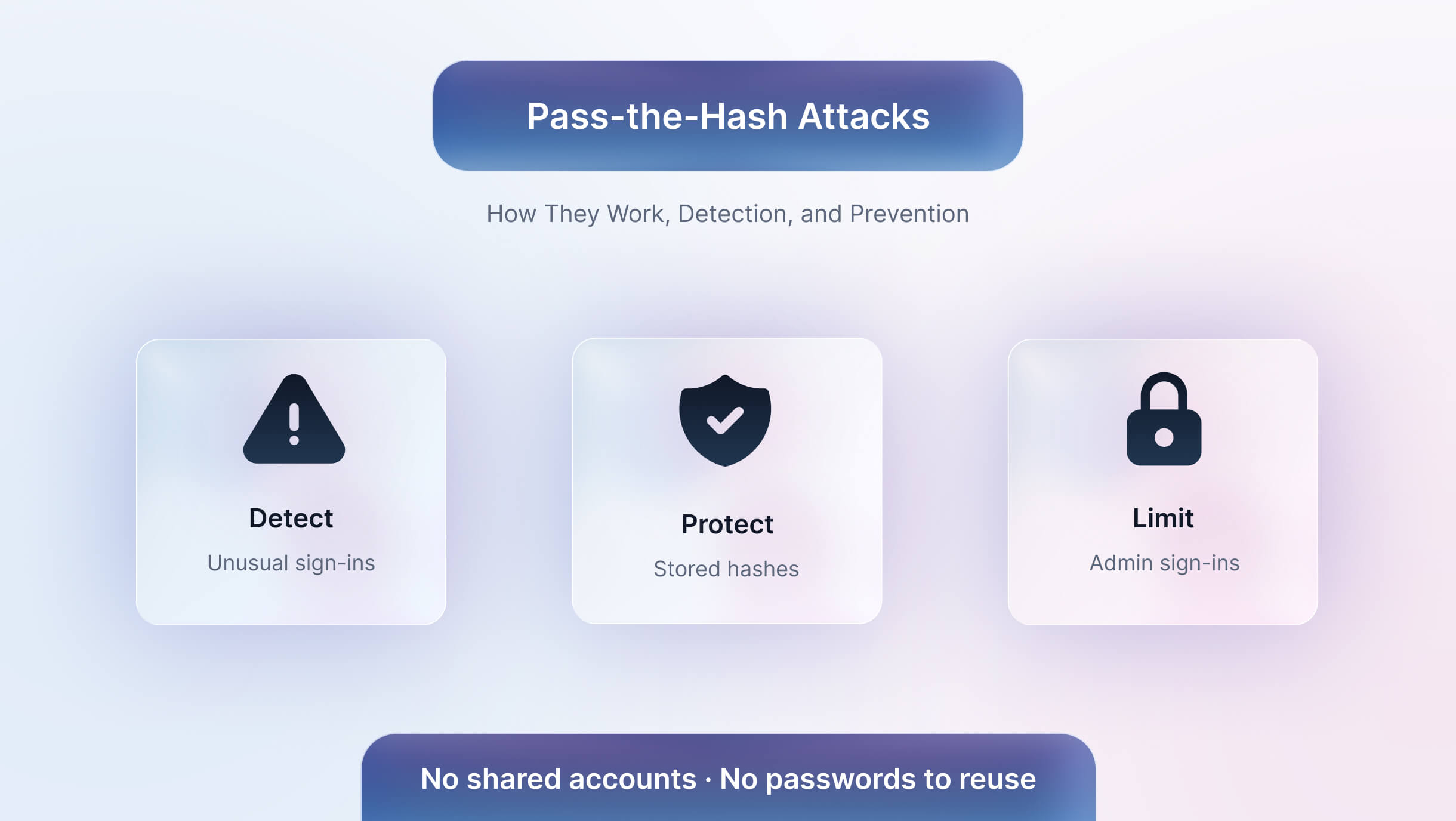
- A pass-the-hash attack reuses a stolen NTLM hash to sign in as a user without knowing the password.
- Hashes are harvested from LSASS memory, the SAM database and NTDS.dit, usually after the attacker gains local admin rights.
- Detection focuses on NTLM network logons, logon type 9 events, LSASS access and workstation-to-workstation SMB traffic.
- Credential Guard, LSA protection, Windows LAPS, Protected Users and tiered admin accounts are the core defenses.
- MFA does not block hash replay on NTLM, but it reduces the initial access that pass-the-hash depends on.
- Shared workstations concentrate hashes from many users, so shared logins widen the blast radius.
Most attackers do not need your password to sign in as you. On Windows networks, the hashed version of that password is often enough, and it sits in memory on almost every machine a user has signed in to. That shortcut shows up in real attacks. The Hive ransomware group hit more than 1,300 companies and collected about $100 million in ransom payments by November 2022, according to a joint FBI, CISA and HHS advisory that flagged healthcare as a key target. In one Hive intrusion investigated by Varonis, attackers stole a domain administrator’s NTLM hash and used pass-the-hash to take over the account without ever cracking the password. Microsoft has since outlined a phased plan to disable network NTLM by default in future Windows releases, but most enterprise environments still rely on it today.
This guide explains how pass-the-hash attacks work, how to spot them in your logs, and which controls stop them.
What is a Pass-the-Hash Attack?
A pass-the-hash attack is a credential theft technique where an attacker steals a password hash from one machine and uses it to authenticate to other systems as that user, without knowing or cracking the plaintext password. It is tracked as MITRE ATT&CK technique T1550.002 and is used mainly for lateral movement inside Windows networks.
What Is an NTLM Password Hash?
When you set a Windows password, the system does not store the password. It runs it through the MD4 algorithm and stores the result, called the NT hash. Older systems also kept a weaker LM hash, which modern Windows versions disable by default.
The problem lies in how NTLM uses that hash during sign-in. The server sends the client a random challenge, and the client encrypts that challenge with the NT hash to prove who it is. The password itself never enters the exchange, only the hash. So anyone holding the hash can answer the challenge correctly, and the server cannot tell the difference between the real user and an attacker.
Two design choices make this worse:
- No salt: The same password produces the same NT hash on every machine and account. If a local admin password is reused across 500 workstations, one stolen hash works on all of them.
- No expiry: The hash stays valid until the password changes, which for service accounts and admin accounts can mean months or years.
NTLMv2 improves the challenge-response authentication process and makes certain attacks against captured authentication exchanges more difficult. However, it does not eliminate pass-the-hash risk. The NT hash remains a credential-derived secret that can be used in NTLM authentication.
This is why organizations need to protect credential material, limit privileged account exposure, and reduce NTLM dependencies rather than relying on NTLMv2 alone.
Where Windows Stores Password Hashes
Windows systems maintain credential material in different locations depending on the account type, authentication method, and system role.
Attackers who gain sufficient privileges may attempt to access:
LSASS process memory: May contain credential material associated with active or recent logon sessions, depending on the authentication configuration and Windows protections.
SAM database: Stores local account information, including password hashes for local accounts.
NTDS.dit: The Active Directory database on domain controllers, containing directory information and password-related data for domain accounts.
Credential Manager: Stores credentials saved for certain applications and network resources. These are not necessarily NTLM password hashes.
Protecting these locations and restricting privileged access can reduce the likelihood that an attacker will obtain credentials for lateral movement.
Pass-the-Hash vs Pass-the-Ticket
How a Pass-the-Hash Attack Works, Step by Step
- Initial access: The attacker gets a foothold through phishing, malware or an unpatched server.
- Privilege escalation on the host: Dumping hashes usually requires local administrator or SYSTEM rights, so the attacker escalates on the first machine.
- Hash harvesting: Tools such as Mimikatz read hashes from LSASS memory or the SAM database.
- Hash replay: The attacker presents the stolen hash to other systems over SMB, RPC or WMI. The target accepts it as proof of identity.
- Lateral movement: The attacker uses the stolen hash to log in to other machines, and on each new machine harvests more hashes in search of a privileged account. This lateral movement continues until they reach one.
- Domain compromise: Once a domain admin hash appears, the attacker can reach domain controllers, pull every hash from NTDS.dit, and deploy ransomware or exfiltrate data.
Why Pass-the-Hash Attacks Still Work in Windows Environments
- NTLM is still enabled. Microsoft deprecated NTLM in 2024, but applications, printers and legacy systems keep it in use across most networks.
- Hashes do not expire on their own. A stolen hash works until the password changes, and service and admin account passwords often go unchanged for months.
- Local admin passwords are reused. When a fleet of workstations shares one local administrator password, one hash unlocks every machine built from the same image.
- Admins sign in to compromised machines. When IT staff use privileged accounts to troubleshoot an ordinary workstation, they leave privileged credentials on a machine an attacker may already control.
How to Detect Pass-the-Hash Attacks
No single Windows event confirms a pass-the-hash attack. The events and signals below can help identify suspicious authentication behavior, but they should be evaluated alongside account privileges, source and destination systems, authentication patterns, and endpoint telemetry.
A strong detection strategy correlates authentication activity with evidence of credential access, unusual lateral movement, or unexpected privileged account usage.
Pass-the-hash uses valid credentials, so detection depends on spotting authentication that does not fit normal patterns. Watch for:
- Event ID 4624 with logon type 3 and NTLM authentication, especially from workstations that rarely connect to each other
- Event ID 4624 with logon type 9 (NewCredentials), which may be relevant when investigating suspicious use of alternate credentials. This event alone does not establish that pass-the-hash occurred.
- Event ID 4648, which records logons using explicit credentials
- Event ID 4672, which flags sessions granted special privileges, especially at unusual times or hosts
- Sysmon Event ID 10 targeting lsass.exe, which shows a process trying to read LSASS memory
- Workstation-to-workstation SMB traffic, which normal users rarely generate
Honeytoken accounts help too. A fake admin credential planted in memory should never be used, so any authentication attempt with it is a strong sign of credential harvesting.
How to Prevent Pass-the-Hash Attacks
- Turn on Credential Guard: Windows Defender Credential Guard isolates NTLM hashes and Kerberos tickets using virtualization-based security, so tools cannot read them from LSASS.
- Enable LSA protection: Running LSASS as a protected process blocks unsigned code from accessing its memory.
- Use unique local admin passwords: Windows LAPS sets a random, rotated password for each device, so one stolen local hash stays on one machine.
- Add privileged users to the Protected Users group: Members of this group cannot authenticate with NTLM, and their credentials are not cached in a reusable form.
- Separate admin tiers: Domain admins should only sign in to domain controllers and dedicated admin workstations, never to user devices or servers.
- Audit, then restrict NTLM: Use NTLM auditing to find what still depends on it, move those systems to Kerberos, and block NTLM where nothing breaks.
- Remove standing privileges: Privileged access management with just-in-time elevation shrinks the number of admin hashes sitting on machines at any moment.
Does MFA Stop Pass-the-Hash Attacks?
Not directly. MFA protects sign-in flows that ask for it, such as cloud apps, VPNs and web portals. NTLM network authentication does not trigger an MFA prompt, so a stolen hash can still be replayed against file shares and servers inside the network.
MFA and passwordless sign-in still reduce pass-the-hash risk at an earlier stage. They make phishing and credential stuffing, the most common ways attackers get their first foothold, much harder. They also remove the reused and shared passwords that let one hash work in many places. The hash itself is a separate problem, which is why passwordless sign-in works best alongside Credential Guard, LAPS and NTLM restrictions.
Pass-the-Hash Risk on Shared Workstations and Frontline Devices
Shared devices introduce additional identity and access management challenges. A nurse station, pharmacy terminal, or warehouse PC may be used by dozens of workers across multiple shifts, while IT administrators may also access the device for troubleshooting.
When users authenticate to shared devices, the way sessions are managed and credentials are protected becomes especially important. A compromised device may expose credential material or provide an attacker with opportunities to access other systems, particularly when privileged accounts are used on the same endpoint.
Generic and shared accounts create a separate risk. When multiple workers use the same account, their activity becomes difficult to attribute to individual users. If that account's credentials are compromised, the attacker may be able to access other systems that accept the same credentials.
For organizations operating shared frontline devices, protecting credential material and ensuring individual user authentication are both important parts of reducing risk.
How OLOID Reduces Pass-the-Hash Exposure on Shared Devices
Pass-the-hash works because Windows accepts a hash as proof of identity and leaves that hash on the machines people use. The core defenses stay the same: protect LSASS, stop reusing local admin passwords, keep privileged accounts off ordinary devices, and phase out NTLM. Shared and frontline devices need one more layer. A single generic login used by dozens of workers turns each stolen hash into access across the whole fleet.
OLOID closes that gap by replacing shared passwords with passwordless sign-in tied to each person. Workers sign in to shared workstations, kiosks, and terminals with a badge tap, face authentication, or a FIDO2 credential, and OLOID connects that sign-in to your existing identity provider. Here’s how that changes the attack:
- No shared accounts to harvest. Each worker signs in as themselves, so a hash taken from one machine no longer opens a login that the whole floor uses.
- No passwords to reuse. Workers never create or type a password, so one compromised credential can’t be replayed across other systems.
- Shorter credential lifetime. Fast sign-out on tap means fewer idle sessions are left on shared machines, which leaves less credential material in memory for attackers to pull.
- Clear attribution. Every session maps to a verified person, so lateral movement shows up as one specific account behaving oddly, not as noise inside a generic login.
With OLOID, shared devices stop being the easiest place for an attacker to start moving laterally. Book a Demo
FAQs
1. Does MFA stop pass-the-hash attacks?
Not on its own. NTLM network authentication does not trigger MFA, so a stolen hash can still be replayed inside the network. MFA helps by making the initial compromise harder.
2. Can pass-the-hash work without admin rights?
Dumping hashes from LSASS or the SAM database usually requires local administrator or SYSTEM privileges. That is why removing local admin rights from everyday users is one of the most effective defenses.
3. Does pass-the-hash work against Kerberos?
Classic pass-the-hash primarily targets NTLM authentication. Related techniques can use NT hashes to obtain Kerberos tickets, while pass-the-ticket involves the theft and reuse of Kerberos tickets. Protecting credential material remains important in environments that use both authentication protocols.
4. What tools do attackers use for pass-the-hash?
Attackers may use credential theft and lateral movement tools such as Mimikatz, Impacket, and Cobalt Strike, as well as built-in Windows administration utilities. Defenders should focus on detecting suspicious credential access, authentication activity, and lateral movement rather than relying only on identifying specific tools.
5. How do you know if you have been hit by a pass-the-hash attack?
Look for NTLM network logons between workstations, logon type 9 events, unexpected access to LSASS, and privileged accounts signing in from devices they do not normally use.
Get the latest updates! Subscribe now!

