




Mobile Authentication Explained: Methods, Benefits, and Secure Login Best Practices
Mobile authentication uses smartphones as primary verification devices, replacing traditional password-based login systems. Organizations deploy biometrics, passkeys, push notifications, and device-bound credentials for secure access. This blog explains how mobile authentication works, compares security methods, and provides implementation strategies. Learn the best practices, use case recommendations, and security considerations for deploying mobile-first authentication across enterprise environments.

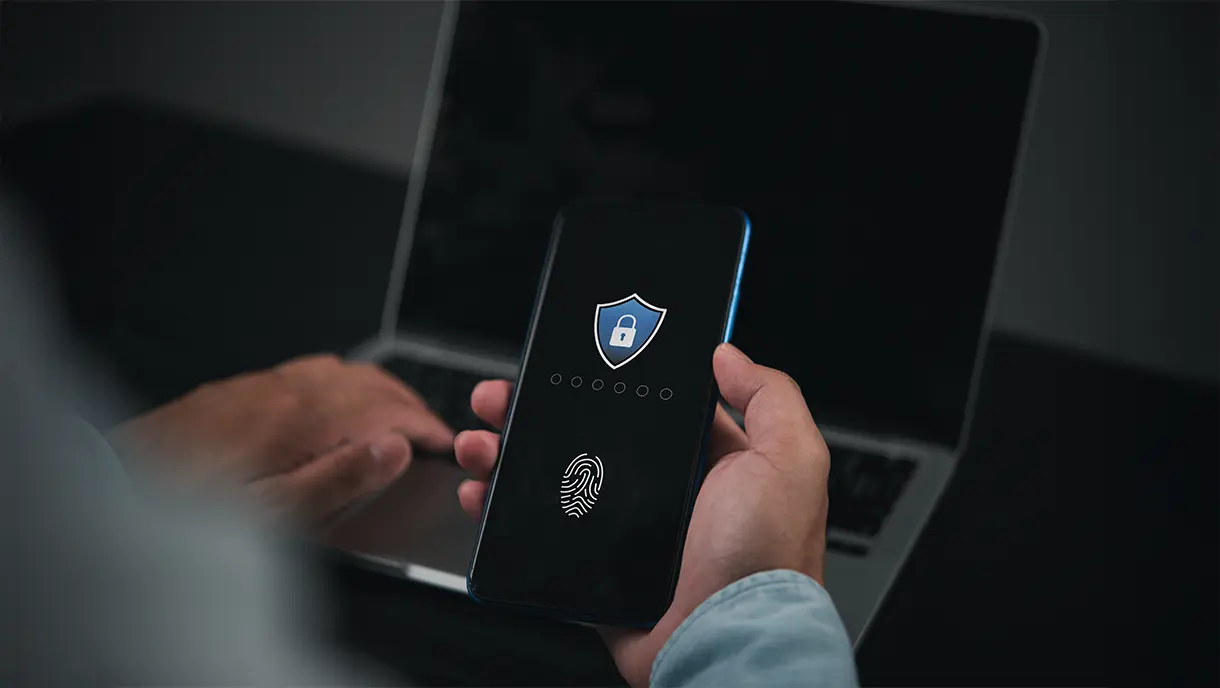
In today’s mobile-first world, securing user access to apps has become more critical than ever. Mobile authentication, the process of verifying a user’s identity on their device, plays a central role in protecting sensitive data, preventing fraud, and ensuring regulatory compliance.
From traditional passwords to advanced passwordless methods and biometric verification, mobile authentication is evolving rapidly to balance security with a seamless user experience.
Whether you’re a business owner looking to safeguard your app, a developer implementing secure login flows, or simply curious about modern mobile security, understanding mobile authentication is essential. In this guide, we’ll explore its types, benefits, challenges, and emerging trends to help you make informed decisions for safer and smarter mobile access.
What Is Mobile Authentication?
Mobile authentication is the process of verifying a user's identity when they access a mobile device or mobile application. It ensures that only authorized individuals can use an app, access sensitive data, or perform transactions, protecting both the user and the business from security threats.
At its core, mobile authentication is a device-based method that verifies a user's identity before granting access. This can be done through various methods, including passwords, one-time passcodes (OTPs), biometrics, and passwordless solutions. The goal is to provide a seamless login experience while minimizing the risk of unauthorized access.
Modern mobile authentication is essential in a mobile-first world where apps handle sensitive information such as banking details, personal health records, or corporate data. Without robust authentication, apps are vulnerable to fraud, account takeover, and regulatory non-compliance.
Key Advantages of Mobile Authentication
Mobile authentication delivers measurable security and usability improvements over traditional credential-based approaches. These advantages drive widespread adoption across consumer and enterprise scenarios.
1. Stronger Security Through Device-Bound Credentials
Mobile devices store cryptographic keys in tamper-resistant secure enclaves and hardware security modules. Authentication credentials cannot be extracted even if devices become compromised. Device binding ensures that stolen credentials are useless without physical possession of the device. This architecture provides fundamental security advantages over password-based systems.
2. Passwordless & Frictionless User Experience
Users authenticate via quick biometric scans or simple device interactions, eliminating the need to type passwords. Authentication completes in under 1 second, significantly improving productivity. Passwordless experiences reduce cognitive load and frustration. Organizations see higher user satisfaction and lower support costs.
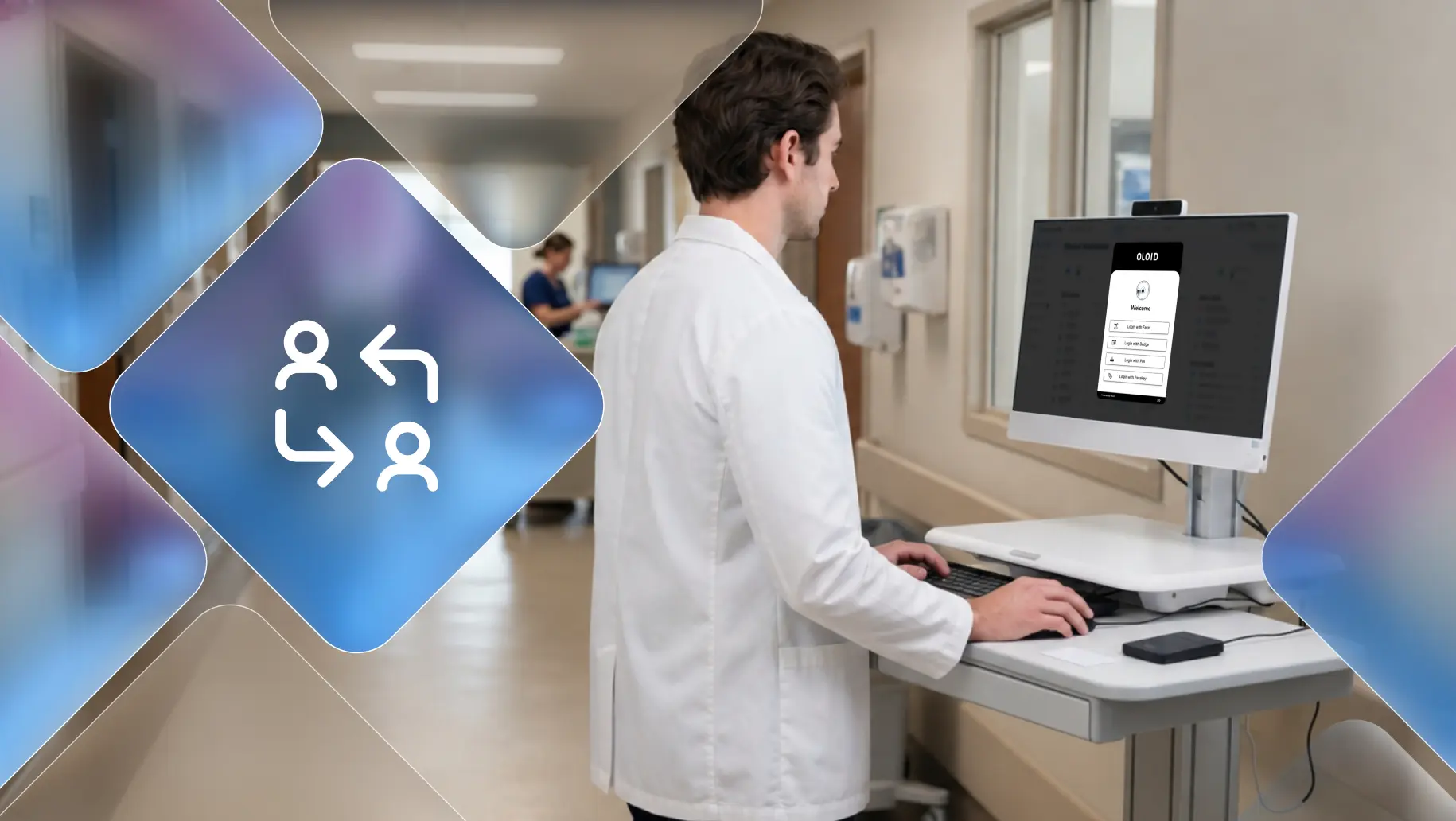
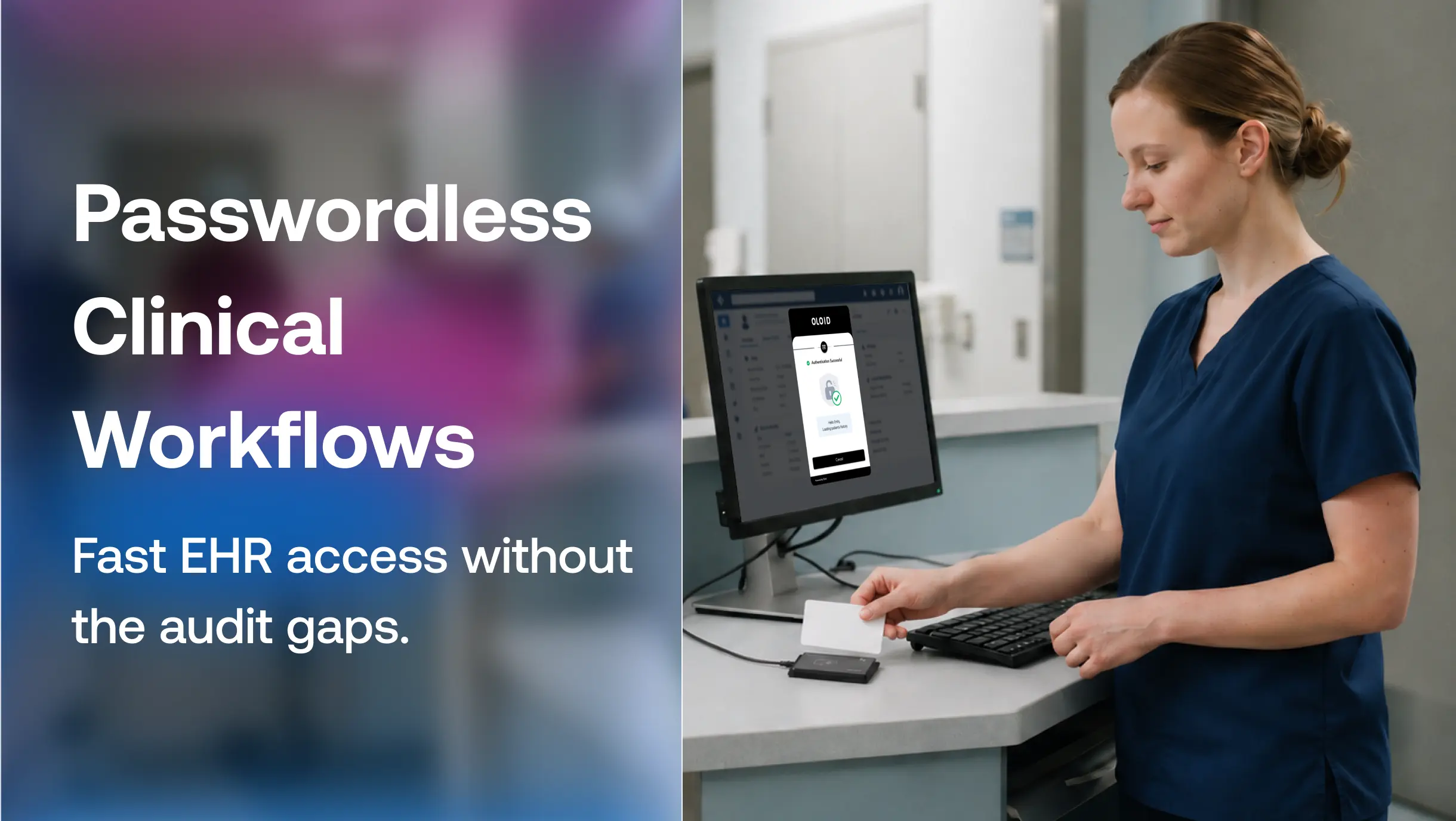
Frontline industries like healthcare, pharmaceuticals, and retail use a frontline passwordless authentication platform to authenticate their workers with zero friction. Such platforms support mobile-based logins to ensure convenience and security.
3. Lower Risk of Credential Theft & Phishing
Mobile authentication is resistant to phishing because credentials never transmit across networks. Biometric data is processed locally without leaving devices. Cryptographic challenges prove device possession without revealing secrets. These protections eliminate major attack vectors affecting password-based authentication.
4. Always-Available Authentication Device
Users carry smartphones constantly, enabling authentication anytime, anywhere. Mobile devices remain accessible even when computers are unavailable. Consistent availability enables authentication in diverse scenarios. Organizations support flexible work arrangements without compromising security.
5. Multi-Channel Support (NFC, QR, Push, Biometrics, Passkeys)
Mobile devices support numerous authentication methods matching different use cases and preferences. Biometrics provide instant verification for personal devices. NFC and QR codes enable shared terminal authentication. Push notifications offer secure approval workflows. Organizations deploy appropriate methods for each scenario.
6. Easy Integration for Both Digital & Physical Access
Mobile authentication works seamlessly for application login and physical facility access. Unified credentials eliminate the need for separate badge systems and passwords. Users experience consistent authentication across digital and physical boundaries. This integration simplifies credential management while improving security.
Strong mobile authentication enhances security, protects user data, and ensures a seamless app experience. To achieve these benefits, it’s important to understand the common authentication methods used on mobile devices, each offering different levels of security and convenience.
[[cta]]
Common Authentication Methods on Mobile Devices
Organizations deploy diverse mobile authentication methods matching security requirements and user preferences. Understanding these approaches helps select appropriate technologies for specific use cases.
1. Biometric Authentication (Face ID, Fingerprint, Iris)
Biometric authentication uses unique physical characteristics that users cannot forget or easily share. Modern smartphones include fingerprint sensors, facial recognition cameras, and iris scanners. Authentication happens instantly through natural user actions. Liveness detection prevents spoofing attempts using photos or videos.
2. Passkeys / FIDO2 Authentication
Passkeys are the newest passwordless standard that uses cryptographic keys bound to specific domains. Private keys remain protected in device-secure enclaves and are never transmitted across networks. Phishing-resistant authentication prevents credential theft completely. Major platforms support passkeys, enabling widespread adoption.
3. Push-Based Authentication
Mobile apps receive authentication requests via push notifications that require simple approval. Users tap notifications confirming legitimate access attempts. Push-based authentication provides intuitive experiences familiar to smartphone users. Organizations deploy push methods for step-up verification scenarios.
4. TOTP (Authenticator Apps)
Time-based one-time password applications generate rotating codes used for secondary verification. Authenticator apps work offline without requiring network connectivity. TOTP provides stronger security than SMS codes. Organizations use authenticator apps for multi-factor authentication implementations.
5. SMS OTP
One-time text message passwords deliver verification codes to user phone numbers. SMS authentication provides universal compatibility across all mobile devices. However, SIM swapping and interception vulnerabilities limit security effectiveness. Organizations should avoid SMS for high-security scenarios.
6. Email OTP / Magic Link
Email-based verification sends codes or time-limited authentication links. Users click links to authenticate without typing credentials. Email methods work across devices and platforms. Organizations deploy email authentication for low-security customer scenarios.
7. NFC or QR Code-Based Authentication
Near-field communication enables authentication through phone taps against readers. QR codes allow users to scan displayed codes to authenticate. These methods are effective for shared-device authentication. Manufacturing and retail environments benefit from NFC and QR authentication.
Common authentication methods on mobile devices, from passwords and OTPs to biometrics and passwordless solutions, each balance security and user convenience in different ways. Understanding these methods sets the stage for exploring how mobile authentication works in practice, including the step-by-step processes that enable secure mobile access.
How Mobile Authentication Works: Complete Breakdown
Mobile authentication follows systematic processes from initial requests through token issuance. Understanding these workflows helps organizations implement adequate mobile verification.
1. User Initiates Authentication on the Mobile Device
User opens the mobile application or attempts to access a protected resource, triggering the authentication requirement. The mobile app prepares to collect verification credentials appropriate to configured authentication methods. The initial request establishes session context, including device information and user identity claims, for subsequent validation steps.
2. App Sends a Request to the Authentication Server
The mobile application transmits an authentication request to the backend identity provider, including device fingerprint and contextual signals. Secure communication protocols protect the transmission of requests, preventing interception or tampering.
The authentication server receives a request, evaluates user identity claims, and determines appropriate verification requirements based on configured policies.
3. The Selected Mobile Authentication Method is Triggered
The Authentication server responds, instructing the mobile app which verification method to present to the user. Biometric prompts appear, requesting a fingerprint or facial scan. Push notifications deliver approval requests. The selected method matches security policies and user preferences configured in identity management systems.
4. User Completes the Verification (biometric, OTP, push, passkey, etc.)
User performs the required verification action, such as scanning a fingerprint, entering a code, or approving a push notification. Mobile device secure hardware validates biometric data or cryptographic challenges. Successful verification generates an authentication response containing proof of identity. Failed attempts trigger retry logic or alternative authentication pathways.
5. Server Validates the Response
The Authentication server receives a verification response validating cryptographic signatures and authentication proofs. The server checks response freshness, preventing replay attacks with expired tokens. An additional risk assessment evaluates contextual signals such as location and device health. Validation succeeds only when all security requirements are satisfied.
6. Access Token is Issued, and the User is Logged In
The Authentication server issues access tokens or session cookies, granting the user access to protected resources. Tokens contain user identity claims and permission scopes. Mobile app stores tokens securely in the device keychain or secure storage. User receives seamless access to applications and services without additional prompts.
Mobile authentication verifies a user’s identity using various techniques and secure protocols, ensuring only authorized access to apps and data. With a clear understanding of these processes, it’s crucial to examine the key security considerations and potential risks that can impact the effectiveness of mobile authentication.
[[cta-2]]
Key Security Considerations and Risks in Mobile Authentication
Mobile authentication provides strong security, but organizations must address specific vulnerabilities. Understanding these risks enables appropriate mitigation strategies.
1. Vulnerabilities in SMS-Based Authentication (SIM Swap & Interception)
SMS authentication suffers from significant security weaknesses despite widespread use. Attackers perform SIM swap attacks, hijacking phone numbers to intercept verification codes. SS7 protocol vulnerabilities enable SMS interception without physical device access. Organizations should avoid SMS authentication for high-security applications.
2. Device Compromise Through Malware or Rooting/Jailbreaking
Malware on mobile devices can intercept authentication credentials and steal session tokens. Rooted or jailbroken devices bypass security protections, enabling the extraction of credentials. Compromised devices undermine mobile authentication security completely. Organizations must implement device health checks before allowing authentication.
3. Phishing & Social Engineering Attacks
Sophisticated phishing campaigns target mobile users through fake applications and malicious websites. Social engineering tricks users into approving fraudulent authentication requests. Push notification fatigue causes users to approve without verification. Organizations need user training addressing mobile-specific attack vectors.
4. Poor Secure Storage of Credentials or Tokens in the App
Applications storing credentials or tokens insecurely expose them to theft. Developers must use platform-provided secure storage mechanisms. iOS Keychain and Android Keystore provide hardware-backed protection. Insecure storage represents a critical vulnerability in mobile authentication implementations.
Awareness of key security considerations and potential risks helps businesses and developers strengthen mobile authentication and protect users from threats. Building on this understanding, adopting best practices for implementing mobile authentication ensures both robust security and a seamless user experience.
Best Practices for Implementing Mobile Authentication
Following proven practices ensures mobile authentication delivers security benefits without excessive friction. These guidelines address common implementation challenges.
1. Use Biometrics or Passkeys to Enable Passwordless Login
Deploy biometric authentication or passkeys as primary verification methods, eliminating reliance on passwords. Biometrics provide instant verification familiar to smartphone users. Passkeys deliver phishing-resistant security through cryptographic protocols. Passwordless approaches significantly improve both security and the user experience.
2. Store All Credentials and Tokens in Secure Enclave/Android Keystore
Always use platform-provided secure storage for sensitive authentication materials. iOS Secure Enclave and Android Keystore provide hardware-backed protection. Never store credentials or tokens in standard application storage. Secure storage protects against malware and device compromise.
3. Replace SMS OTPs with More Secure Alternatives
Eliminate SMS-based authentication for applications handling sensitive data or high-value transactions. Deploy authenticator apps, push notifications, or biometric verification instead. SMS should serve only as a last-resort fallback authentication. Security-conscious organizations phase out SMS completely.
4. Implement Device Binding for Added Protection
Bind authentication sessions to specific devices, preventing token theft across devices. Device fingerprinting creates unique identifiers for each smartphone. Certificate-based binding provides the strongest device association. Device binding ensures stolen tokens are useless without the original devices.
5. Build Strong Account Recovery and Step-Up Authentication Flows
Design secure account recovery processes for devices that are lost or compromised. Require additional verification for sensitive operations beyond initial login. Step-up authentication protects high-value transactions appropriately. Balanced recovery mechanisms maintain security while preventing account lockouts.
Implementing mobile authentication following best practices enhances security, improves user experience, and reduces the risk of unauthorized access. With these guidelines in place, it becomes easier to determine when and which mobile authentication methods are most suitable based on specific use cases.
[[cta-3]]
When to Use Mobile Authentication: Choosing Methods Based on Use Case
Different scenarios warrant specific mobile authentication approaches. Matching methods to use cases optimizes security and usability.
1. For High-Security Transactions (Healthcare, Banking, Finance)
Deploy biometric verification or FIDO2 passkeys for financial transactions and for accessing sensitive data. Require step-up authentication for high-value operations. Combine multiple factors, including device binding and behavioral analytics. Avoid SMS authentication completely in these scenarios.
2. For Fast, Frictionless Consumer Login (E-commerce, Social Apps)
Use biometric authentication or passkeys enabling instant login without passwords. Push notifications provide secure yet convenient verification. Prioritize user experience while maintaining appropriate security baselines. Reduce authentication friction to maximize conversion rates.
3. For Workforce Access and Enterprise Environments
Implement mobile authentication integrated with enterprise identity and access management systems. Deploy certificate-based authentication or managed device requirements. Use push notifications for step-up verification when accessing privileged resources. Support multiple authentication methods to accommodate diverse workforce needs.
4. For Physical Access Control and On-Site Verification
Leverage QR code or NFC authentication for shared terminal and facility access. Mobile badges replace physical cards, providing unified digital credentials. Bluetooth proximity detection enables touchless authentication. Physical and digital access merge through mobile devices.
5. For Users in Low-Connectivity or High-Risk Regions
Deploy offline-capable authentication methods, such as TOTP authenticator apps. Use SMS as a fallback only when more secure methods are unavailable. Implement additional fraud detection for high-risk geographic regions. Balance security requirements with connectivity constraints.
Strengthen Mobile Security with OLOID’s Passwordless Authentication Platform
Strong mobile authentication is critical for organizations with frontline and deskless workforces, where traditional login methods often fail. In environments where personal mobile devices are restricted, company emails are unavailable, and shared devices are common, passwords create friction, security gaps, and operational delays.
OLOID’s passwordless authentication platform is designed specifically for these real-world scenarios. Built for deskless workers across manufacturing, healthcare, pharmaceutical, and retail industries, OLOID enables secure mobile authentication without relying on passwords, emails, or personal devices. With facial authentication and one-tap login, OLOID ensures fast, secure access on shared and managed devices while eliminating credential misuse and identity risks.
See how OLOID helps organizations enable strong, passwordless mobile authentication for frontline teams. Request a demo today to explore how OLOID can secure access, simplify operations, and improve trust across your workforce.
FAQs on Mobile Device Authentication
1. Are SMS OTPs still safe for mobile authentication?
SMS one-time passwords offer minimal security and are vulnerable to numerous known issues. SIM swapping attacks enable phone number hijacking and interception of verification codes. SS7 protocol weaknesses allow SMS interception without physical device access.
Organizations should avoid SMS authentication for any high-security applications or sensitive data. Use authenticator apps, push notifications, or biometric verification instead for stronger protection.
2. What is the most secure method of mobile authentication today?
FIDO2 passkeys and biometric authentication provide the strongest mobile security currently available. Passkeys use cryptographic keys bound to specific domains, preventing phishing attacks completely.
Biometric verification ensures actual user presence through liveness detection. Combining biometrics with device binding creates multi-layered security. Organizations handling sensitive data should deploy these methods rather than SMS or password-based authentication.
3. How does NFC-based mobile authentication work?
NFC authentication uses near-field communication, enabling smartphones to exchange data with readers at close range. Users tap phones against NFC-enabled terminals, triggering authentication exchanges.
Mobile devices present cryptographic credentials to access control systems that prove user identity. The short communication range provides security against remote attacks. NFC works effectively for physical access and shared device authentication scenarios.
4. What are the benefits of using QR codes for mobile authentication?
QR code authentication provides convenient verification without specialized hardware, such as NFC readers. Users scan displayed codes with their smartphone cameras, initiating authentication.
This method works across all mobile devices without additional equipment costs. QR codes enable individual authentication on shared terminals and kiosks. Organizations deploy QR authentication where NFC infrastructure is unavailable or impractical.
5. Is mobile authentication suitable for enterprise environments?
Mobile authentication works well in enterprise environments when implemented effectively alongside device management. Organizations deploy mobile device management solutions to ensure endpoint security and compliance.
Certificate-based authentication and managed applications provide enterprise-grade security. Mobile methods support diverse workforce scenarios from office workers to frontline employees. Enterprises achieve stronger security with improved user experiences through mobile-first authentication strategies.


Get the latest updates! Subscribe now!

