



OLOID + Omnissa Workspace One Integration
Passwordless access for managed devices and applications
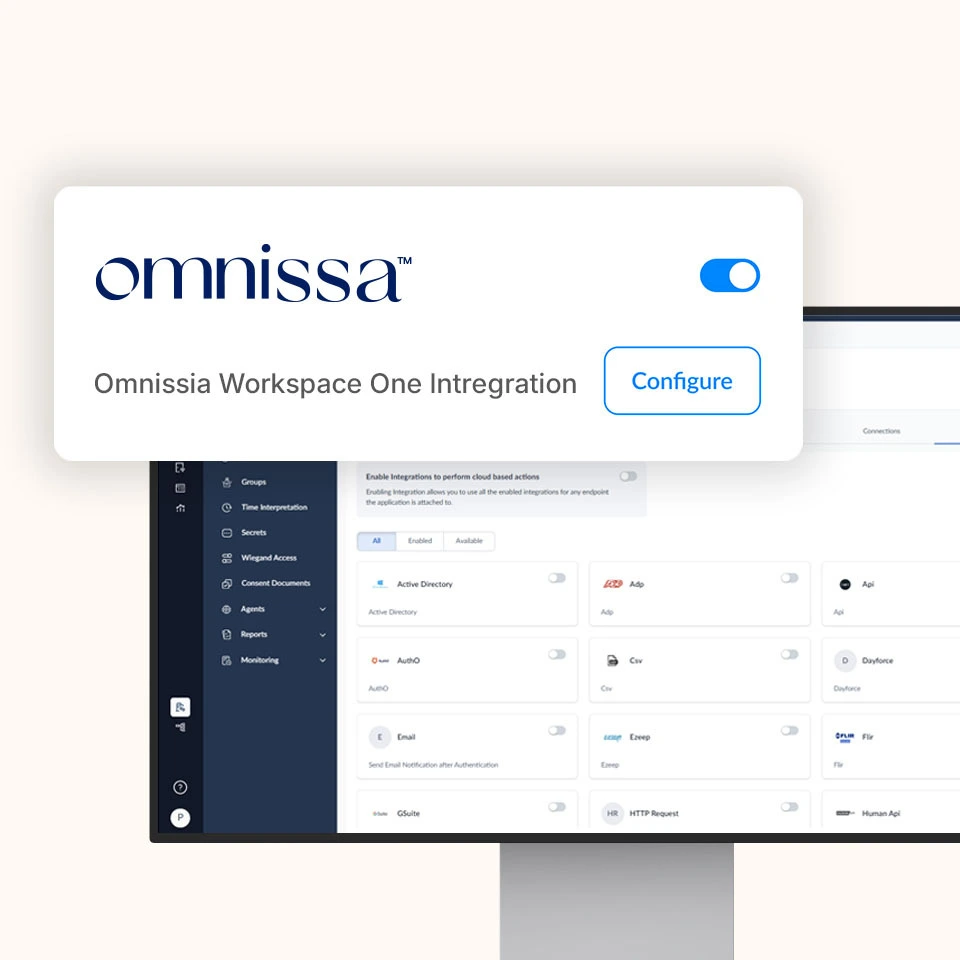
Enable secure, policy-driven access to devices and applications managed by Workspace ONE while OLOID delivers phishing-resistant authentication and session security across shared and personal endpoints.


Features & benefits


Why Integrate with OMNISSA Workspace ONE?
Unify endpoint management and workforce identity to deliver fast, secure, and consistent access across managed devices by combining Workspace ONE’s UEM platform with OLOID’s passwordless identity layer.

Endpoint Governance with Identity Assurance
Workspace ONE governs device enrollment and posture, while OLOID verifies user identity and manages secure sessions.

Credential-Free Access at the Edge
Replace passwords on Workspace ONE-managed devices with biometrics and passkeys powered by OLOID.

One Login Experience for Any Device Model
Support dedicated, shared, and frontline endpoints with the same frictionless authentication flow.

Access Decisions Driven by Context
Incorporate device posture, user role, and session behavior into adaptive access policies.

Lifecycle Automation Without Disruption
Integrate OLOID into existing Workspace ONE environments to automate provisioning and offboarding without replacing current systems.
Key Capabilities & Use Cases
How It Works (Architecture Overview)
Below is a representative flow for using OLOID + Workspace ONE together:
Device Onboarding & Governance
Devices are enrolled and managed by Workspace ONE with posture and compliance policies applied.
User Requests Access
A user attempts to sign in to a managed device or Workspace ONE-protected application.
Identity & Context Validation
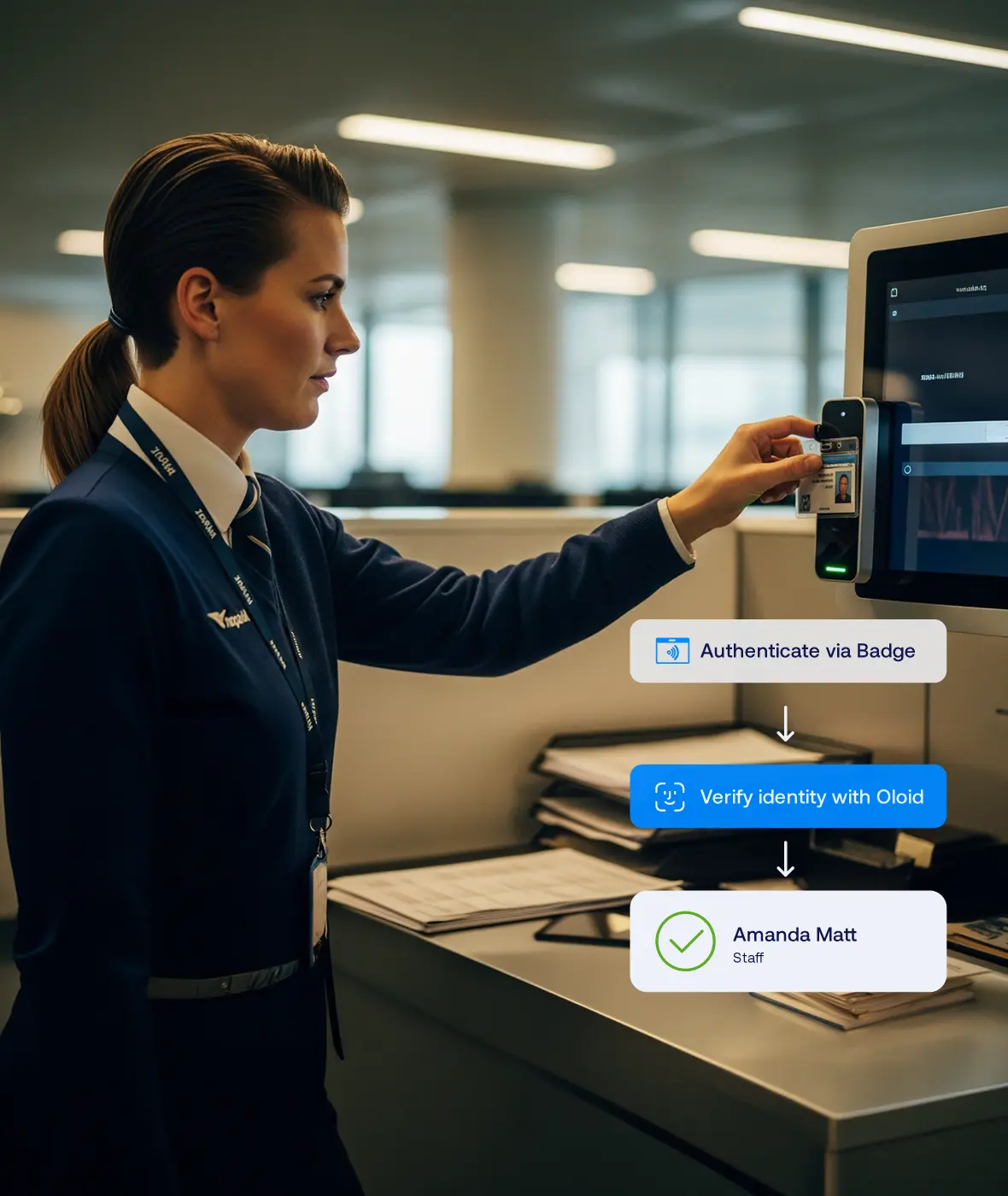
OLOID verifies the user using passwordless methods and evaluates device and session context.
Policy Enforcement
Workspace ONE and OLOID jointly apply access rules to allow or deny access.
Ongoing Session Oversight
OLOID continuously evaluates session risk and can prompt re-authentication or end the session.
Benefits You Can Quantify

Save Time

Reduce IT Burden

Stronger Security

Happier Clinicians

Compliance & Certifications


Level 2/3
Related posts





Frequently Asked Questions (FAQ)
Does OLOID replace Workspace ONE authentication?

Can OLOID work on devices not enrolled in Workspace ONE?
How is this different from OLOID + Entra ID?
Which authentication factors are supported?
Accelerate Your Journey to Passwordless Device Access
Modernize how your workforce signs in to Workspace ONE-managed devices and applications with OLOID’s privacy-first, passwordless identity platform.