



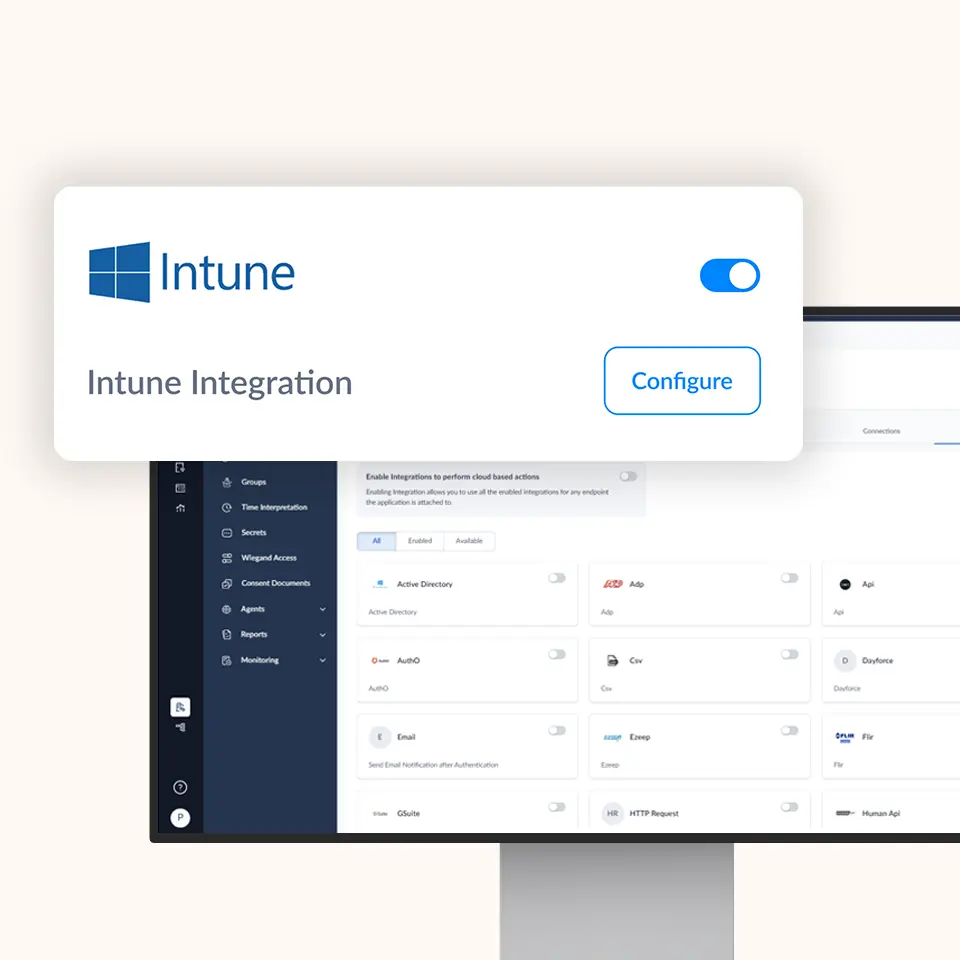
OLOID + Microsoft Intune
Seamless device management and passwordless authentication, unified across your mobile and endpoint ecosystem
Enable secure, policy-driven access and management of devices using Intune while OLOID handles strong, phishing-resistant authentication and session management across shared and personal endpoints.


Features & benefits


Why Integrate with Microsoft Intune?
Empower your organization with unified device compliance, seamless passwordless authentication, and a consistent user experience by combining Microsoft Intune’s device management with OLOID’s modern identity and session security.

Unified Device & Identity Control
Leverage Intune for device configuration, compliance, and policy enforcement, while OLOID manages identity, authentication, and session continuity.

Modern Authentication for All Devices
Use OLOID’s support for passkeys, biometrics, or NFC badges across Intune-managed endpoints.

Consistent Experience Across Shared Devices
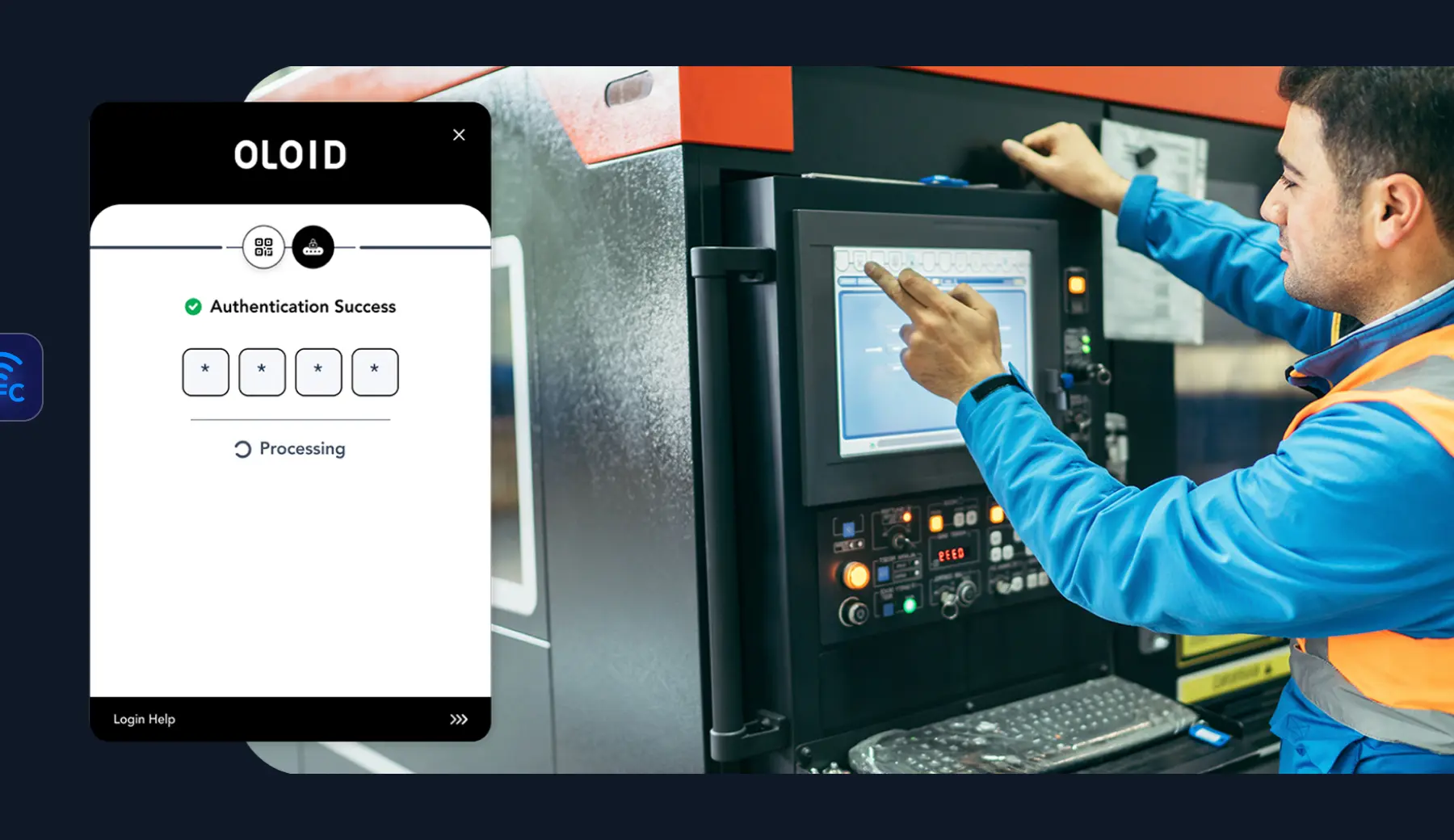
OLOID delivers secure, seamless access for employees using shared or rotating workstations, ensuring the same experience no matter who logs in.

Greater Security Posture
Combine Intune’s device compliance signals with OLOID’s continuous authentication and risk-based session policies.

Smooth Adoption & Migration
Designed to plug into your existing Intune setup; minimal disruption while adding modern authentication capabilities.
Key Capabilities & Use Cases
How It Works
Discover how OLOID and Microsoft Intune work together to validate devices, authenticate users, apply conditional access controls, and maintain real-time security throughout the user session.
Device Enrollment & Compliance
Devices are enrolled and managed under Intune. Compliance policies are applied and monitored.
User-Initiated Authentication
When a user tries to access resources or applications, authentication is routed to OLOID.
OLOID Evaluates Context & Identity
OLOID checks device signals via APIs, user ID & existing session context to enforce proper authentication.
Conditional Access / Session Enforcement
Based on Intune compliance & OLOID risk signals, conditional access policies are applied, and the user is granted or denied access.
Continuous Monitoring & Re-Auth
OLOID continuously monitors sessions and can prompt re-authentication or end access if anomalies appear.

Benefits You Can Quantify

Save Time

Reduce IT Burden

Stronger Security

Happier Clinicians

Compliance & Certifications



Level 2/3
Related posts





Frequently Asked Questions (FAQ)
Does OLOID fully replace Intune’s native authentication or MFA?

Can I use OLOID authentication even on unenrolled devices?
How is this different from the OLOID + Entra ID integration?
Are there additional licensing requirements?
Accelerate Your Journey to a Passwordless Workplace
Transform how your workforce accesses Microsoft Intune environments with OLOID’s privacy-first, passwordless identity platform.