




Why Passwords Are Obsolete and How Passwordless Works
This post explores why traditional passwords are becoming ineffective in protecting digital identities and how passwordless authentication is transforming security. It highlights the vulnerabilities and user frustrations tied to passwords while explaining modern alternatives like biometrics, security keys, and magic links. Learn how passwordless solutions enhance security, simplify access for frontline workers, and reduce IT overhead across organizations.

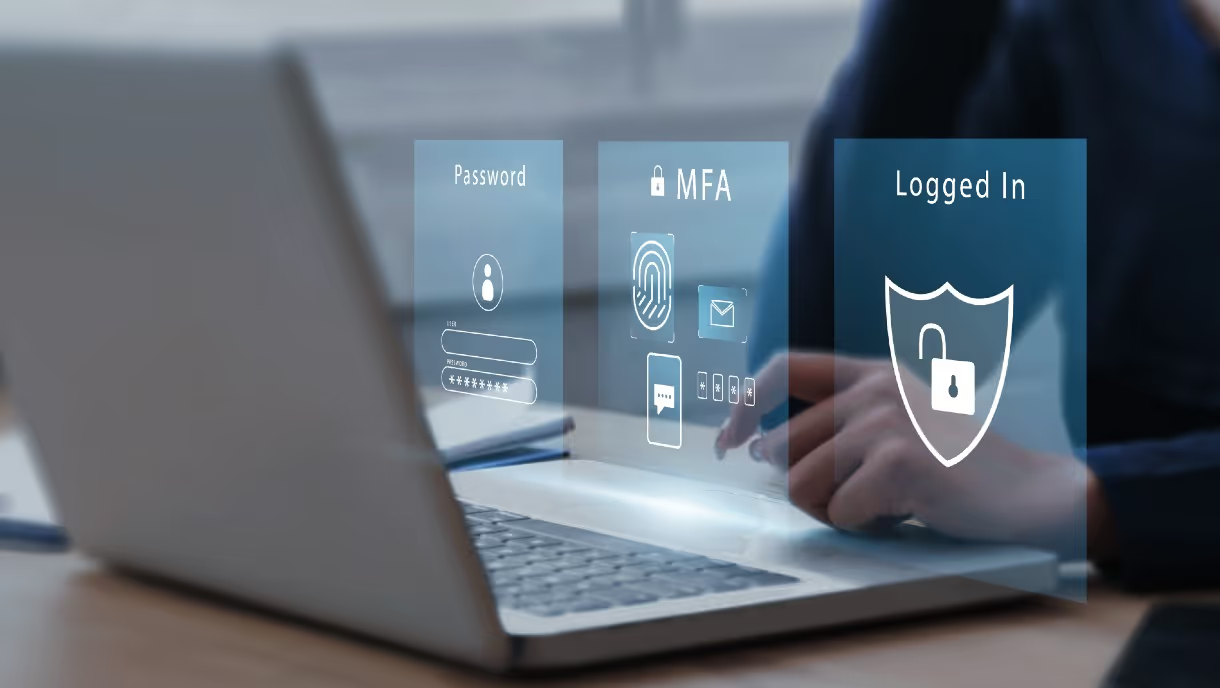
Passwords have long been the gatekeepers of our digital lives, but in an era of sophisticated cyberattacks and evolving security needs, they're proving to be unreliable guardians. This is especially true for industries with frontline workers who grapple with the challenges of shared devices and frequent password resets.
The Challenges of Password-Based Authentication
Vulnerability to Attacks:
Passwords are susceptible to various attacks, including phishing, brute force, and dictionary attacks. Hackers can easily exploit weak or reused passwords to gain unauthorized access to systems.
Password Fatigue:
The average person has to remember dozens, if not hundreds, of passwords for different accounts. This often leads to password reuse, making it easier for attackers to compromise multiple accounts with a single breach.
Complex Password Requirements:
Many organizations enforce complex password requirements, making them difficult to remember and leading users to write them down or store them in insecure locations.
Forgotten Passwords:
Forgotten passwords are a common source of frustration for users and a significant drain on IT resources, with password reset requests accounting for a large portion of helpdesk calls.
The Rise of Passwordless Authentication
Biometrics:
Facial recognition, fingerprint scanning, palm scanning and iris scanning are becoming increasingly popular for their convenience and security.
Security Keys:
These small, physical devices plug into a computer or smartphone and generate a unique code to verify the user's identity.
Magic Links:
Users receive a one-time link via email or SMS that allows them to log in without entering a password.
One-Time Passcodes (OTPs):
These codes are generated by an app or sent via SMS and are valid for a single login attempt.
Benefits of Passwordless Authentication
Passwordless authentication offers numerous benefits, particularly for frontline workers who often face unique challenges:
Enhanced Security:
Eliminating passwords removes a major vulnerability to cyberattacks, reducing the risk of data breaches and unauthorized access.
Improved User Experience:
Passwordless methods are often more convenient and user-friendly than traditional passwords, leading to increased productivity and reduced frustration.
Reduced IT Overhead:
Passwordless authentication can significantly reduce the burden on IT departments by eliminating password reset requests and streamlining the onboarding process.
Enhanced Compliance:
Passwordless solutions can help organizations meet regulatory requirements for strong authentication and data protection.
Shared Device Access:
In environments where frontline workers share devices, passwordless authentication can provide secure and seamless access for multiple users.
Passwordless Authentication for Frontline Workers: A Game-Changer
Frontline workers, such as factory workers, retail employees, healthcare professionals, and field service technicians, often rely on shared devices or have limited access to IT resources. Passwordless authentication can simplify their workflow and enhance security by eliminating the need to remember and manage complex passwords.
For example, a retail employee can quickly clock in and out using facial recognition on a shared POS terminal, without having to enter a password. A healthcare worker can securely access patient records on a shared tablet using a fingerprint scan. And a field service technician can use a magic link to access work orders on a mobile device without worrying about compromised passwords.
OLOID’s Passwordless Authentication Platform
OLOID's Passwordless Authentication platform revolutionizes the way frontline employees access workplace systems and applications. By eliminating the need for traditional passwords, OLOID enhances security while improving user experience. Employees can conveniently authenticate themselves using familiar methods like facial recognition, access cards, QR codes, NFC and Palm scanning. This not only reduces the risk of password-related breaches but also streamlines the login process, saving valuable time and resources. OLOID's platform seamlessly integrates with existing HRMS & IT systems, making it easy to adopt and deploy across various industries and use cases.
Learn more about OLOID's MFA solution!
The Future of Authentication is Passwordless
Passwordless authentication is the future of secure and user-friendly access. As technology continues to advance, we can expect to see even more innovative and convenient passwordless solutions emerge. Organizations that embrace passwordless authentication can enhance security, improve user experience, and reduce IT overhead, ultimately leading to a more productive and secure workplace.
By transitioning to passwordless authentication, we can create a safer and more efficient digital environment for everyone.
[[pdf-cta]]




Get the latest updates! Subscribe now!

