



OLOID + Microsoft Azure AD
Passwordless access for cloud-hosted applications and services
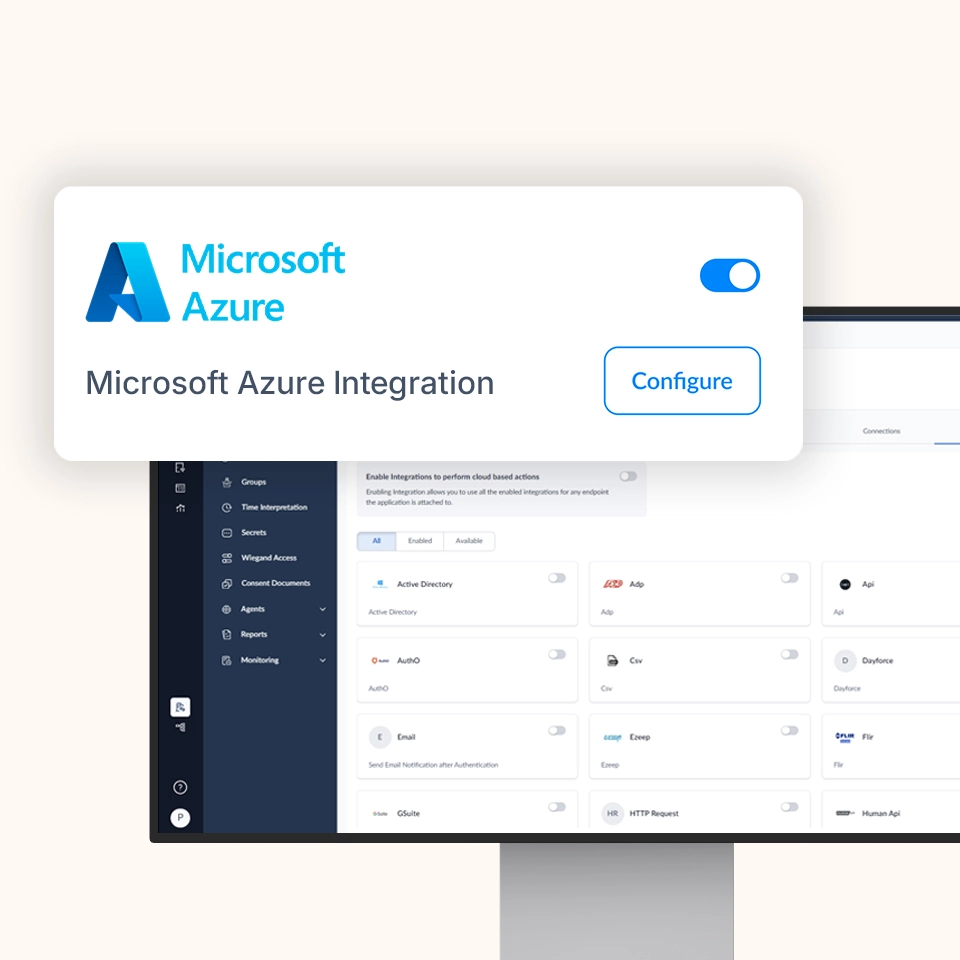
Enable secure, context-aware access to applications and workloads running in Microsoft Azure while OLOID delivers phishing-resistant authentication and continuous session protection across shared and personal endpoints.


Features & benefits


Strengthening Azure Access with Modern Authentication
Extend your Azure environment with modern authentication and session security by combining Azure’s cloud platform with OLOID’s passwordless identity layer.

Cloud Workloads with Strong Identity Assurance
Protect access to Azure-hosted applications, virtual desktops, and services using OLOID’s phishing-resistant authentication.

One Access Model for Every Workforce Type
Support desk-based, mobile, and frontline users with consistent authentication across personal and shared devices.

Security Decisions Powered by Context
Use Azure user, device, and posture signals alongside OLOID’s session intelligence to enforce adaptive access policies.

Consistent Sign-In Across Azure Resources
Deliver a uniform login experience for cloud apps, containers, and virtual environments hosted in Azure.

Fast Adoption Without Infrastructure Rebuild
Deploy OLOID on top of existing Azure deployments without redesigning identity or application architecture.
Key Capabilities & Use Cases
How It Works (Architecture Overview)
Below is a representative flow for using OLOID + Microsoft Azure together:
User Requests Access
A user attempts to open an application or service hosted in Azure.
Authentication Routed to OLOID
The authentication flow is routed through OLOID to enforce passwordless credentials and policy checks.
Identity & Context Evaluation
OLOID evaluates user identity, device posture, session context, and Azure-provided signals.
Access Enforcement
If policy conditions are met, access is granted and a secure session is established.
Ongoing Session Oversight
OLOID continuously monitors session behavior and can require re-authentication or terminate access if risk conditions arise.

Benefits You Can Quantify

Save Time

Reduce IT Burden

Stronger Security

Happier Clinicians

Compliance & Certifications


Level 2/3
Related posts





Frequently Asked Questions (FAQ)
Does OLOID replace Azure’s native authentication services?

Can OLOID be used for both cloud and virtual desktop access?
How does this differ from OLOID + Entra ID?
What authentication methods are supported?
Accelerate Your Journey to Passwordless Cloud Access
Modernize how your workforce accesses Azure-hosted applications and services with OLOID’s privacy-first, passwordless identity platform.