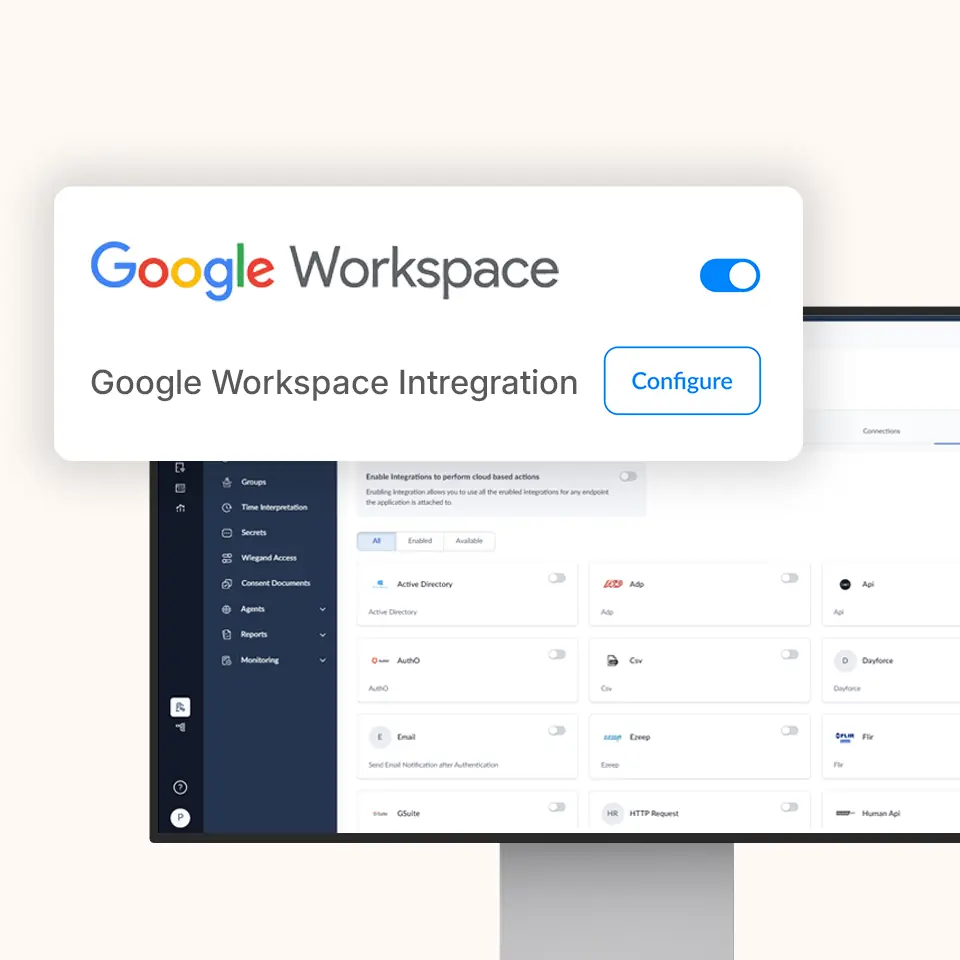
OLOID + Google Workspace Integration

Passwordless identity for Google applications and shared-device access

Enable secure, context-aware access across Google Workspace applications while OLOID delivers phishing-resistant authentication and continuous session control across shared and personal endpoints.

Features & benefits

Multiple modes for establishing identity at your workplace Modern physical access for smartphone & non-smartphone users

Modernizing Google Access with Unified Identity

Extend your Google Workspace environment with modern authentication by combining Google’s productivity platform with OLOID’s passwordless workforce identity layer.

Google Apps Secured by Strong Identity

Google Workspace manages mail, documents, and collaboration tools, while OLOID verifies user identity and enforces access policies across devices and sessions.

One Credential for Every Google Service

Use biometrics, passkeys, or badge-based credentials to access Gmail, Drive, Docs, Meet, and other Google services securely.

Built for Frontline and Shared Devices

Support kiosks, tablets, hot-desks, and BYOD devices with fast user switching and identity-linked auditing.

Access Decisions Informed by Device and User Context

Combine Google identity and device signals with OLOID’s session intelligence to enforce adaptive access rules.

Deployment Without Identity Stack Rebuild

Integrate OLOID into existing Google Workspace environments without redesigning your core Google identity architecture.

Key Capabilities & Use Cases

Capability Description Benefit
Passwordless Google Workspace Access Enforce biometrics, passkeys, or badge/NFC credentials for Google applications Eliminates passwords and shared credentials
Shared Device & Shift Handoff Support Enable secure user switching on kiosks and shared tablets Prevents session overlap
Context-Aware Access Policies Combine Google device and user signals with OLOID identity context Stronger security with less friction
Continuous Monitoring & Session Protection Monitor access behavior and trigger re-authentication on risk Reduces misuse after login
Unified Identity Experience Deliver one authentication flow across all Google services Improves user adoption
API-Based Integration Integrate into existing Google Workspace deployments Faster rollout with lower impact

How It Works

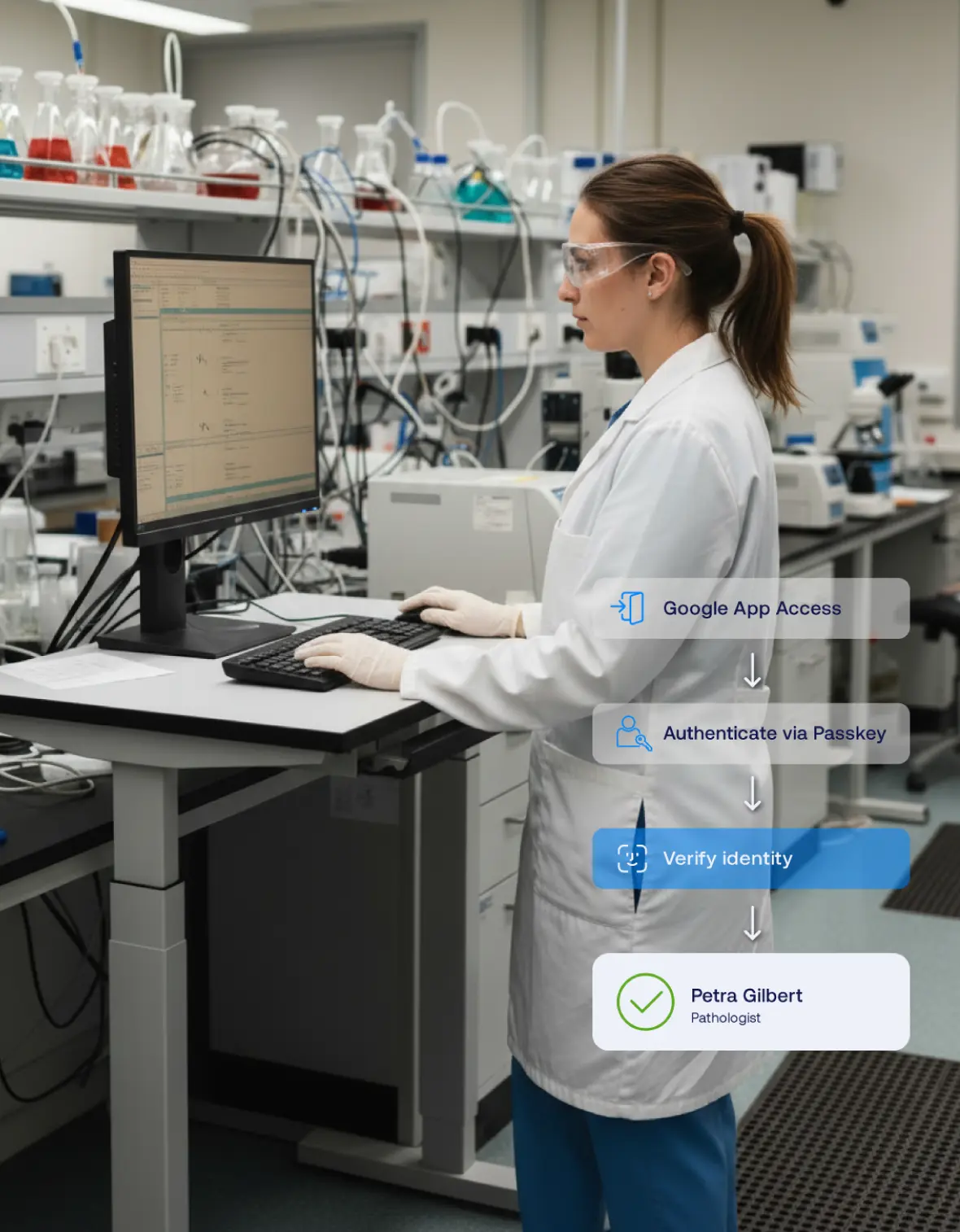
Below is a representative flow for using OLOID + Google Workspace together:

  1. User Requests Google App Access

    A user attempts to open Gmail, Docs, Drive, or another Google Workspace application.

  2. Authentication Routed to OLOID

    The authentication request is routed to OLOID to invoke strong credentials such as biometrics, passkeys, or badges.

  3. Identity & Context Evaluation

    OLOID evaluates user identity, device posture, session state, and Google-provided context signals.

  4. Access Enforcement

    If policy conditions are met, access is granted and a secure Google Workspace session is established.

  5. Continuous Oversight & Re-Auth

    OLOID continuously monitors behavior and can require re-authentication or terminate access if risk conditions arise.
Benefits You Can Quantify

Save time icon – clock and hand

Save Time

Save 45–60 seconds per authentication & reclaim hours of clinician time every week
Reduce IT burden icon – keyboard with gear

Reduce IT Burden

80% fewer password‑reset tickets means IT teams focus on higher‑value work
Stronger security icon – shield

Stronger Security

Phishing‑resistant factors and real‑time policy controls
Happier clinicians icon – smiling medical figure

Happier Clinicians

Frictionless login keeps attention on patient care, not passwords

Compliance & Certifications

EPCS
Security & Privacy Rules
Authenticator Assurance
Level 2/3
Audited infrastructure

Related posts

Blog Thumbnail
Blog thumbnail
10 Best SSO Solutions for 2026 [Expert Comparison]
Modern Single Sign-On solutions deliver secure, seamless access across enterprise applications while reducing password fatigue and identity risks. This comprehensive comparison of the 10 best SSO platforms examines authentication protocols, integration capabilities, and real-world performance. From Okta to Microsoft Entra ID and OLOID, discover which SSO solution aligns with your organization's security, compliance, and user experience priorities.
Garima Bharti Mehta
Last Updated:
March 10, 2026
Blog Thumbnail
Blog thumbnail
What Is Single Sign-On (SSO) and How Does It Work?
Single Sign-On (SSO) transforms how organizations manage user authentication across multiple applications and services. This comprehensive guide explores what SSO is, how it works, and why it matters for modern enterprises. Learn about different SSO types, implementation protocols, and the key advantages of adopting SSO solutions. The guide also covers practical use cases, step-by-step implementation processes, and expert advice on choosing the right SSO provider.
Garima Bharti Mehta
Last Updated:
April 2, 2026
Blog Thumbnail
Blog thumbnail
SAML Authentication Explained: How It Works, Benefits, and Enterprise Use Cases
SAML remains a backbone for enterprise authentication, enabling secure workforce access and browser-based Single Sign-On across business applications. The article explains how SAML works through Identity Providers, Service Providers, and assertions, showing why organizations still rely on it for stable identity operations. It presents SAML as relevant today, balancing where it performs strongly and where newer identity models may work better. The piece places SAML within the modern identity landscape alongside zero trust, passwordless authentication, and identity orchestration.
Mona Sata
Last Updated:
April 10, 2026

Frequently Asked Questions (FAQ)

Does OLOID replace Google Workspace authentication?

blue angle icon
No. Google Workspace continues to manage user accounts and application access. OLOID complements Google Workspace by adding passwordless authentication and session security.

What authentication methods are supported?

blue angle icon
OLOID supports FaceVault™ biometrics, mobile passkeys, RFID or NFC badges, QR codes, and PIN as a fallback when required.

Can OLOID secure shared and frontline devices accessing Google apps?

blue angle icon
Yes. OLOID is purpose-built for shared and frontline environments, enabling fast user switching on kiosks, tablets, and hot-desks without session overlap.

Can device posture affect access to Google Workspace?

blue angle icon
Yes. Device and context signals can be used to enforce step-up authentication, restrict access, or terminate sessions.

Accelerate Your Journey to Passwordless Google Access

Modernize how your workforce accesses Google Workspace applications with OLOID’s privacy-first, passwordless identity platform.