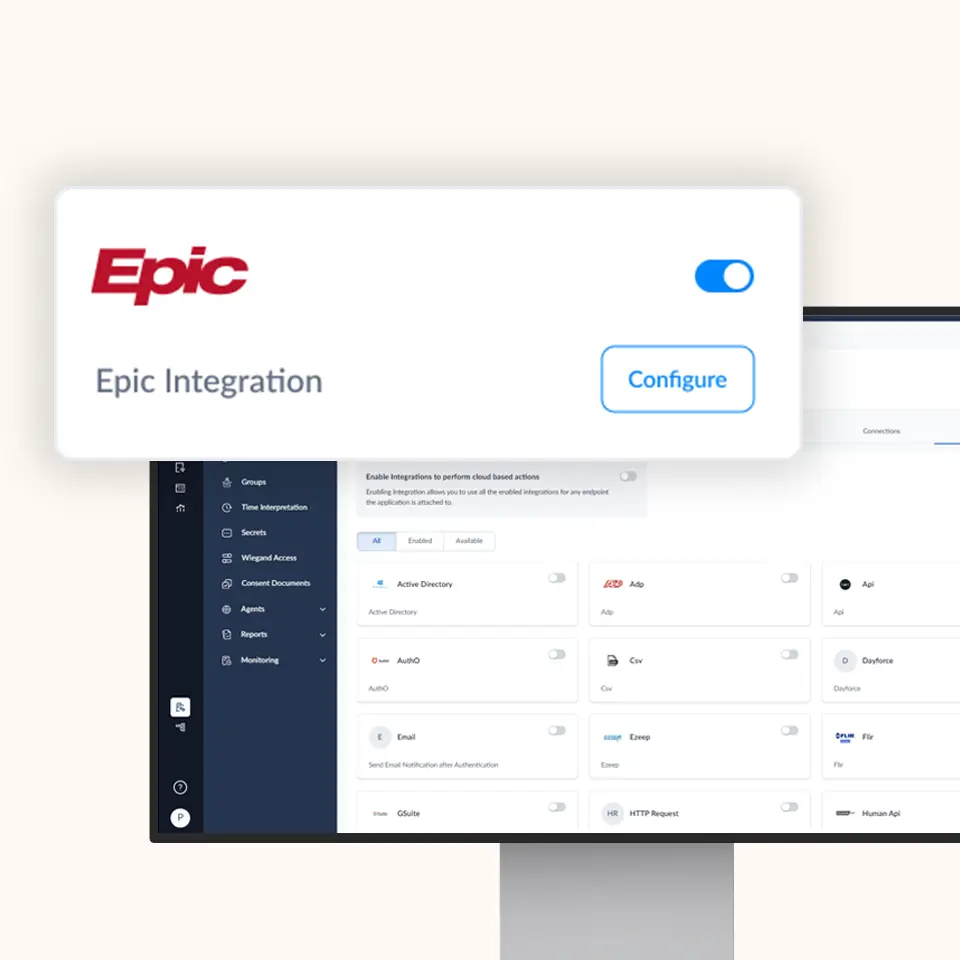
OLOID + Epic Integration

Instant, secure authentication for clinicians without passwords

Epic workflows demand fast access and rigorous security. OLOID delivers both with Tap & Login proximity‑badge and biometric authentication

Features & benefits

Multiple modes for establishing identity at your workplace Modern physical access for smartphone & non-smartphone users

Why OLOID for Epic?

Epic workflows demand fast access and rigorous security. OLOID delivers both with Tap & Login proximity‑badge and biometric authentication that is deeply embedded in Epic Hyperspace, eliminating password friction while meeting the strictest regulatory standards (HIPAA, DEA 21 CFR 1311)

Device-Independent Design

OLOID currently focuses on workstation‑centric authentication. Mobile push approvals and SMS-based flows are intentionally excluded to minimize device‑dependency and protect PHI outside the hospital perimeter

Key Capabilities

Capability How it works in Epic What it means for clinicians & IT
Tap & Login workstation access Badge-tap or face recognition instantly unlocks Epic and Windows/Citrix sessions < 2 seconds to sign in; no shared passwords
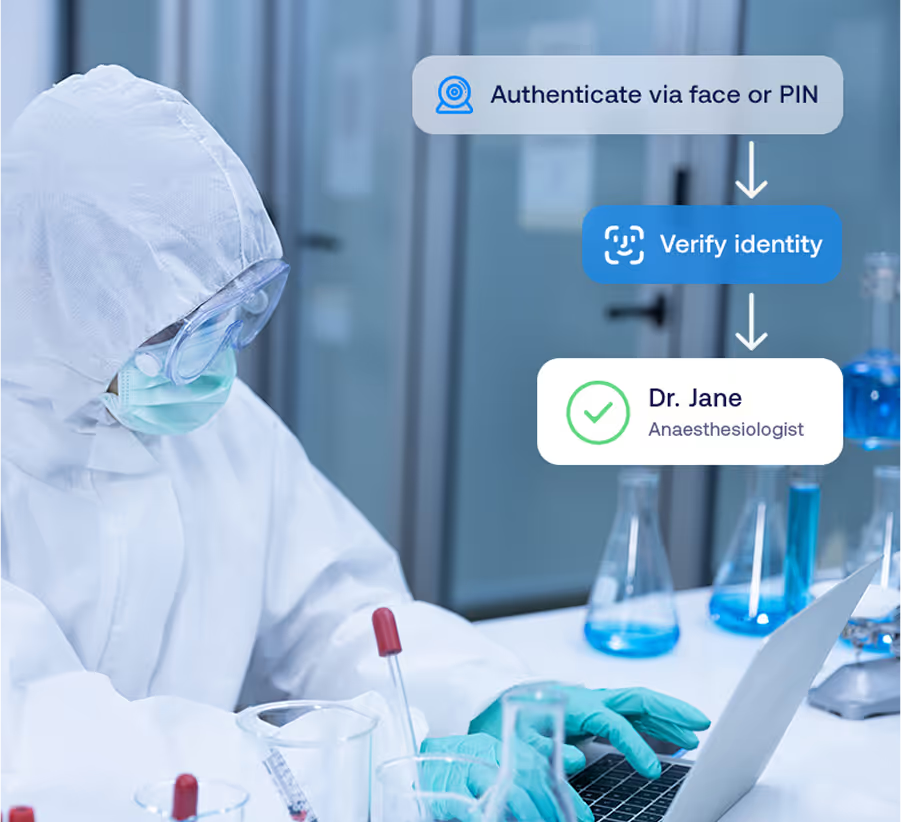
DEA-compliant EPCS Dual-factor badge + face recognition (or badge + PIN) to sign controlled-substance orders Eliminates hard-tokens while passing every DEA audit
40+ built-in Epic signing contexts OLOID injects its authentication dialog directly into Epic screens; only approved factors are shown Zero workflow disruption; one consistent user experience
Context-aware policy engine Rules by role, location, workstation type, or time of day Enforces security without over-prompting
Audit & reporting Immutable logs of who authenticated, when, on which workstation, and for what action Simplifies internal audits and external compliance reviews
Hands-free desktop flow Face recognition validates user; OLOID automatically supplies the second factor via on-camera cryptographic token Faster than manual code entry, yet still DEA-compliant

How the OLOID EPCS Flow Works

  1. Order Initiation

    Provider selects a controlled substance in Epic

  2. Dual‑Factor Prompt

    Epic invokes OLOID; provider taps badge and looks at camera (or enters PIN)

  3. Cryptographic Signing

    OLOID validates both factors, and securely Authenticates user in to Epic using Epic SDK

  4. Audit Trail

    Event is written to OLOID and Epic logs with DEA‑required metadata
Benefits You Can Quantify

Save time icon – clock and hand

Save Time

Save 45–60 seconds per authentication & reclaim hours of clinician time every week
Reduce IT burden icon – keyboard with gear

Reduce IT Burden

80% fewer password‑reset tickets means IT teams focus on higher‑value work
Stronger security icon – shield

Stronger Security

Phishing‑resistant factors and real‑time policy controls
Happier clinicians icon – smiling medical figure

Happier Clinicians

Frictionless login keeps attention on patient care, not passwords

Deployment Highlights

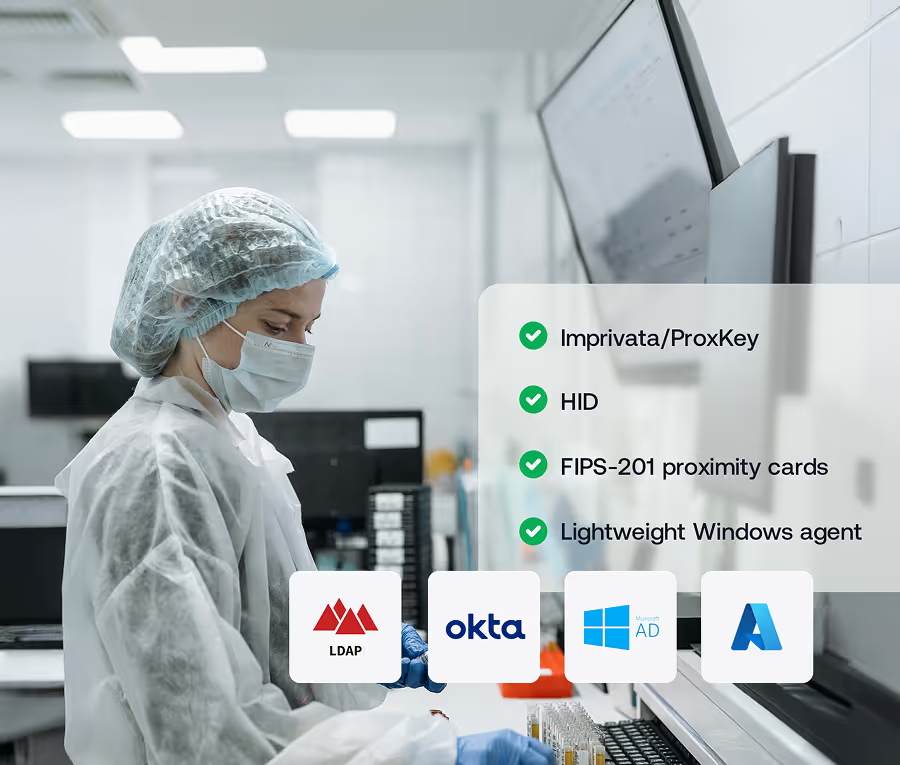
  • Works with Epic Hyperspace over Citrix/RDS/VDI or native
    Windows endpoints
  • Supports 130+ card types and integrates in to regular 2D web camera for face recognition
  • Lightweight Windows agent; no changes to Epic code
  • AD, Azure AD, LDAP, and Okta directory compatibility
  • High‑availability virtual appliance or cloud‑hosted
    management console

Compliance & Certifications
EPCS
Security & Privacy Rules
Authenticator Assurance
Level 2/3
Audited infrastructure

Related posts

Blog Thumbnail
Blog thumbnail
The Complete Guide to Healthcare Access Management
Healthcare access management protects patient data while ensuring clinical staff can access critical systems instantly. This guide explores how identity and access controls secure sensitive health information against breaches and insider threats. Learn about the core components that make access management work, from authentication methods to audit trails.
Garima Bharti Mehta
Last Updated:
March 10, 2026
Blog Thumbnail
Blog thumbnail
SSO for Healthcare: Simplifying Access While Strengthening Security
The write-up explains how Single Sign-On (SSO) simplifies access to multiple healthcare systems, reducing password fatigue, improving clinical efficiency, and strengthening data security. It highlights unique compliance needs, key features of healthcare-focused SSO, implementation best practices, and how OLOID’s passwordless authentication platform enhances security, streamlines workflows, and supports HIPAA and DEA EPCS compliance for modern healthcare environments.
Rahul Mathew
Last Updated:
March 10, 2026
Blog Thumbnail
Blog thumbnail
hipaa compliant authentication
HIPAA-Compliant Authentication: Requirements, Methods, Best Practices & Implementation
HIPAA-compliant authentication ensures secure identity verification before accessing protected health information. This guide explains the technical safeguard requirements and approved authentication methods for the security rule. Learn how to implement HIPAA-compliant authentication methods, best practices, and how modern solutions meet compliance obligations.
Garima Bharti Mehta
Last Updated:
March 16, 2026

Frequently Asked Questions (FAQ)

blue angle icon

blue angle icon

blue angle icon

blue angle icon

Get Started!

Ready to streamline Epic access, slash password fatigue, and pass every compliance audit? Contact OLOID for a live demo or pilot in your Epic test environment