




Secure Web Apps with Passwordless Authentication
This blog highlights the growing need for stronger security in web applications and introduces passwordless authentication as a superior alternative to traditional passwords. By using biometrics, magic links, or security tokens, it enhances security, user experience, and reduces IT costs. OLOID's deviceless MFA solution further extends these benefits to frontline workers using shared devices, offering secure access through face, PIN, access cards, or QR codes. The future of digital identity is passwordless—and OLOID is leading the way.


Web applications are now central to everything from banking and healthcare to enterprise operations and logistics. As they increasingly hold sensitive data, securing user access is more important than ever.
Yet, traditional passwords continue to be a major weak point.
According to the Verizon 2023 Data Breach Investigations Report, over 74% of breaches involve stolen credentials or phishing attacks. Even with complex rules and regular resets, passwords remain vulnerable, costly, and inconvenient.
This is where passwordless authentication steps in. By eliminating passwords altogether and replacing them with biometric verification, magic links, or tokens, passwordless authentication offers a more secure and seamless way to access digital services.
What Is Passwordless Authentication?
Passwordless authentication allows users to access applications and systems without entering a password. Instead, it uses more secure and user-friendly methods, such as:
- Biometrics: Face scans, fingerprint readers, or palm recognition
- Security Tokens: Physical or software-based one-time passcode (OTP) generators
- Magic Links: One-time access links sent to verified email or SMS
These methods help reduce risk, streamline login experiences, and eliminate the most common cause of IT help desk tickets—password resets.
Why Passwords Are No Longer Enough
Passwords are difficult to manage and easy to compromise. Common issues include:
- Reused credentials across multiple accounts
- Weak or guessable passwords
- Exposure to phishing or keylogging attacks
- High support costs due to forgotten credentials
Even in organizations with strong policies, passwords frequently create friction for users and inefficiencies for IT teams.
Benefits of Passwordless Authentication in Web Applications
Enhanced Security
Passwordless methods are far less susceptible to common attacks like phishing or credential stuffing. Microsoft reports that passwordless authentication reduces account compromise by 99.9%.
Improved User Experience
Users can authenticate faster, with fewer steps and no need to remember complex credentials. This improves satisfaction and reduces login-related drop-offs.
Lower IT Support Costs
Password resets can account for 20% to 50% of IT help desk requests. Removing passwords dramatically reduces this volume and frees up IT resources.
Higher Adoption and Engagement
Frictionless logins encourage more frequent and confident use of digital platforms—critical for both customers and internal teams.
OLOID’s Passwordless MFA: Built for Real-World Environments
Many passwordless solutions rely on personal smartphones or require app installations. But in environments like factories, warehouses, or hospitals, workers may not be allowed to carry mobile devices or may share workstations.
OLOID solves this with a deviceless, passwordless MFA platform designed for frontline and shared-device scenarios.
Key Features of OLOID's Solution
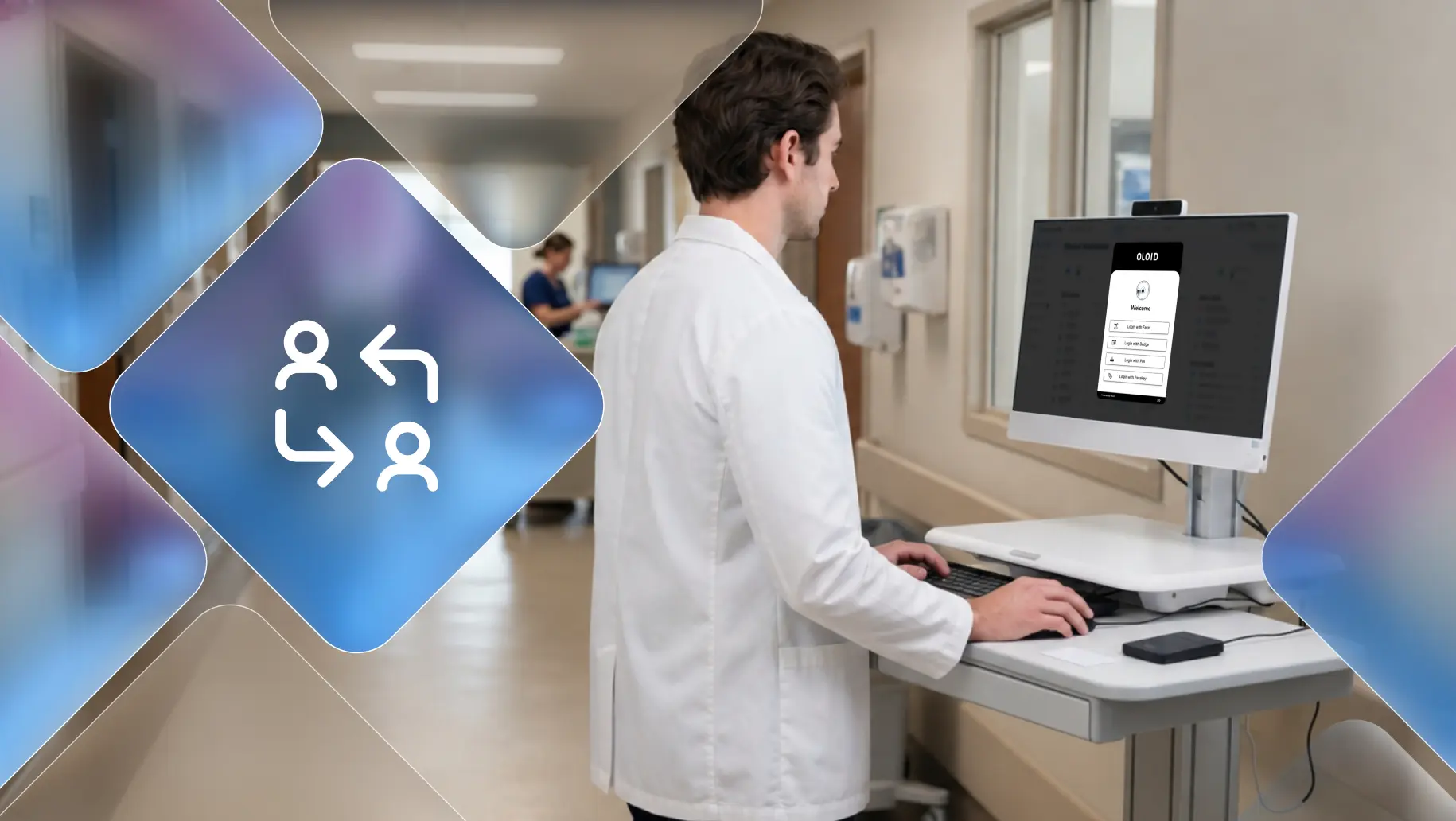
- Face-based authentication on shared kiosks, tablets, or desktops
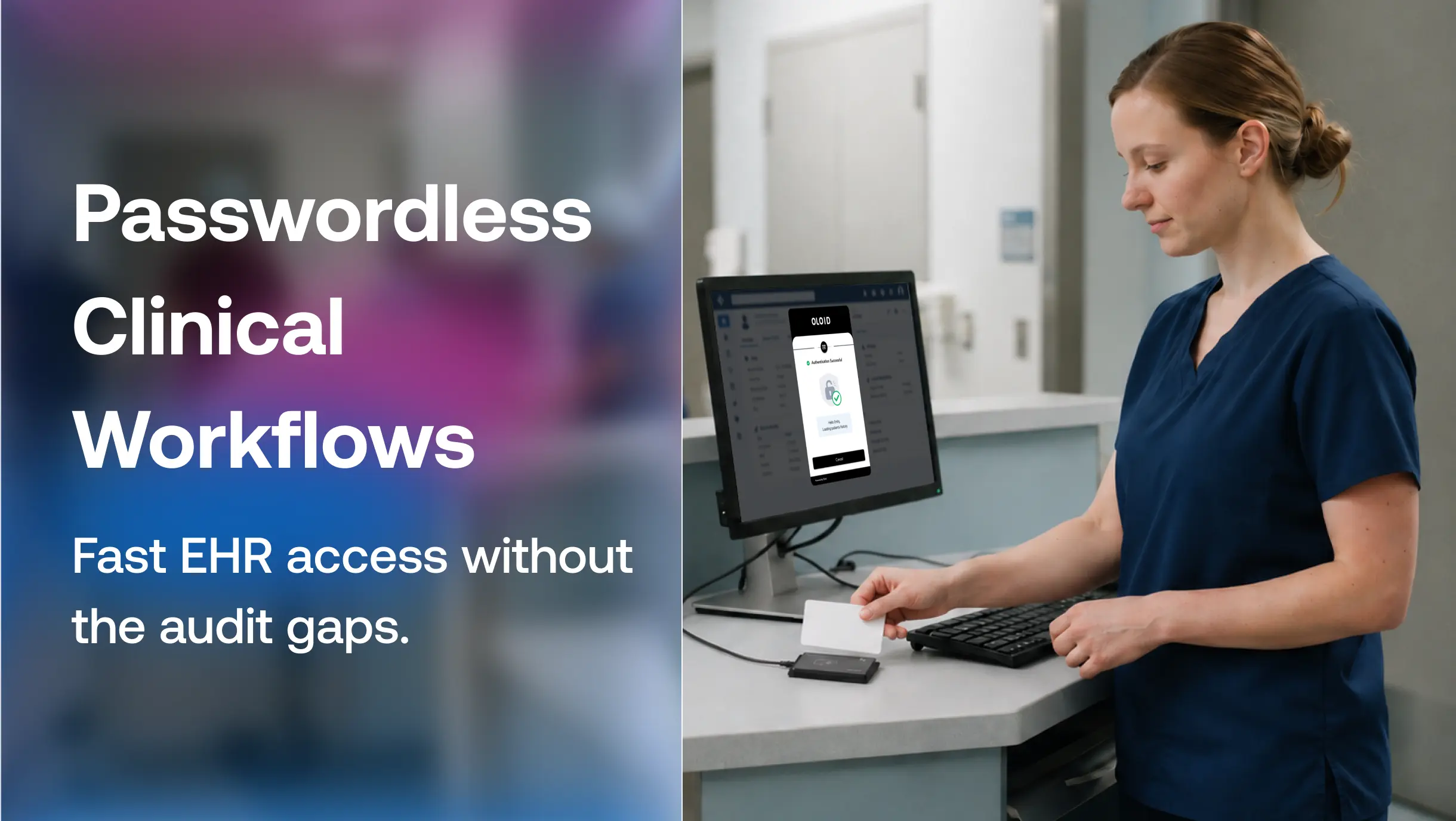
- Badge-to-login support using existing physical access cards
- QR code login for fast access without typing credentials
- PIN and NFC-based methods for non-biometric alternatives
- Integration with Active Directory, Microsoft Entra ID, and Okta
This makes it ideal for shift workers, contractors, and any team operating in a hands-free or high-compliance environment.
Developer and Compliance Benefits
Passwordless authentication not only improves user experience but also aligns with IT, security, and compliance goals:
- Reduces attack surfaces by removing passwords from storage
- Supports compliance frameworks such as HIPAA, GDPR, SOX, ISO 27001, and NIST 800-63
- Provides full audit trails for login events
- Simplifies identity access management across applications
Frequently Asked Questions
1. What is passwordless authentication?
Passwordless authentication is a login method that does not require a traditional password. It uses alternatives such as biometrics, security tokens, or magic links to verify identity.
2. Is passwordless authentication more secure than using passwords?
Yes. It removes the vulnerabilities associated with passwords and dramatically reduces phishing and credential theft.
3. Can I implement passwordless login on shared devices or kiosks?
Yes. OLOID supports shared environments by offering facial recognition, badge login, and QR-based access—without relying on phones or personal hardware.
4. What industries benefit most from passwordless authentication?
Industries with large frontline or deskless workforces, such as manufacturing, logistics, healthcare, and retail, benefit the most. These sectors often rely on shared devices and operate in secure, fast-paced environments.
5. Does passwordless authentication support compliance requirements like HIPAA or GDPR?
Yes. Passwordless systems with proper logging and identity verification support major compliance standards, including HIPAA, GDPR, and NIST 800-63.
6. Can I integrate passwordless authentication with Microsoft Entra ID or Active Directory?
Yes. OLOID integrates with Microsoft Entra ID (formerly Azure AD), on-prem Active Directory, and other IAM systems, enabling passwordless access across legacy and cloud environments.
7. How does OLOID handle environments where mobile devices are not allowed?
OLOID is built specifically for such cases. It allows users to authenticate using face, PIN, RFID badge, or QR code without relying on mobile apps or phones.
Final Thoughts
Passwords are a relic of the past. They introduce risk, slow down users, and drain IT resources. For organizations looking to modernize their web application security, passwordless authentication offers a better, safer, and more scalable path forward.
OLOID’s passwordless MFA solution makes this future accessible—even in the most complex and high-security environments.
Whether you're protecting internal portals, web apps, or shared workstations, OLOID helps ensure access is secure, fast, and frictionless.


Get the latest updates! Subscribe now!

