




Why Cloud-Based Access Control Is Essential for Remote Workforce Management
Cloud Access Control for Remote Workforce Management focuses on how cloud-based remote desktop solutions enable secure, flexible, and efficient work environments for distributed teams. The blog explains the concept of Cloud Remote Desktop, its benefits such as enhanced collaboration, data security, scalability, and the step-by-step implementation process. Learn how organizations can effectively adopt these solutions to empower remote employees, streamline operations, and prepare for future workplace technologies.


Remote work has shifted from a temporary solution to a permanent operating model. As teams become more distributed, managing access to systems and facilities has grown increasingly complex. Traditional network-based security models no longer meet the needs of remote environments. This change makes cloud-based access control a critical requirement.
Cloud-based access control enables organizations to manage identities and permissions across locations centrally. Unlike on-premise systems, it provides scalability, real-time visibility, and consistent policy enforcement. These capabilities help businesses adapt to workforce changes while maintaining security. Centralized access management reduces both risk and operational effort.
From a security standpoint, cloud-based access control protects sensitive data through consistent authentication and authorization. Role-based access control, continuous monitoring, and rapid access revocation strengthen identity governance. These controls are essential as employees use multiple devices and networks.
Measurable improvements in security, compliance, and efficiency drive the adoption of cloud access solutions. Regulated industries rely on centralized controls to meet audit requirements. Security teams gain better visibility and accountability across users and devices.
The Rise of Remote and Hybrid Workforces
Remote and hybrid work models have become a permanent part of how modern organizations operate. Teams are now distributed across multiple locations, time zones, and devices, changing how employees access systems and data. This shift has increased the need for secure, location-independent access to enterprise resources. Traditional perimeter-based security models are no longer sufficient to support this new way of working.
- Growth of work-from-anywhere and hybrid employment models.
- Increased reliance on cloud applications and remote access tools.
- Greater use of personal, shared, and unmanaged devices.
- Higher security and access management complexity for IT teams.
What Is Cloud-Based Access Control?
Cloud-based access control is a security practice that governs who can access cloud data, applications, and infrastructure, and what actions they are permitted to perform. It uses centralized identity management to ensure only authorized users and devices can access resources, helping organizations protect sensitive information and reduce the risk of unauthorized use or data breaches.
- Authentication: Verifies user identity using methods such as passwords, biometrics, or secure credentials.
- Authorization: Determines permitted actions based on roles and access policies.
- Policy enforcement: Evaluates access requests based on context such as location, device, and time.
- Data protection: Prevents unauthorized access, misuse, and corruption of cloud resources.
Challenges of Managing Access for a Remote Workforce
Managing access for a remote workforce introduces security, visibility, and operational challenges that traditional access models were not designed to handle. As employees access systems from different locations, devices, and networks, organizations must rethink how identities are verified, permissions are enforced, and activity is monitored. Without modern access control, these challenges increase the risk of unauthorized access, data exposure, and compliance failures.
Lack of Centralized Access Control
Remote work environments often rely on multiple cloud platforms and applications, making it difficult for IT teams to manage user identities and permissions from a single, centralized system. This fragmentation increases configuration errors and security gaps.
Increased Risk of Credential Compromise
When employees work remotely, they often access systems via home networks and personal devices, increasing their exposure to phishing, password reuse, and credential theft. Traditional password-based authentication becomes a significant security weakness in distributed environments.
Device Diversity and Shared Endpoints
Remote work introduces a mix of personal laptops, shared workstations, and unmanaged devices. Enforcing consistent access policies across these endpoints is challenging, especially when multiple users access the same device or system.
Limited Visibility Into User Activity
Without perimeter-based controls, IT teams struggle to monitor access patterns, detect anomalies, and respond quickly to suspicious behavior. Limited visibility reduces the ability to identify insider threats or compromised accounts in real time.
Compliance and Audit Complexity
Distributed access makes it harder to maintain clear audit trails and user accountability. Organizations in regulated industries face increased difficulty meeting compliance requirements when access logs and identity controls are spread across remote systems.
How Cloud-Based Access Control Enables Secure Remote Workforce Management
Cloud-based access control helps organizations secure remote and hybrid workforces by centralizing identity management and enforcing consistent security policies. It enables secure access across locations while reducing operational complexity for IT teams. This approach ensures visibility, control, and scalability as remote work continues to grow.
1. Provide Centralized Identity and Access Management
Cloud-based platforms allow IT teams to manage user identities, roles, and permissions from a single system. This centralized control simplifies onboarding and offboarding and ensures access rights remain consistent across all remote users and applications.
2. Enable Secure Authentication From Any Location
Modern cloud access control supports strong authentication methods that do not depend on corporate networks. Employees can securely access systems from any location while organizations reduce reliance on passwords and perimeter-based security models.
3. Enforce Policy-Based Access Controls
Access decisions are driven by policies that evaluate user roles, device types, locations, and access times. This ensures users only receive the permissions required for their responsibilities, reducing the risk of unauthorized access.
4. Deliver Real-Time Visibility and Control
Cloud platforms provide continuous monitoring of access activity across remote users. IT teams can quickly identify suspicious behavior and revoke access immediately to limit potential security incidents.
5. Scale Securely With Remote Workforce Growth
Cloud-based access control scales easily as organizations add users, devices, and applications. Security policies remain consistent, allowing businesses to support workforce growth without increasing infrastructure complexity.
By centralizing identity management and enforcing consistent access policies, cloud-based access control enables organizations to secure remote work without limiting flexibility. It gives IT teams the visibility and control needed to protect systems while supporting a distributed workforce.
Best Practices for Implementing Cloud-Based Access Control
Implementing cloud-based access control requires a strategic approach that balances security, usability, and scalability. Following proven best practices helps organizations protect sensitive resources while ensuring seamless access for remote and hybrid workforces. These practices also reduce implementation risks and support long-term access governance.
1. Assess Access Requirements and Risk Levels
Begin by identifying which users, roles, devices, and applications require access. Understanding risk levels helps define appropriate authentication methods and access policies for different workforce segments.
2. Integrate With Existing Identity Systems
Choose solutions that integrate with current identity providers, HR systems, and access platforms. Integration ensures consistent identity data, reduces duplication, and simplifies user lifecycle management.
3. Apply Least-Privilege Access Policies
Grant users only the access required to perform their job functions. Limiting permissions reduces the potential impact of compromised credentials and insider threats.
4. Use Strong and Adaptive Authentication
Implement passwordless multi-factor or passwordless authentication methods that adapt to user context. Strong authentication improves security while maintaining a frictionless user experience for remote workers.
5. Monitor Access Activity Continuously
Track access behavior in real time to detect anomalies and unauthorized activity. Continuous monitoring enables faster response to security incidents and supports audit and compliance needs.
6. Review and Update Access Policies Regularly
The needs of the remote workforce evolve, making regular access reviews essential. Periodic audits ensure permissions remain aligned with roles, compliance requirements, and organizational changes.
Modernizing Remote Workforce Access Management with OLOID
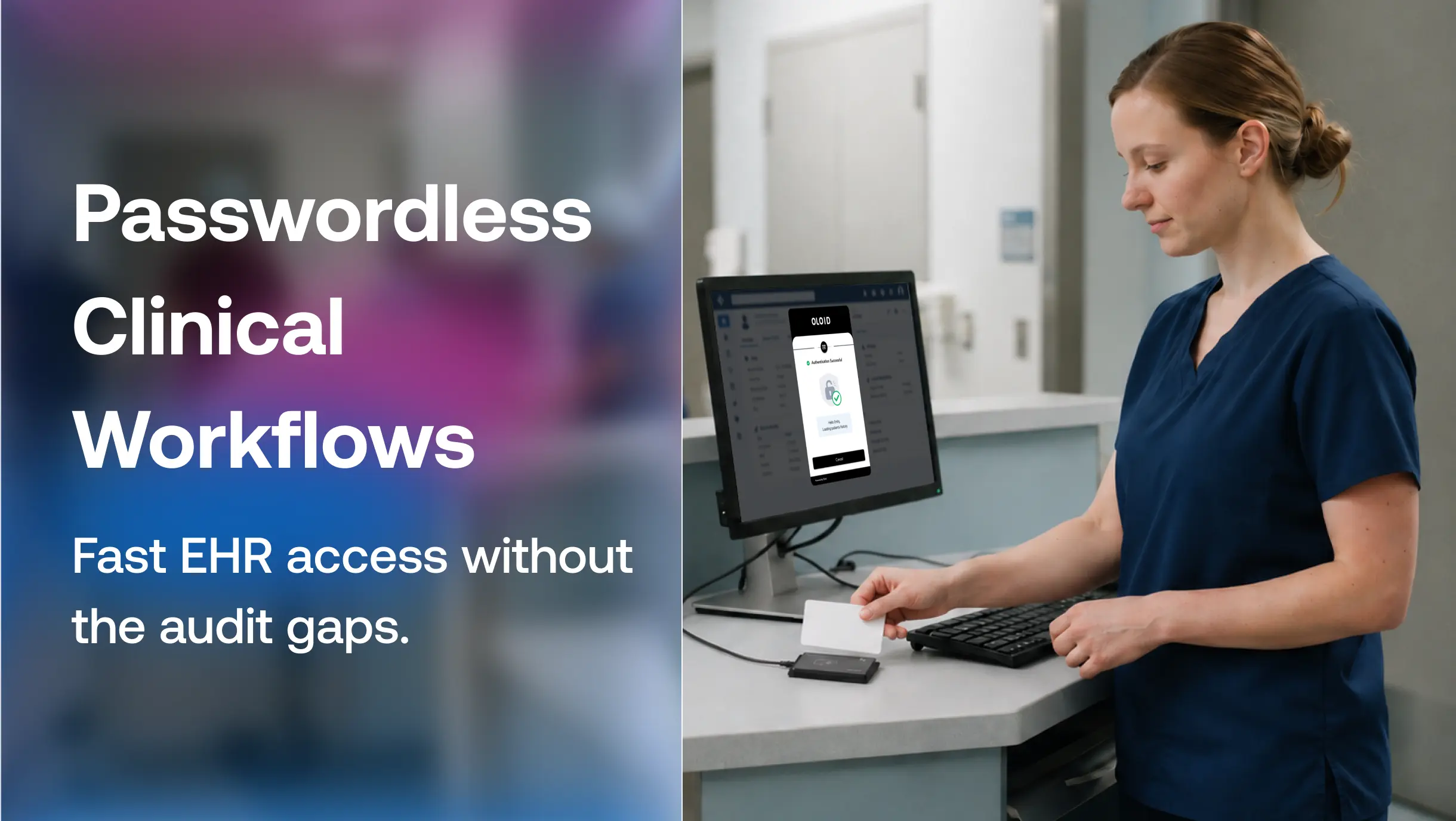
OLOID modernizes remote workforce access with a cloud-based, passwordless authentication platform designed for hybrid work environments and shared devices. Removing reliance on traditional passwords, the platform reduces common security risks such as credential theft and phishing. Employees authenticate using secure identity factors such as facial recognition, NFC badges, or QR codes, enabling faster, more reliable access. This approach improves security while maintaining a seamless experience for remote and on-site users.
The platform is built to support shared and remote devices where conventional MFA often falls short. OLOID enables unlimited users per device and works across PCs, tablets, and kiosks, even in low or no-connectivity scenarios. It integrates easily with existing enterprise identity and access systems, extending current infrastructure without disruption.
- Enables passwordless authentication for both physical and digital access.
- Supports shared and remote devices without dependence on personal mobile phones.
- Unifies identity management across locations with centralized access control.
- Helps meet compliance requirements through audit trails and user accountability.
Frequently Asked Questions
1. How does cloud-based access control improve security?
It strengthens security by enforcing role-based access, supporting strong authentication methods, and continuously monitoring access activity. This reduces risks such as unauthorized access, credential misuse, and data breaches.
2. Can cloud-based access control support shared devices?
Yes, modern cloud access control solutions are designed to support shared and unmanaged devices. They ensure individual user accountability and enforce access policies even when multiple users access the same device.
3. How does cloud-based access control help with compliance?
Centralized access management enables detailed audit logs, clear user accountability, and consistent policy enforcement. These capabilities help organizations meet regulatory and compliance requirements more effectively.
4. Is cloud-based access control scalable for growing organizations?
Cloud-based platforms scale easily as users, devices, and applications increase. Organizations can expand their remote workforce without adding complex infrastructure or compromising security.



Get the latest updates! Subscribe now!

